Adding books
Duplicates
Paginor notices when you scan a book that is already in your library and lets you decide whether you want another copy.
Device
Duplicates when scanning
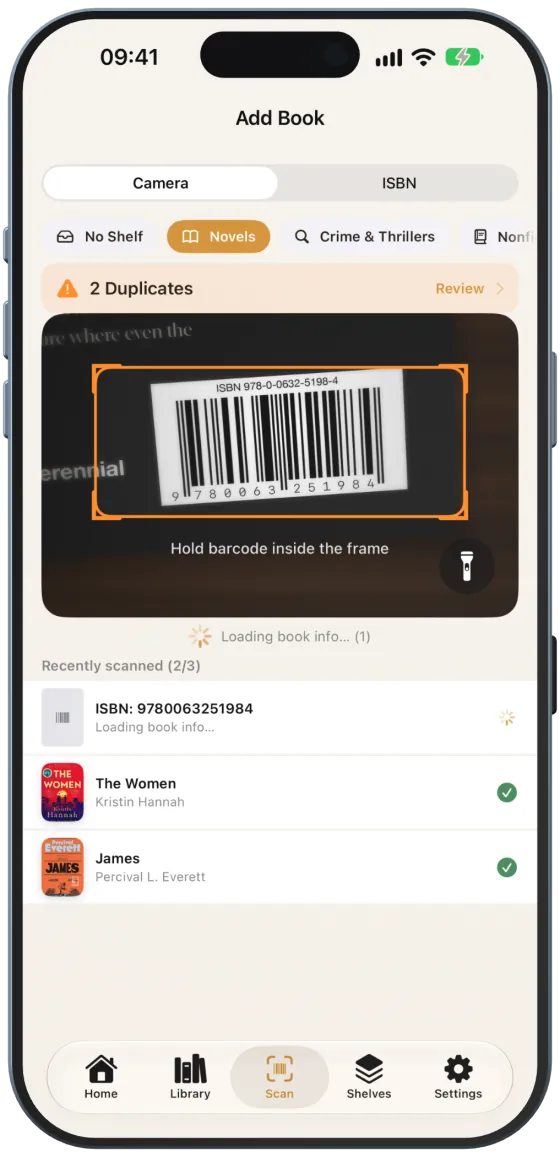
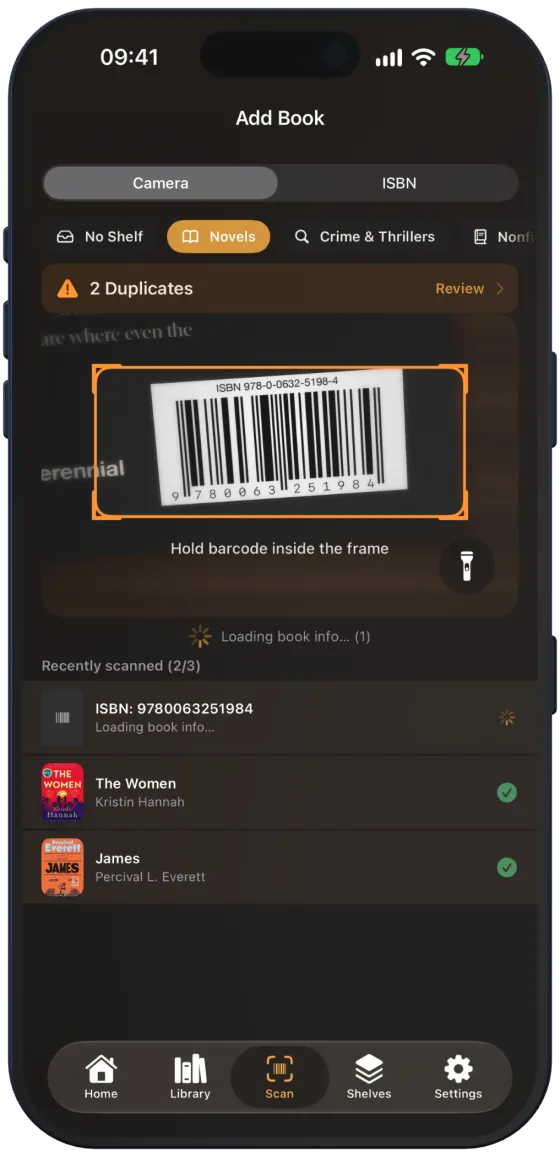
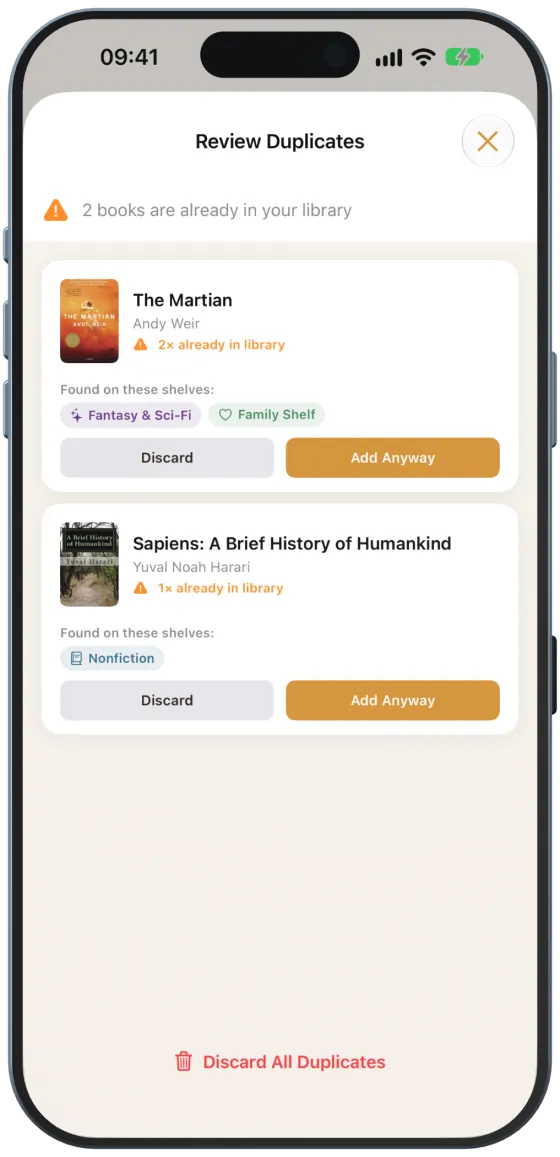
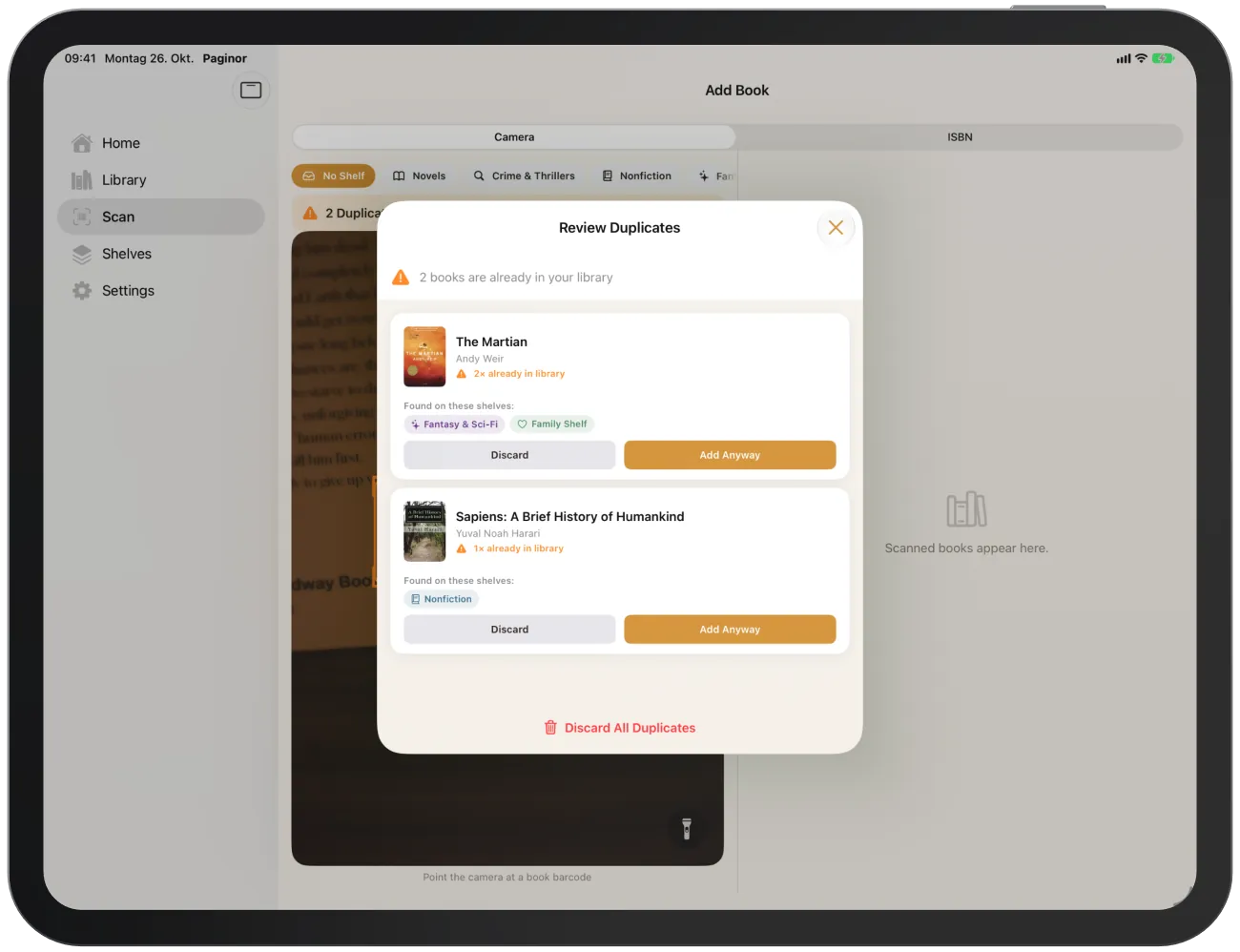
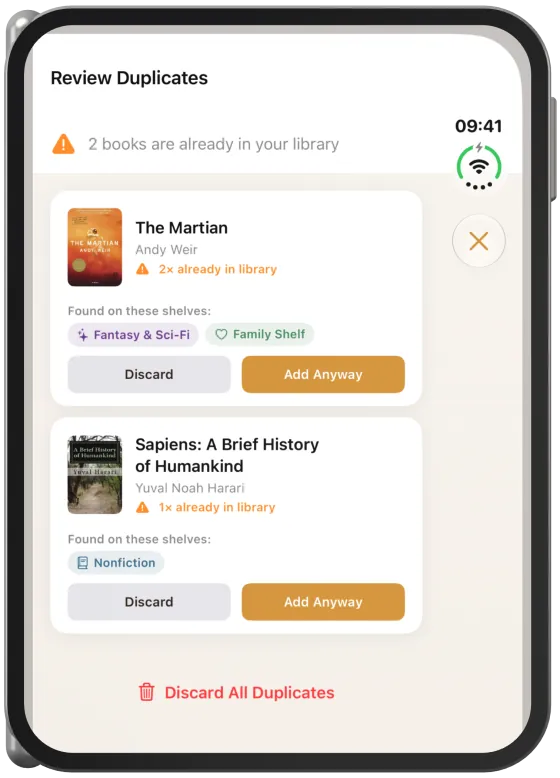
If you scan a book whose ISBN is already in your library, it is not added to the library straight away. An orange notice appears above the camera view, for example “2 Duplicates” with “Review”.
Note Books on shelves that others share with you as view only are not counted.
Reviewing duplicates
- Tap “Review” in the scanner.
- Decide for each book.
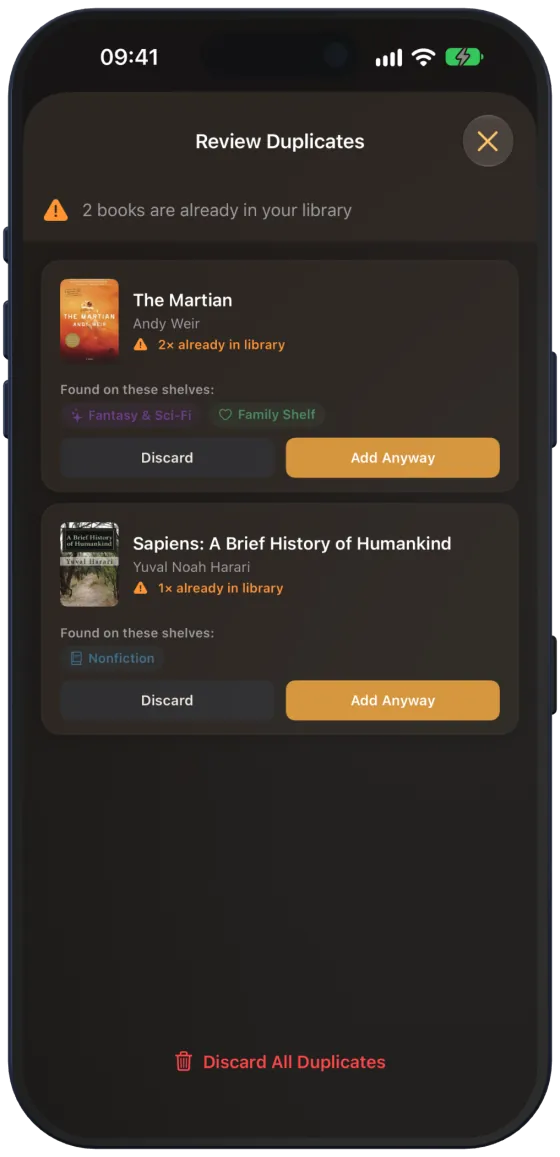
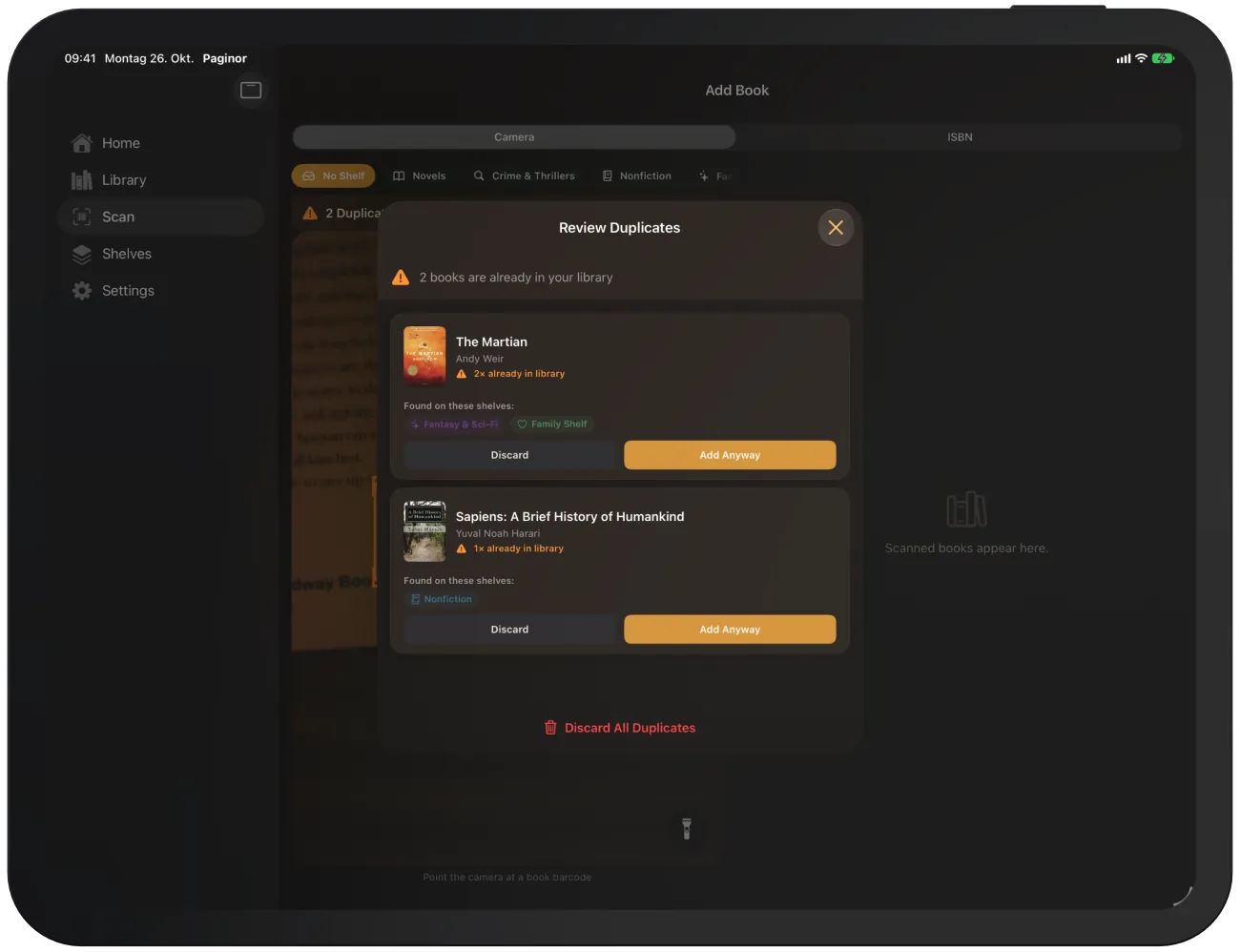
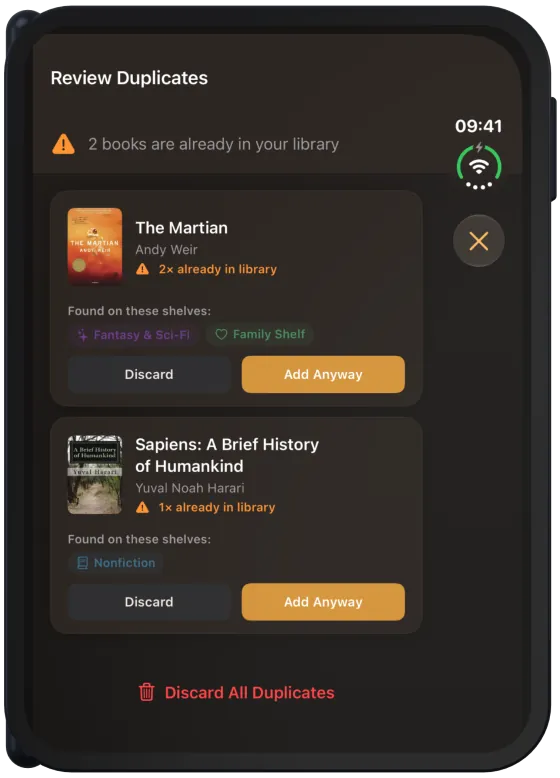
- Each card shows how many times the book is already in your library and which shelves it is on.
- “Discard” leaves the book out.
- “Add Anyway” adds another copy to the selected target shelf. The book details then show “Copy no. 2”.
- “Discard All Duplicates” clears the list without asking.
Duplicates when entering an ISBN
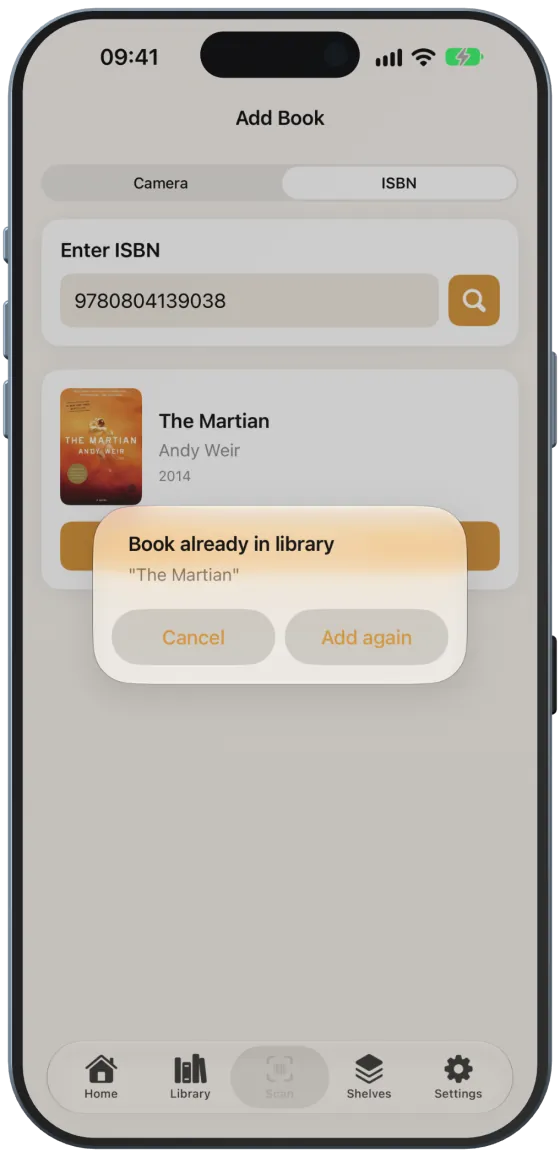
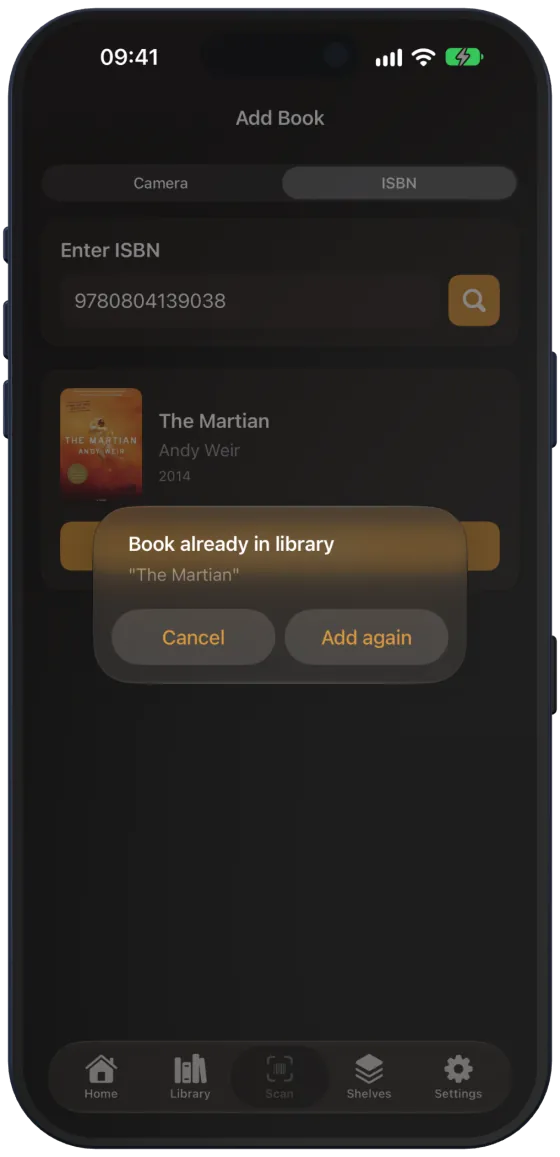
If you search by ISBN for a book you already have, Paginor shows “Book already in library”. “Add again” immediately adds another copy, without the form.