Library & shelves
Library
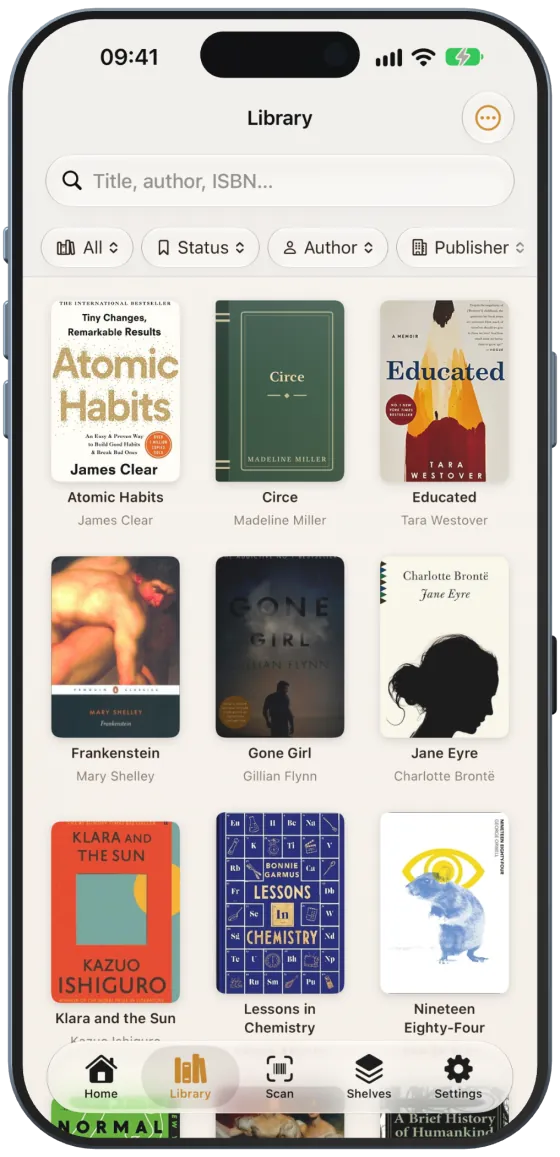
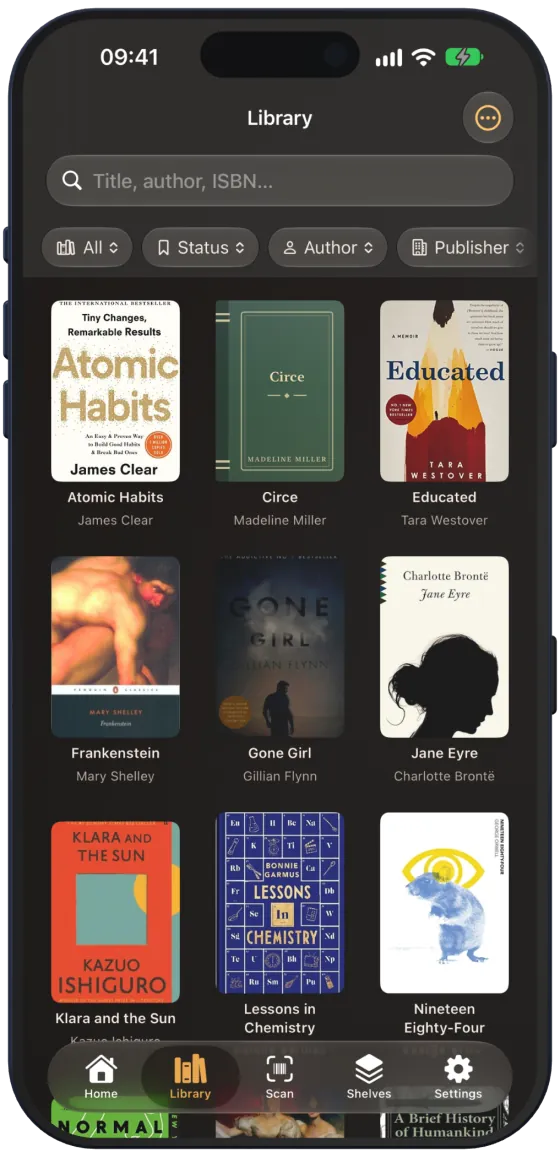
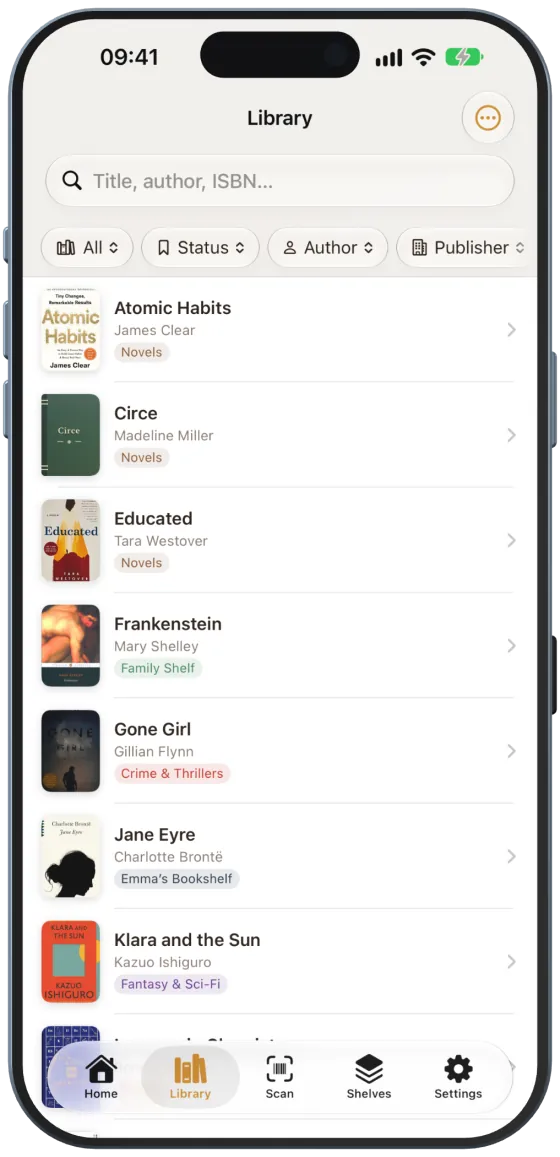
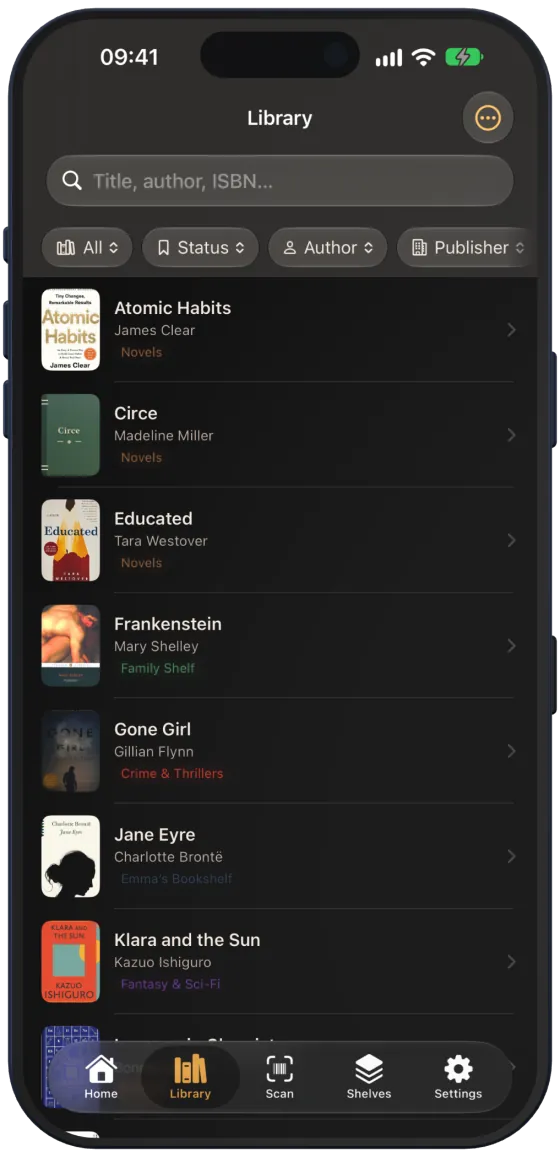
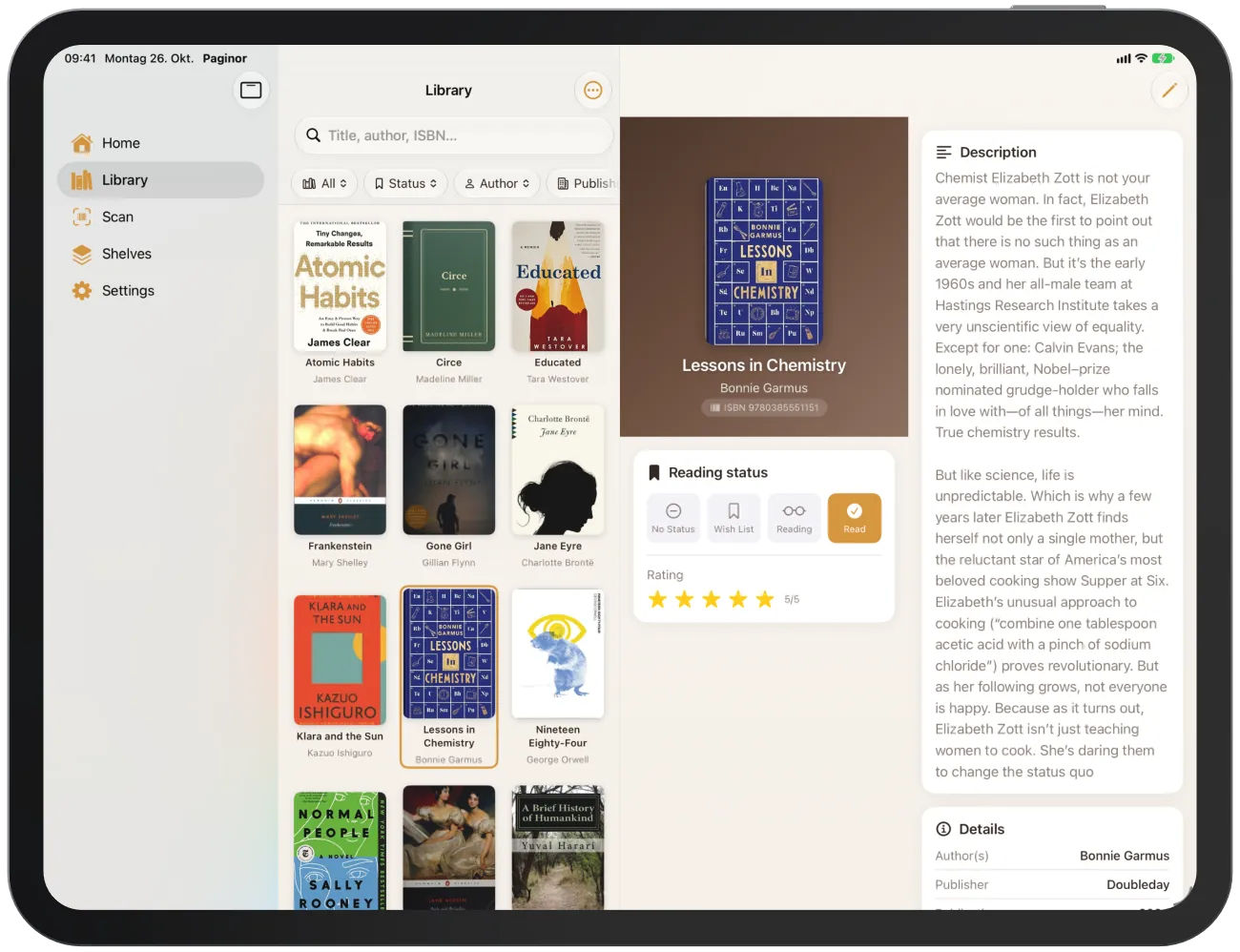
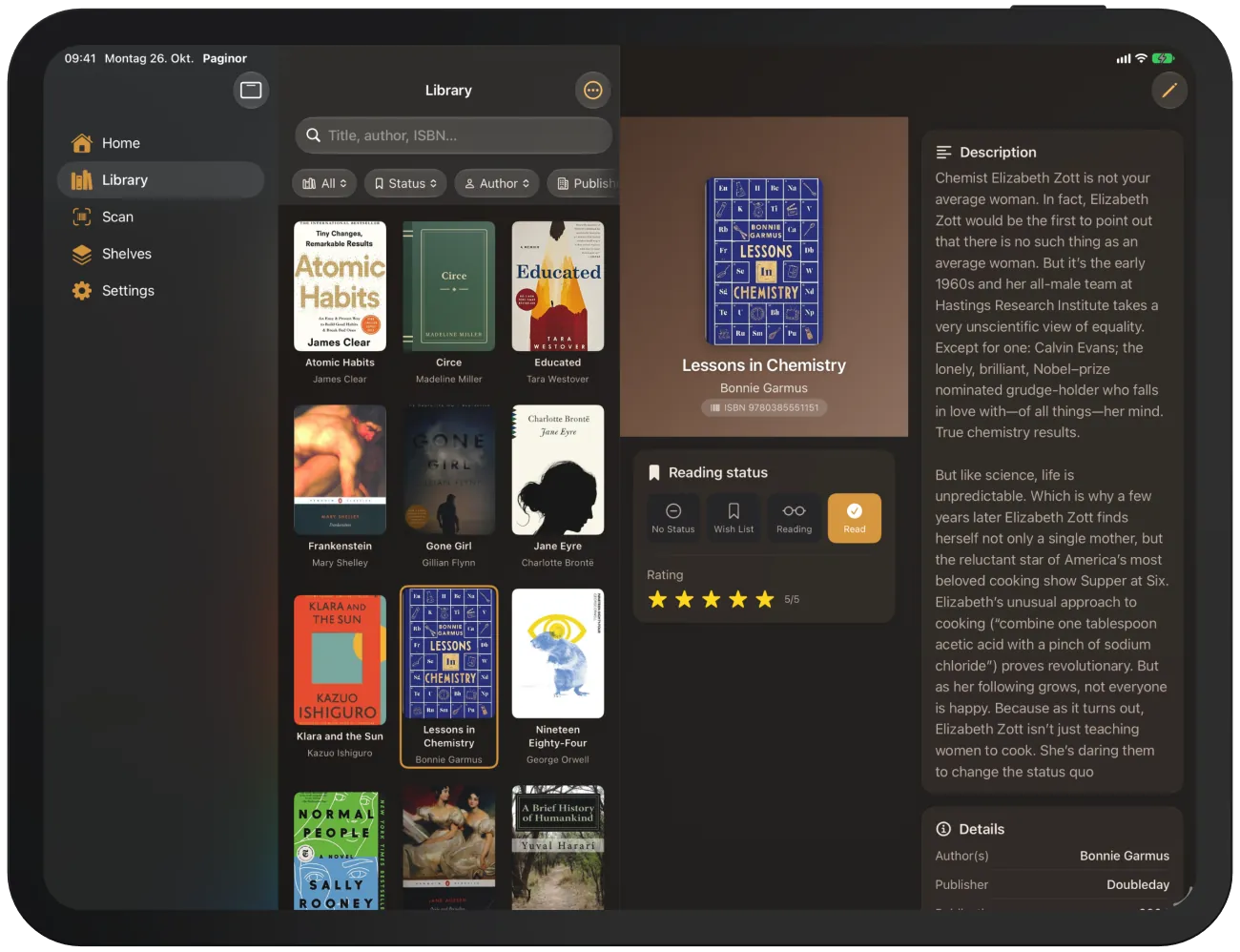
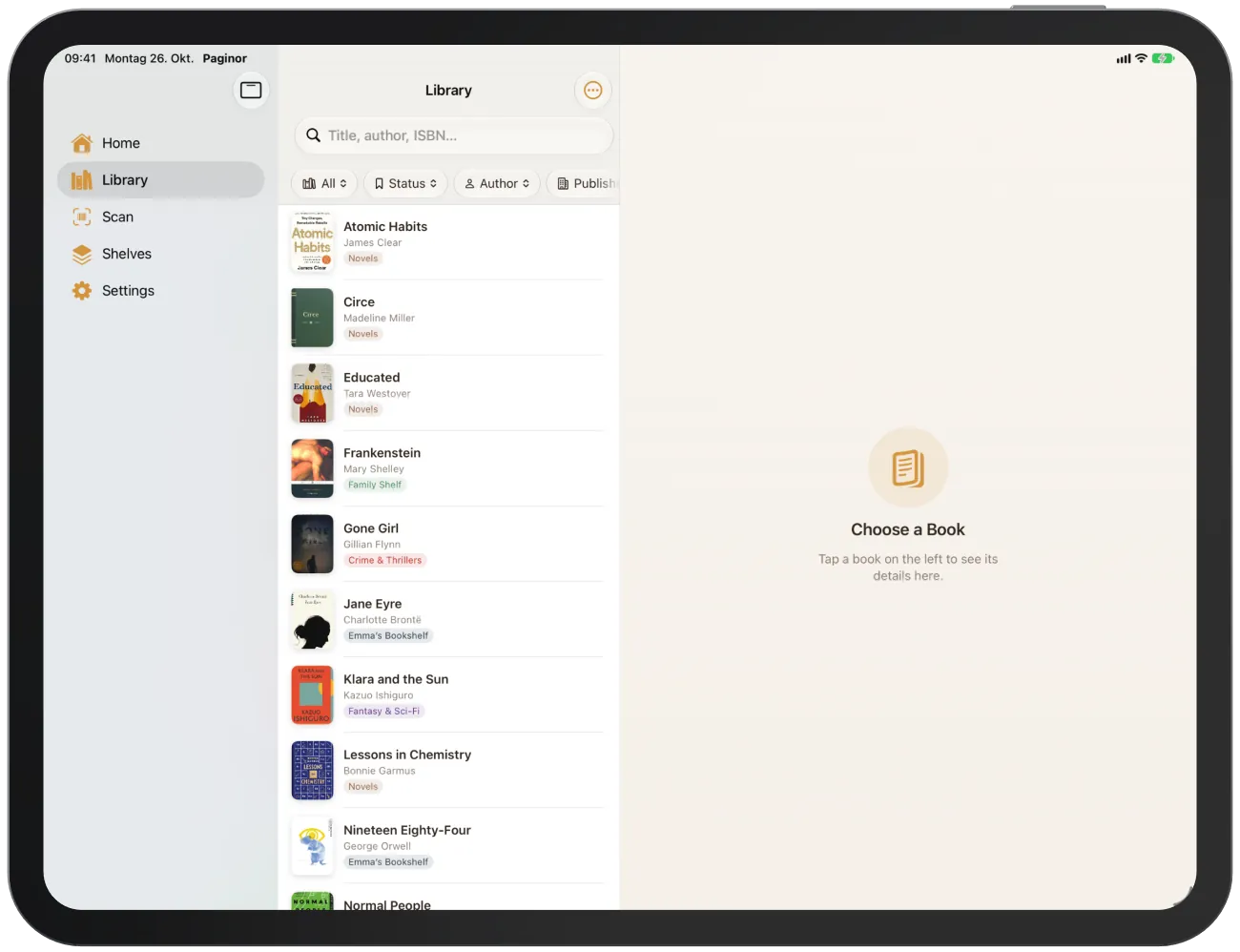
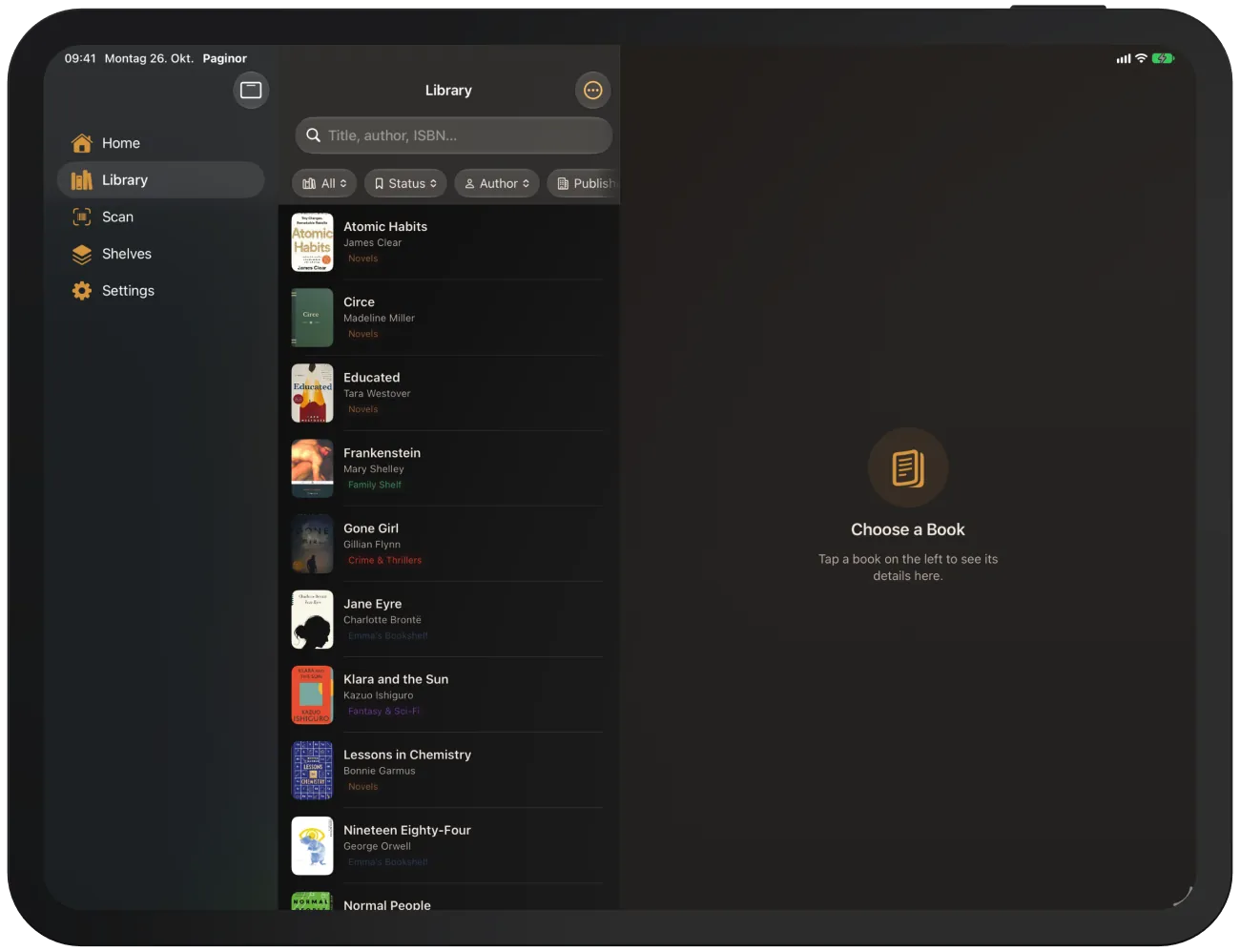
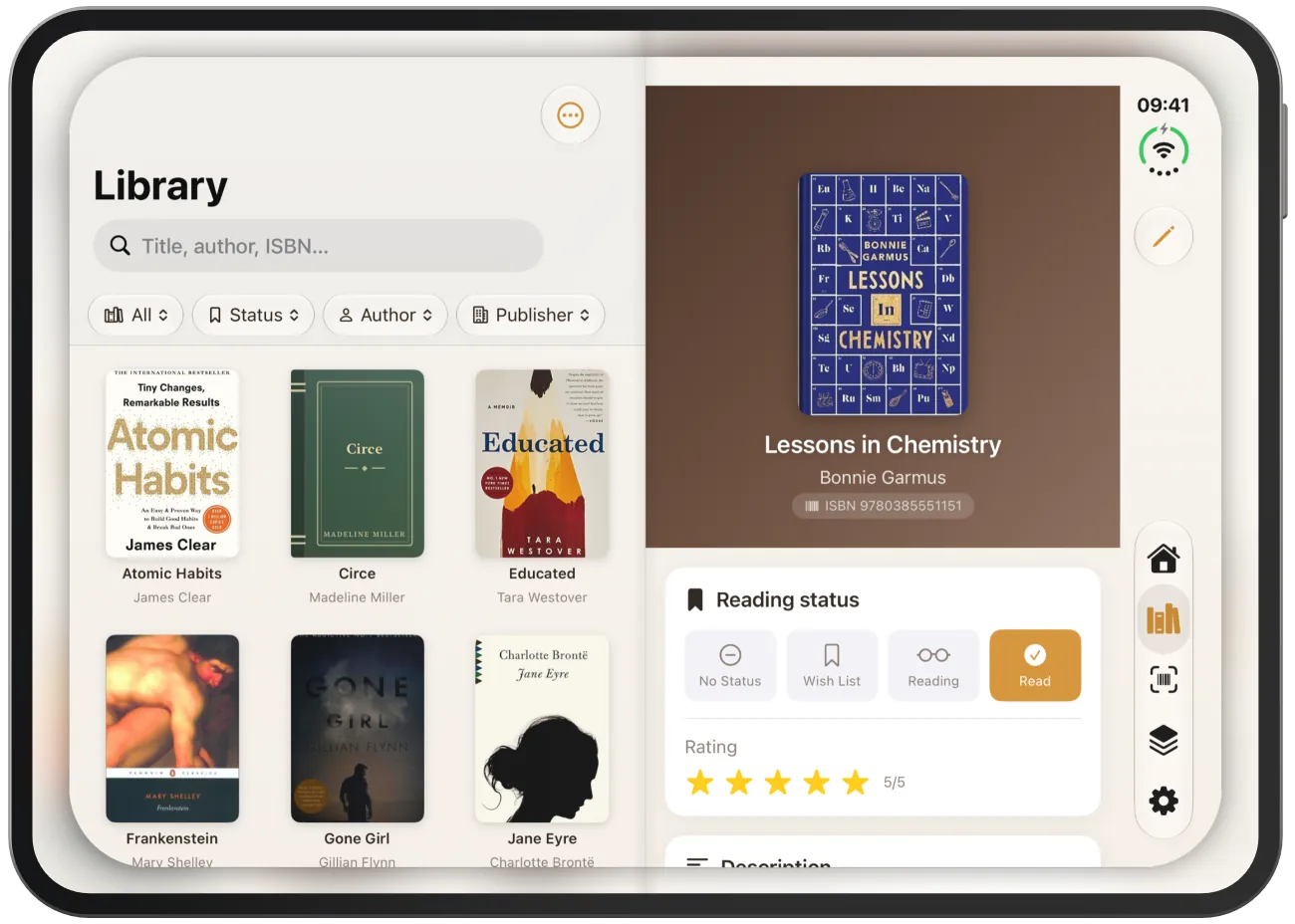
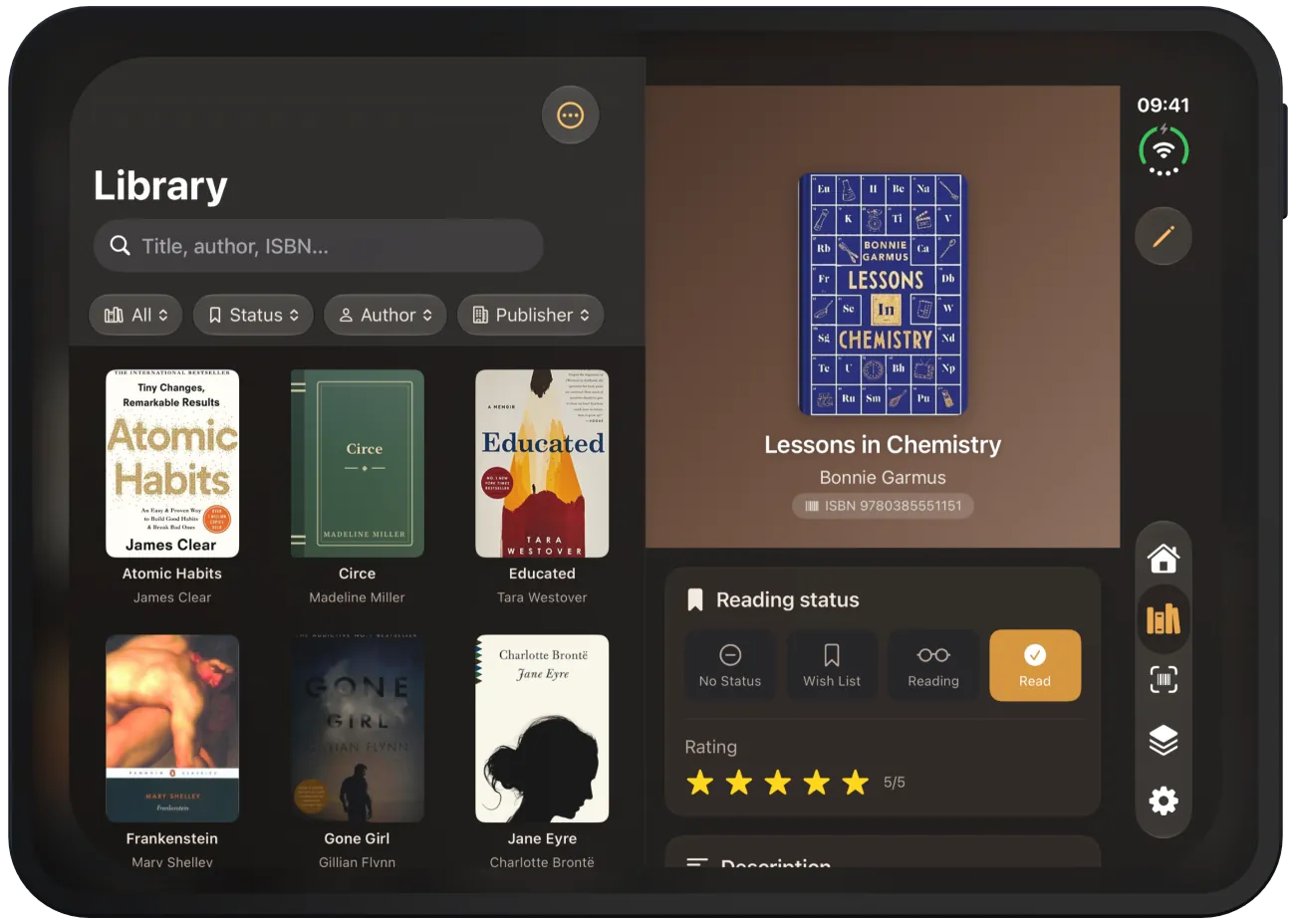
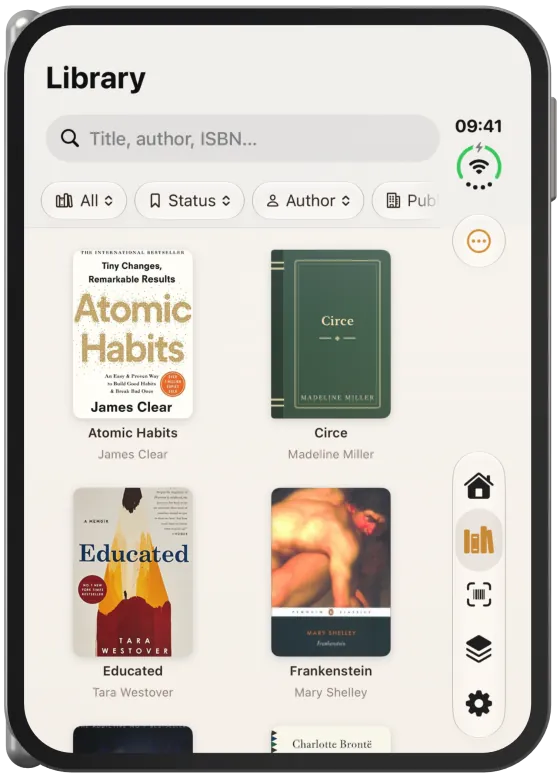
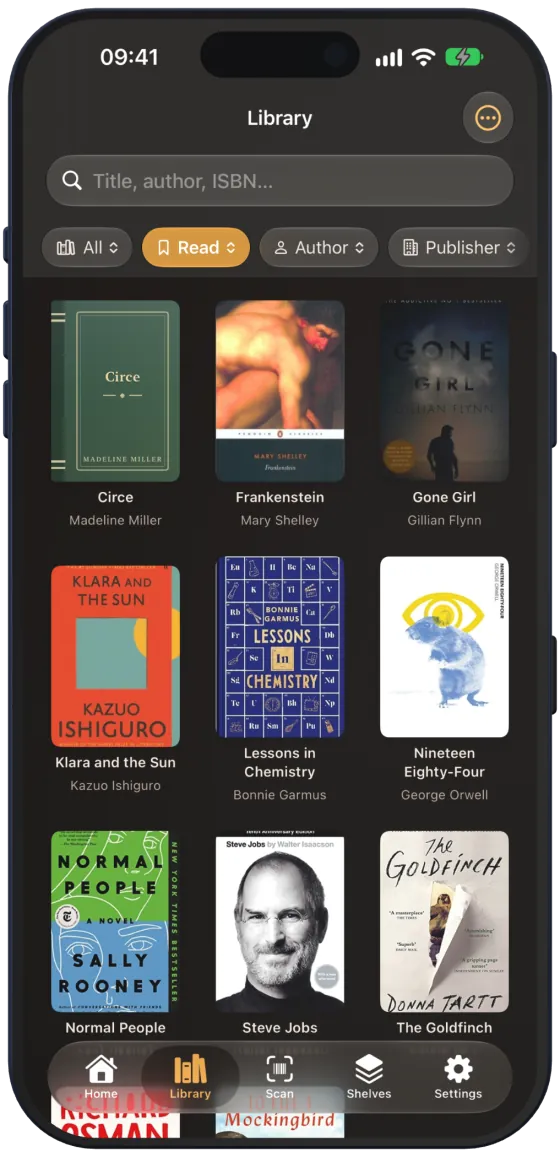
The library shows all your books. You find them with the search, narrow them down with filters and choose between grid and list.
Grid and list
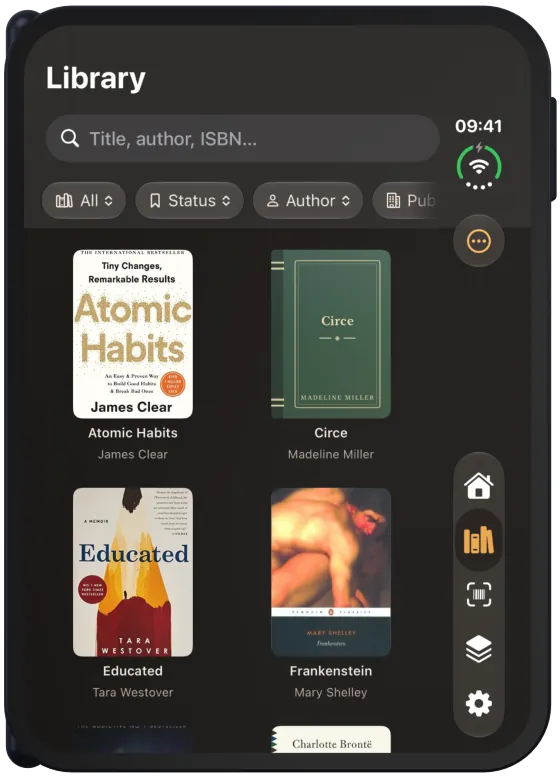
The grid (“Icons”) shows large covers with title and author. The list shows smaller covers and also the shelf as a coloured capsule. Tap a book to open its book details.
Search
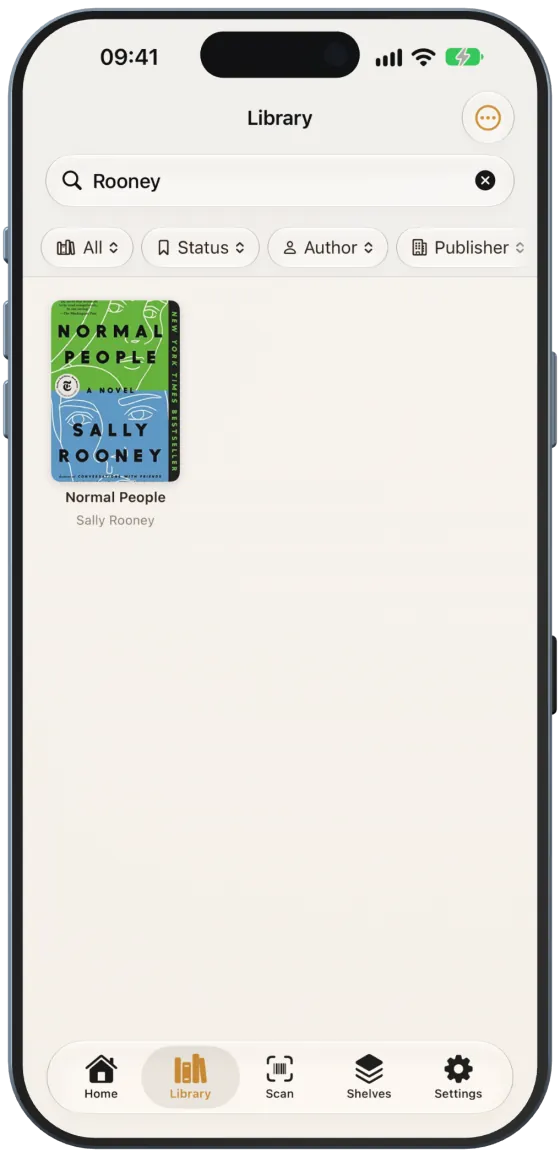
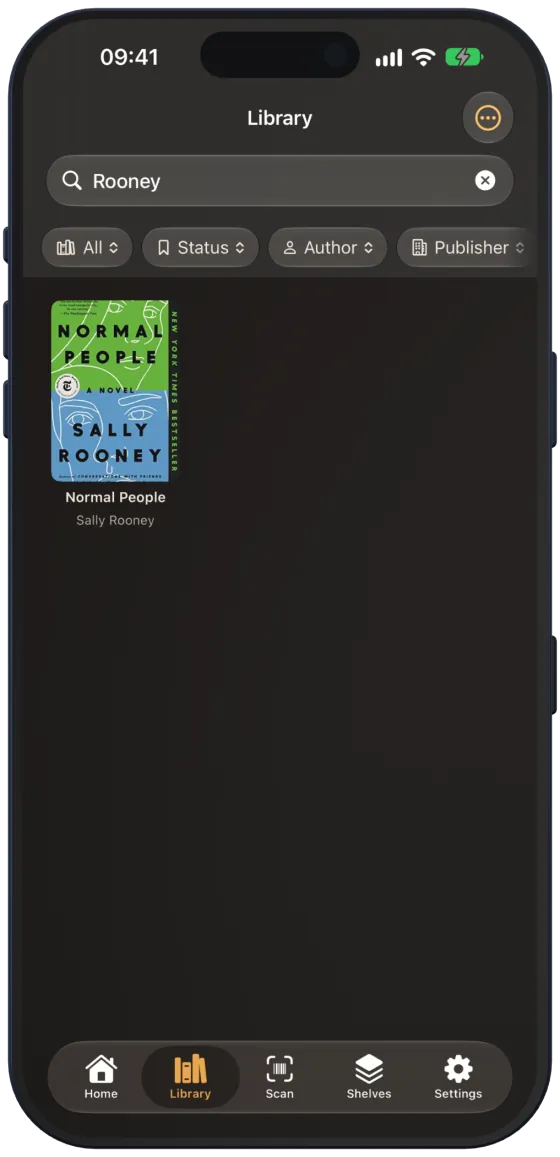
The search field “Title, author, ISBN…” searches titles, subtitles, authors, ISBN, genre, publisher and language. It is not case-sensitive.
Filters
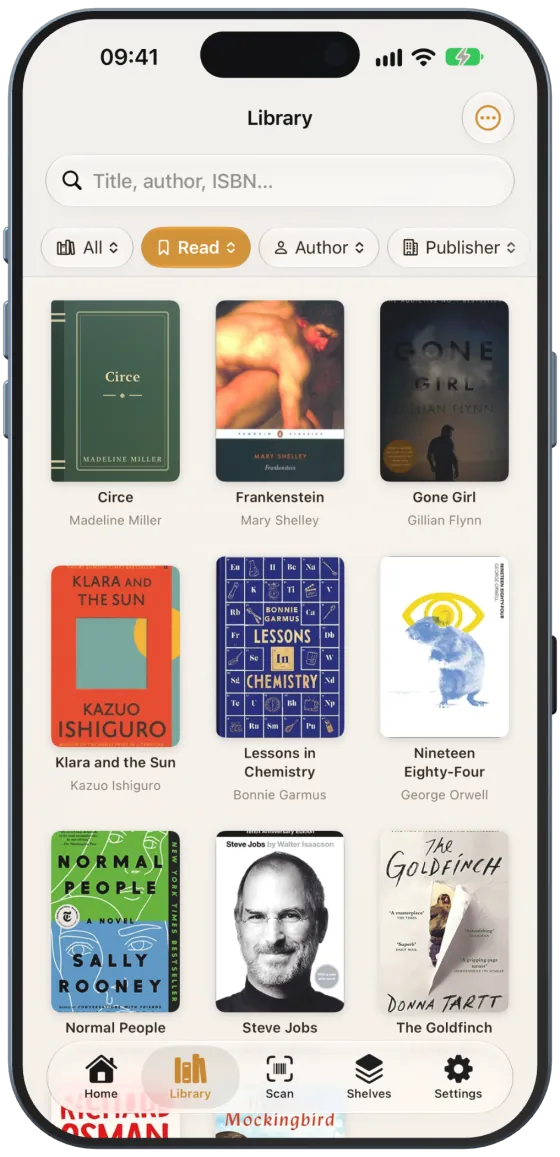
Filter buttons sit below the search field. An active filter is orange and shows the selected value.
| Filter | Options |
|---|---|
| Shelf (shows “All”) | “All”, “Unassigned” or a shelf |
| “Status” | “No Status”, “Wish List”, “Reading”, “Read” |
| “Author” | all authors in your library |
| “Publisher” | all publishers in your library |
The x at the end of the row resets all filters.
View and sort order
The menu at the top right (“View”, three-dot icon) switches between “Icons” and “List” and sorts by “Name (A–Z)”, “Name (Z–A)”, “Newest first” or “Oldest first”.
Deleting books
In the list, swipe a book to the left and tap “Delete”. A full swipe deletes it immediately. The book details also offer “Remove book” with a confirmation.