
Getting started
iPad and iPhone Duo
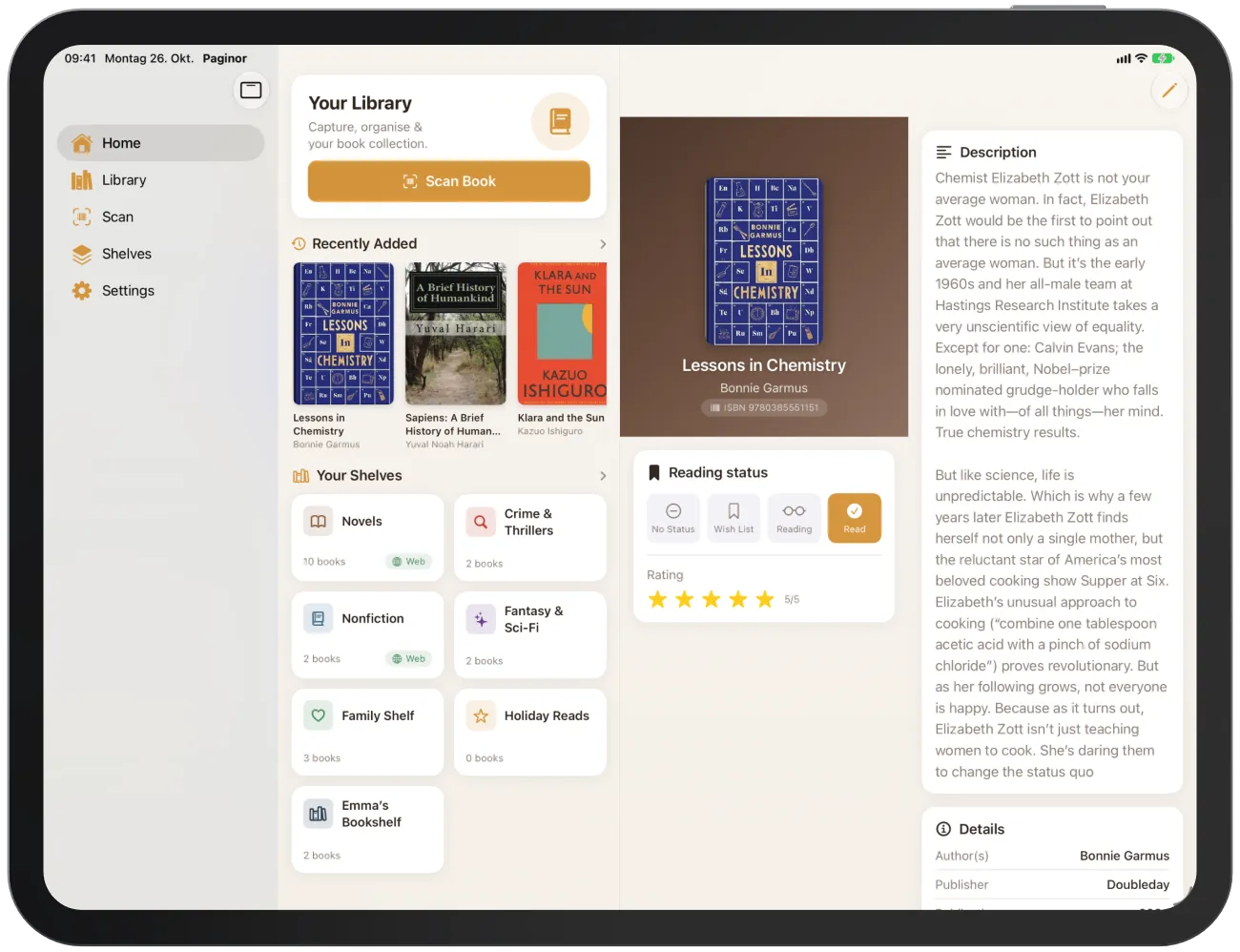
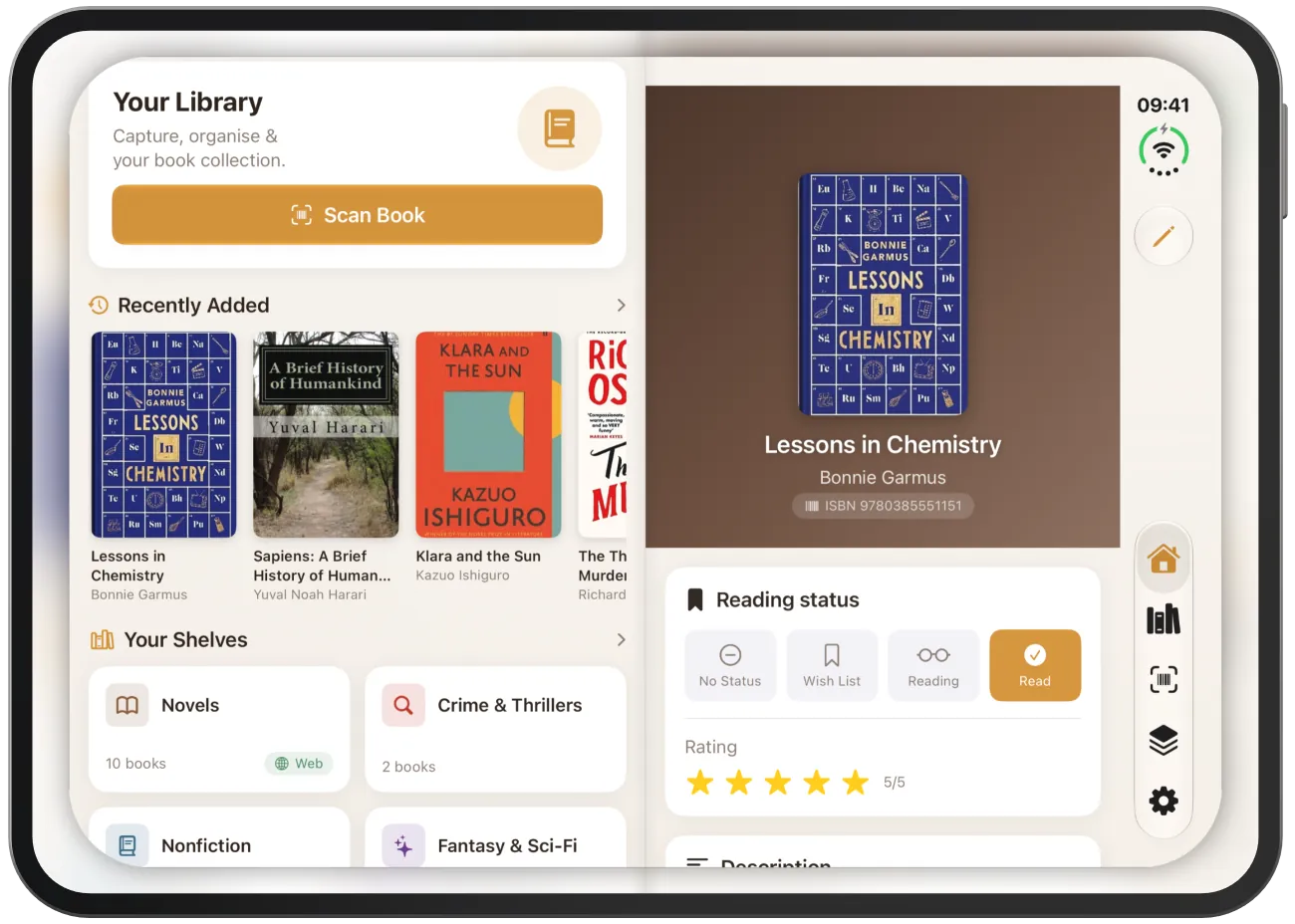
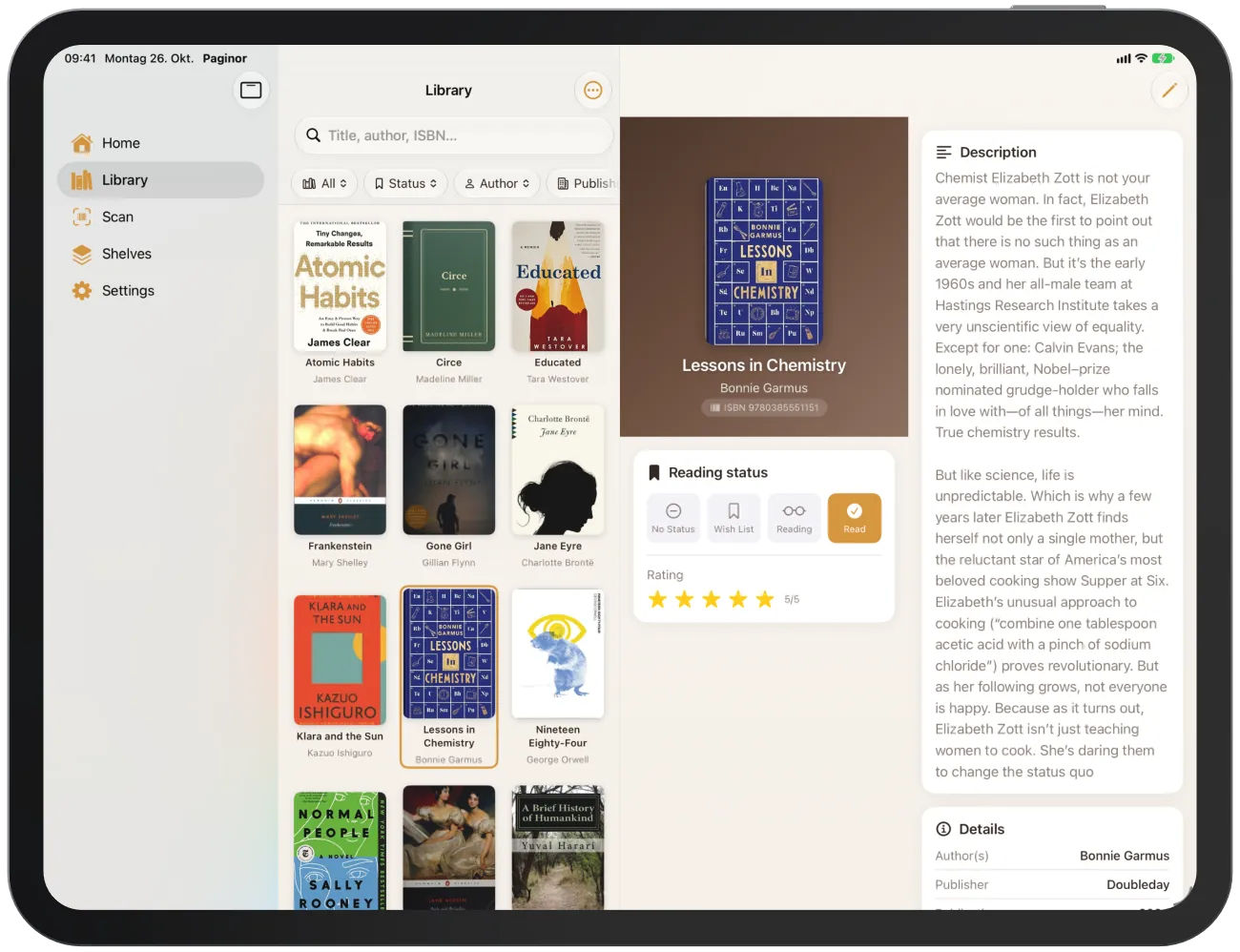
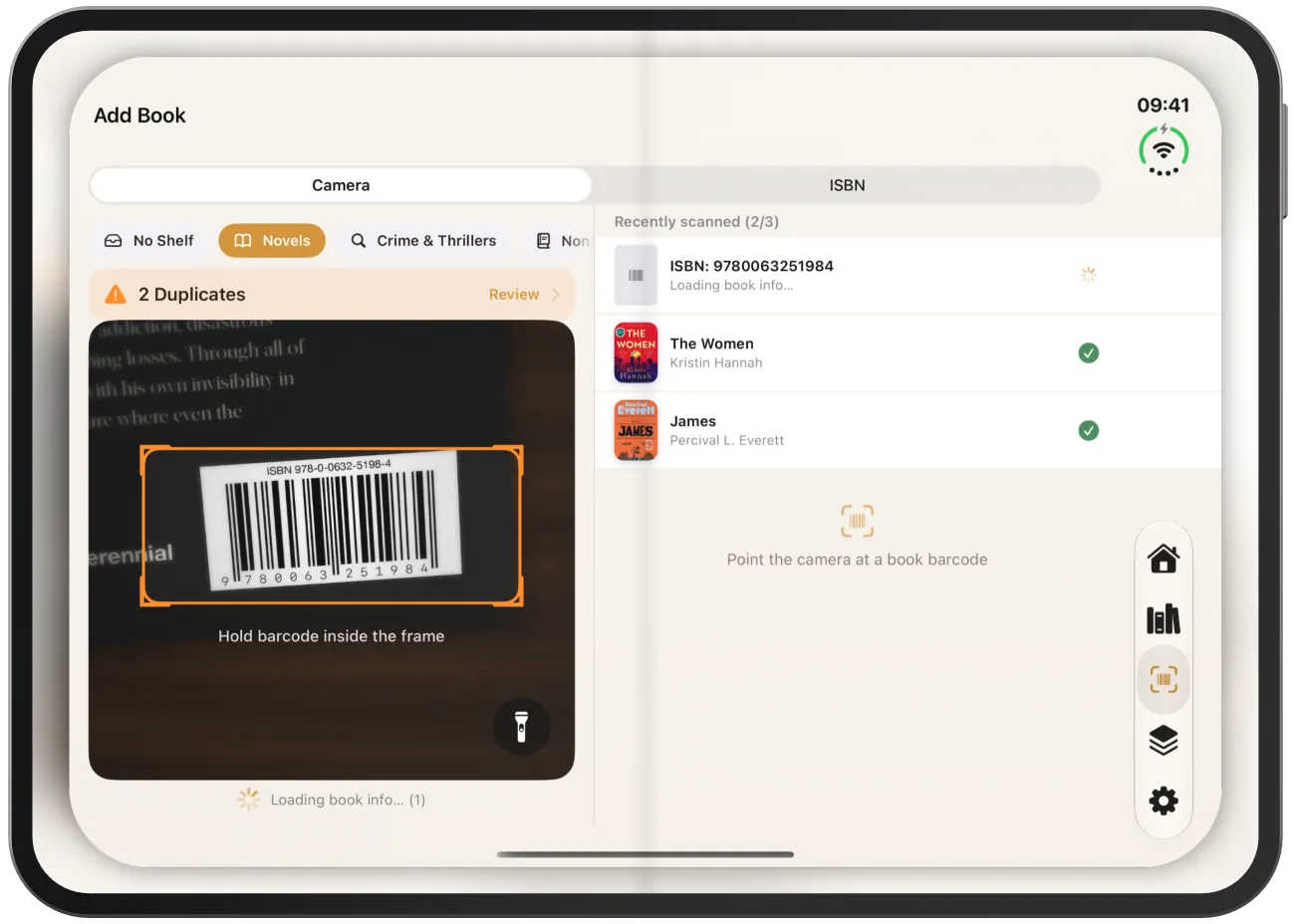
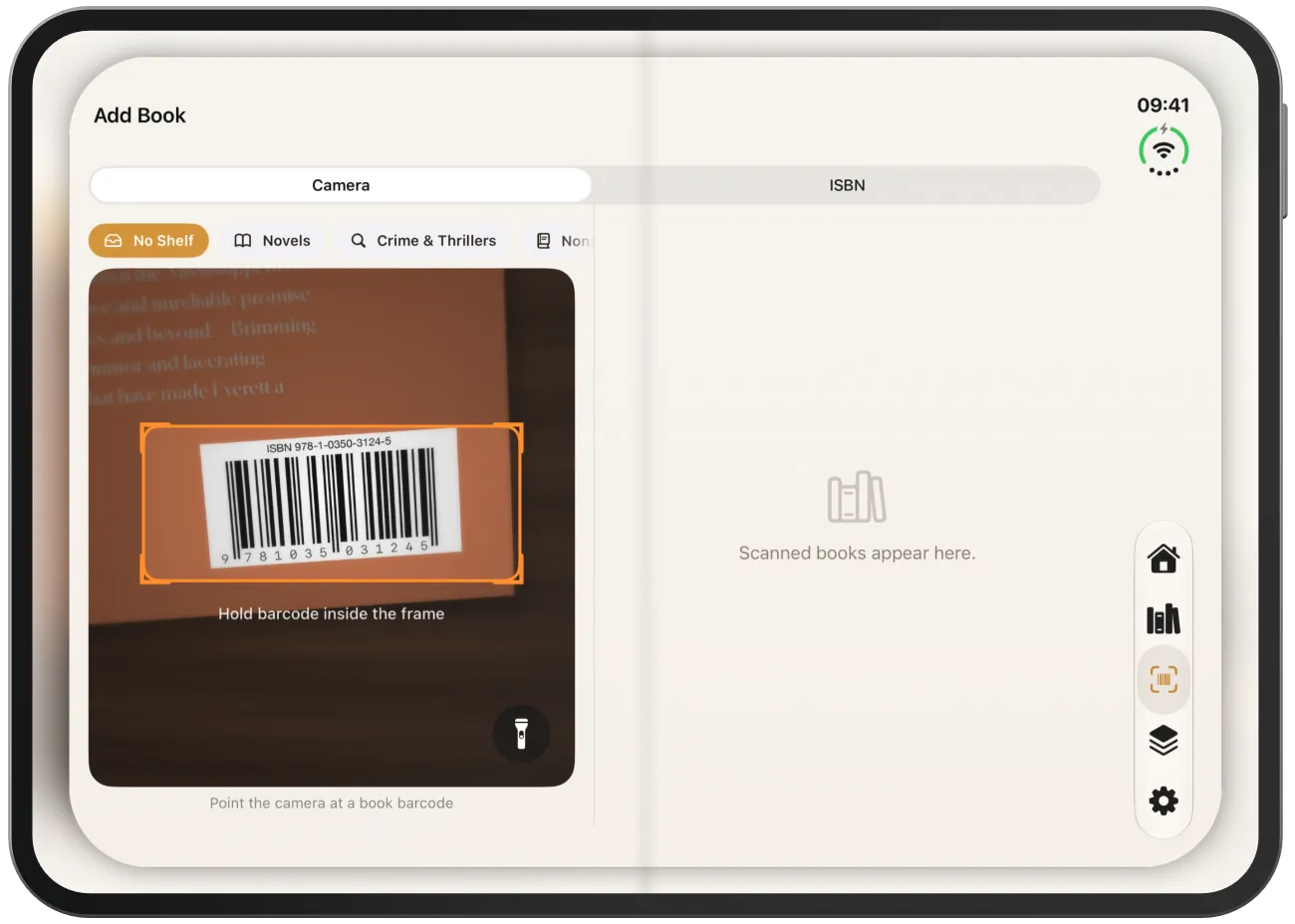
On large screens, Paginor makes use of the space: lists and details sit side by side. On the iPhone Duo, the split follows the fold.
What is different on large screens
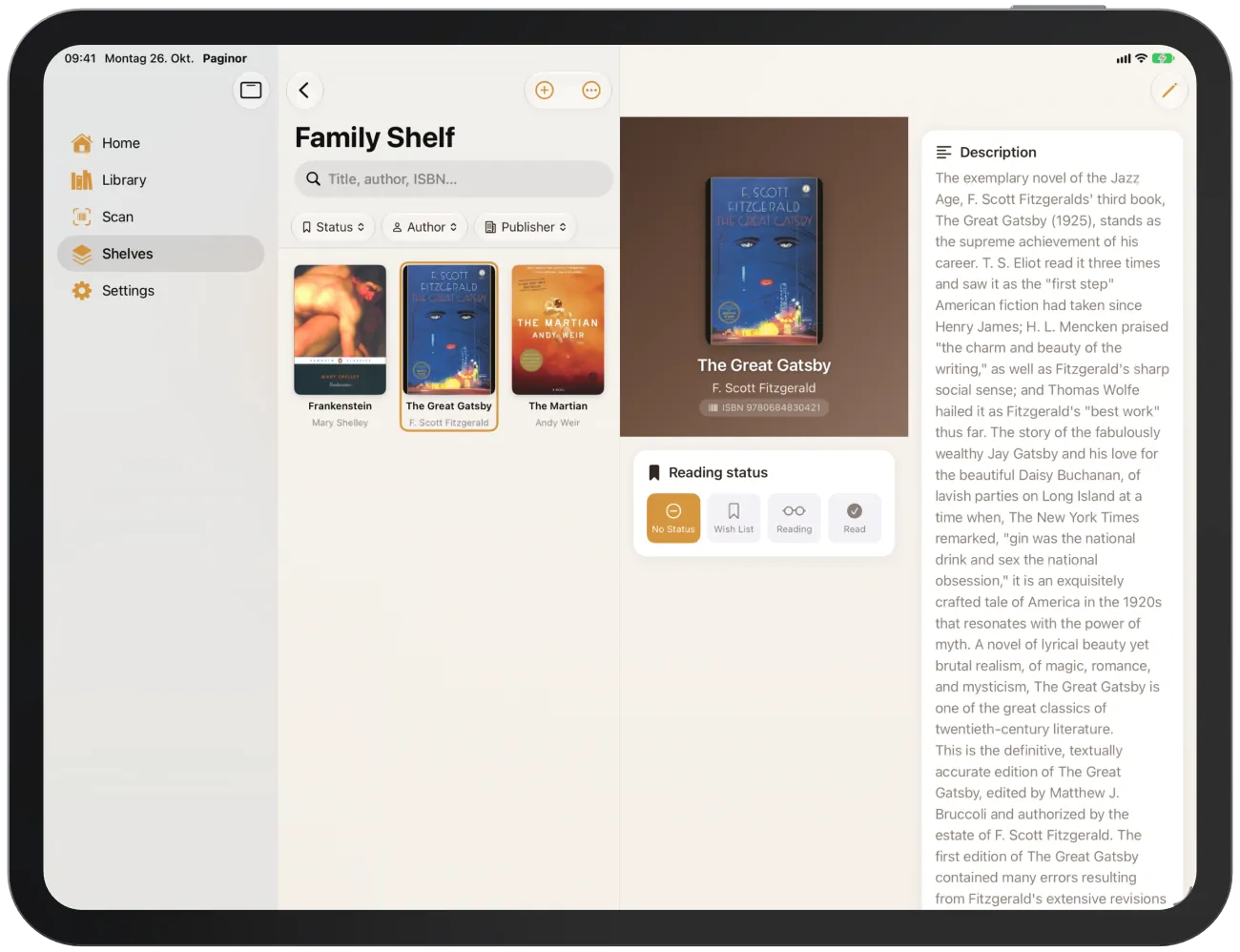
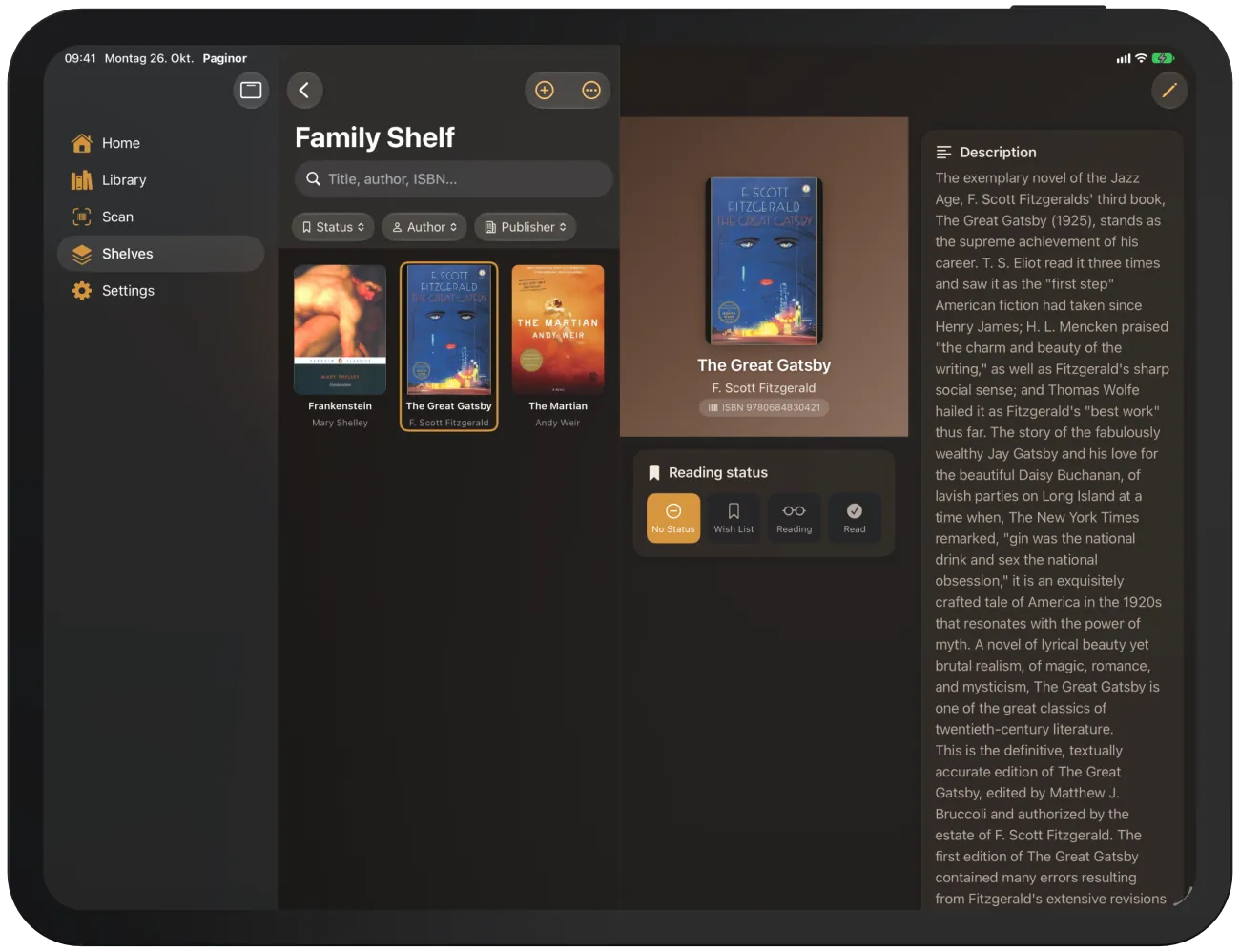
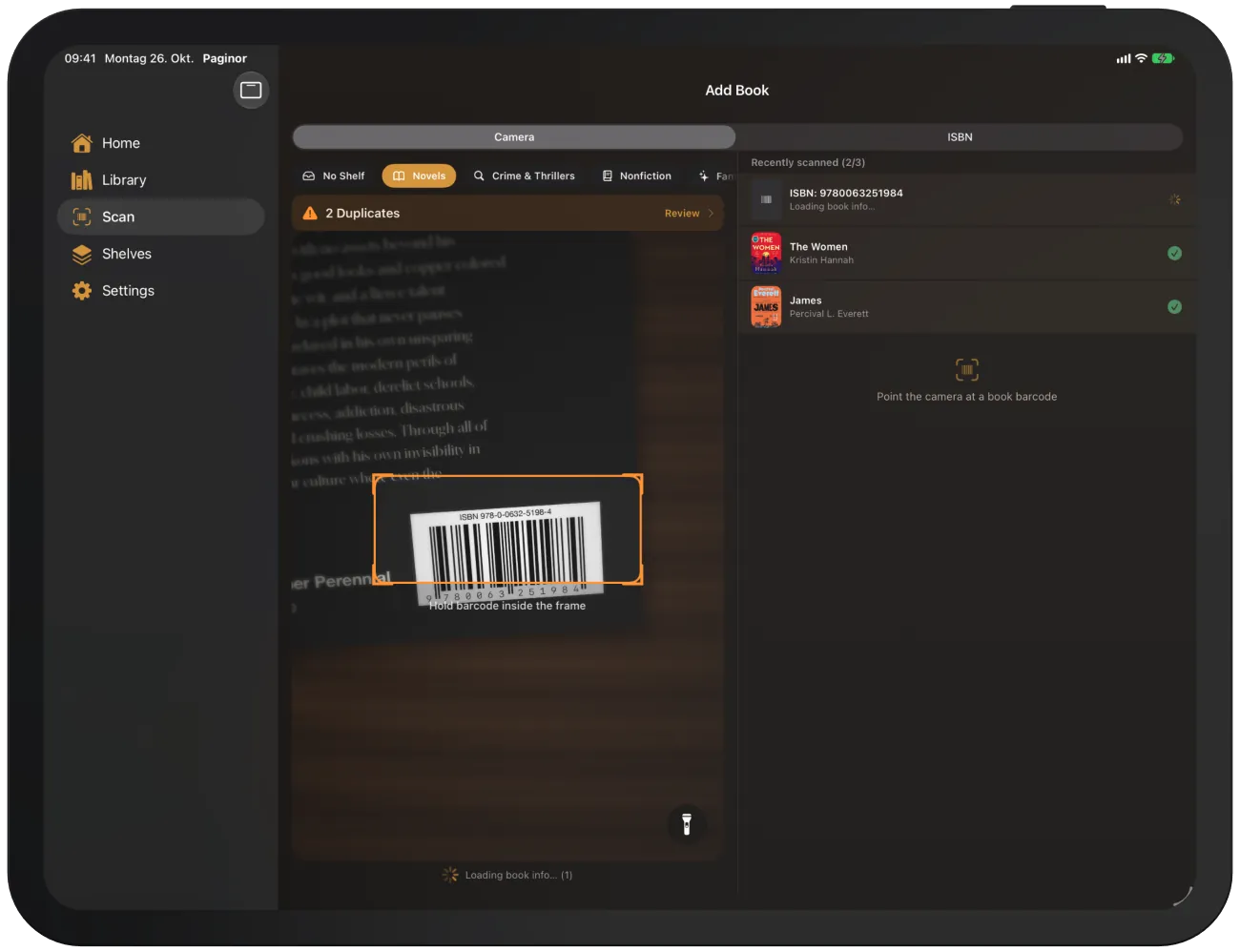
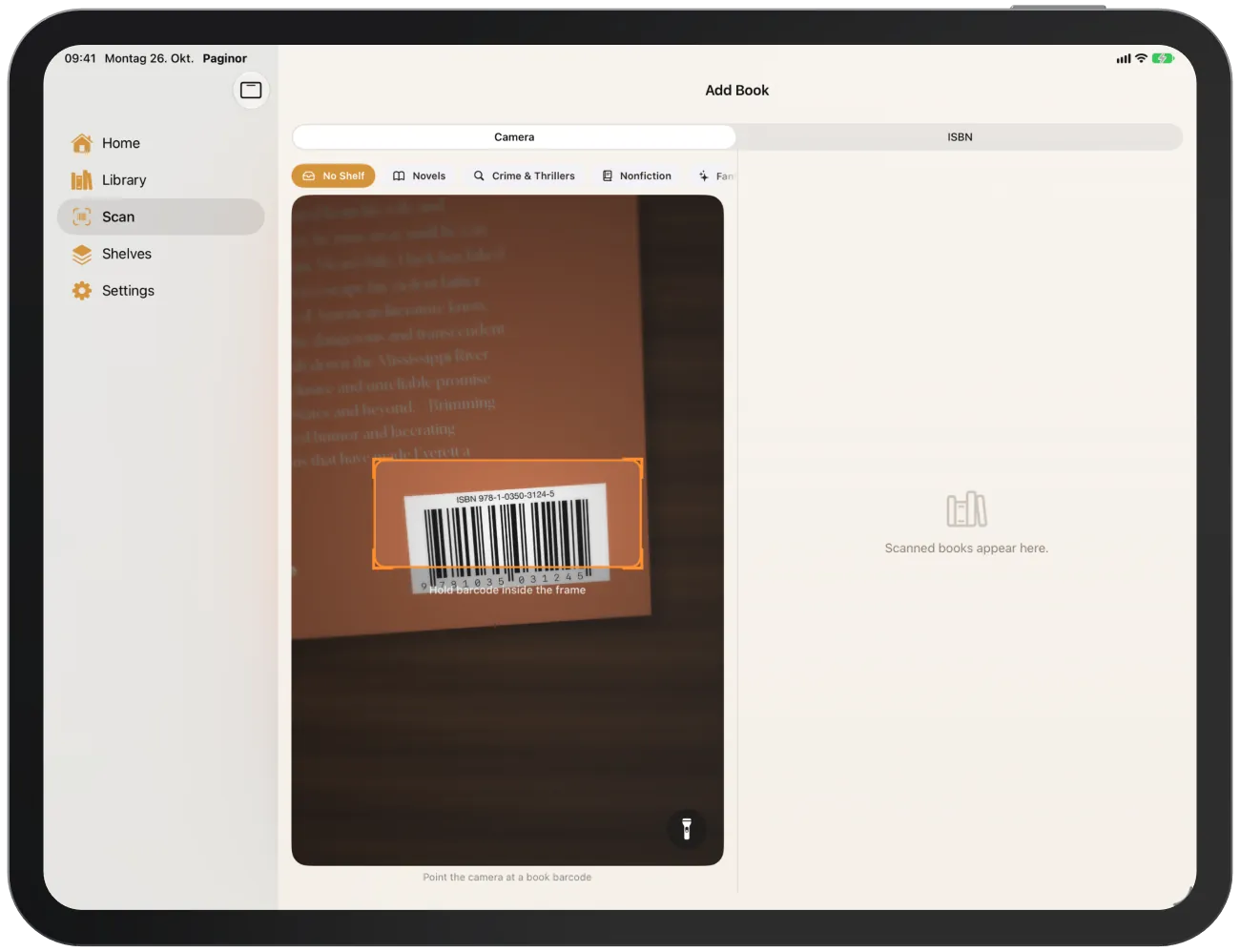
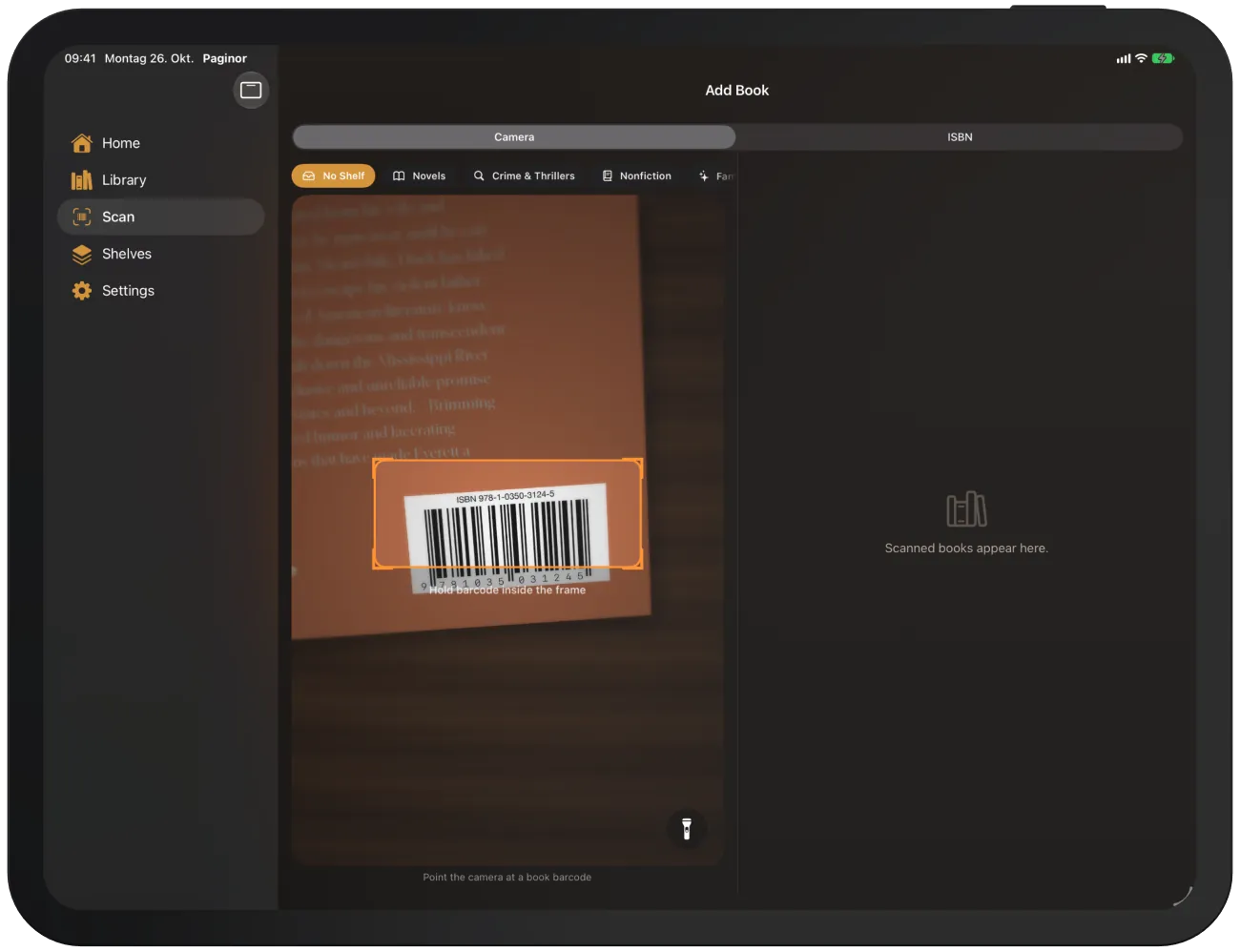
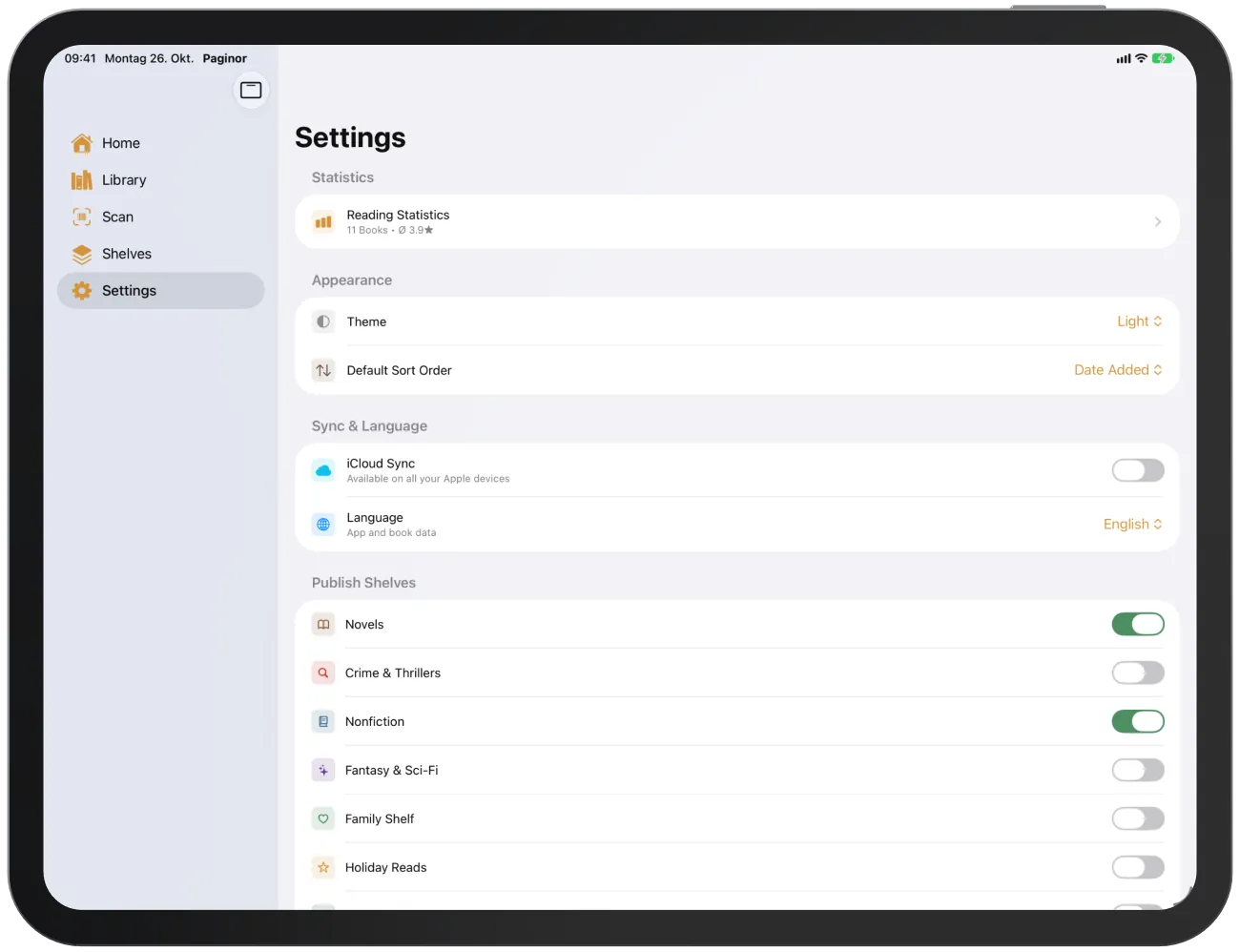
On iPad, the unfolded iPhone Duo and large iPhones in landscape, Paginor shows two columns. The tabs are at the top or in a bar along the edge, and on iPad they can be switched to a sidebar.
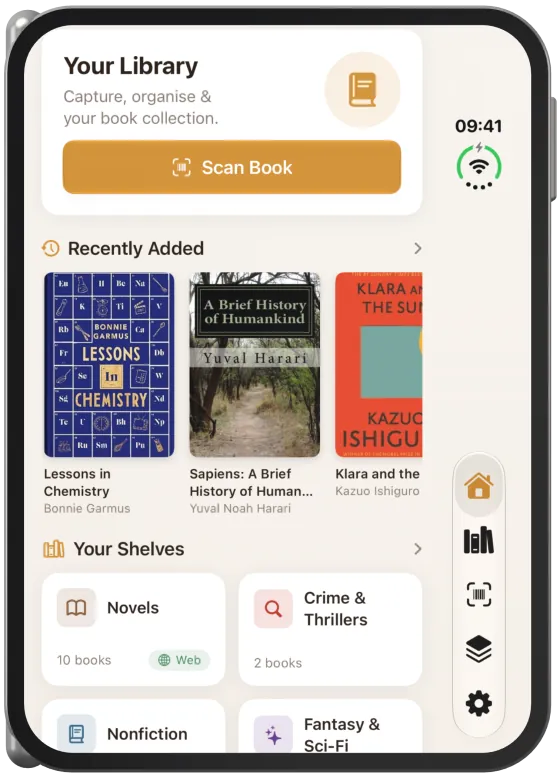
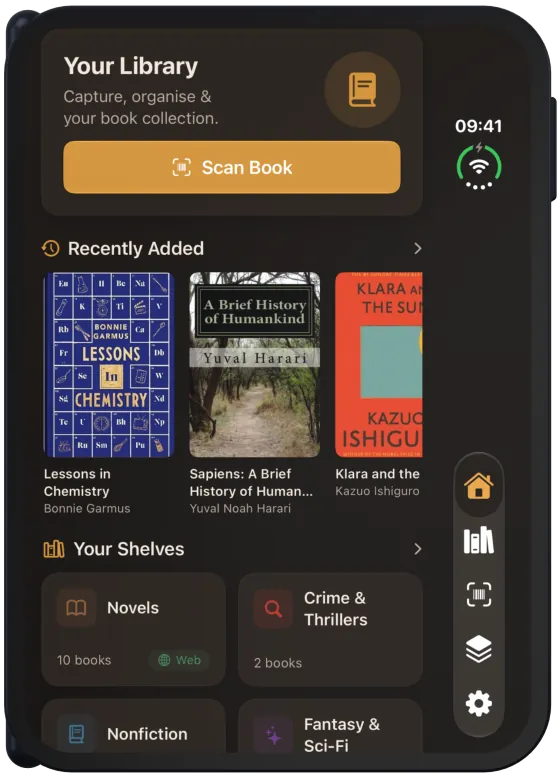
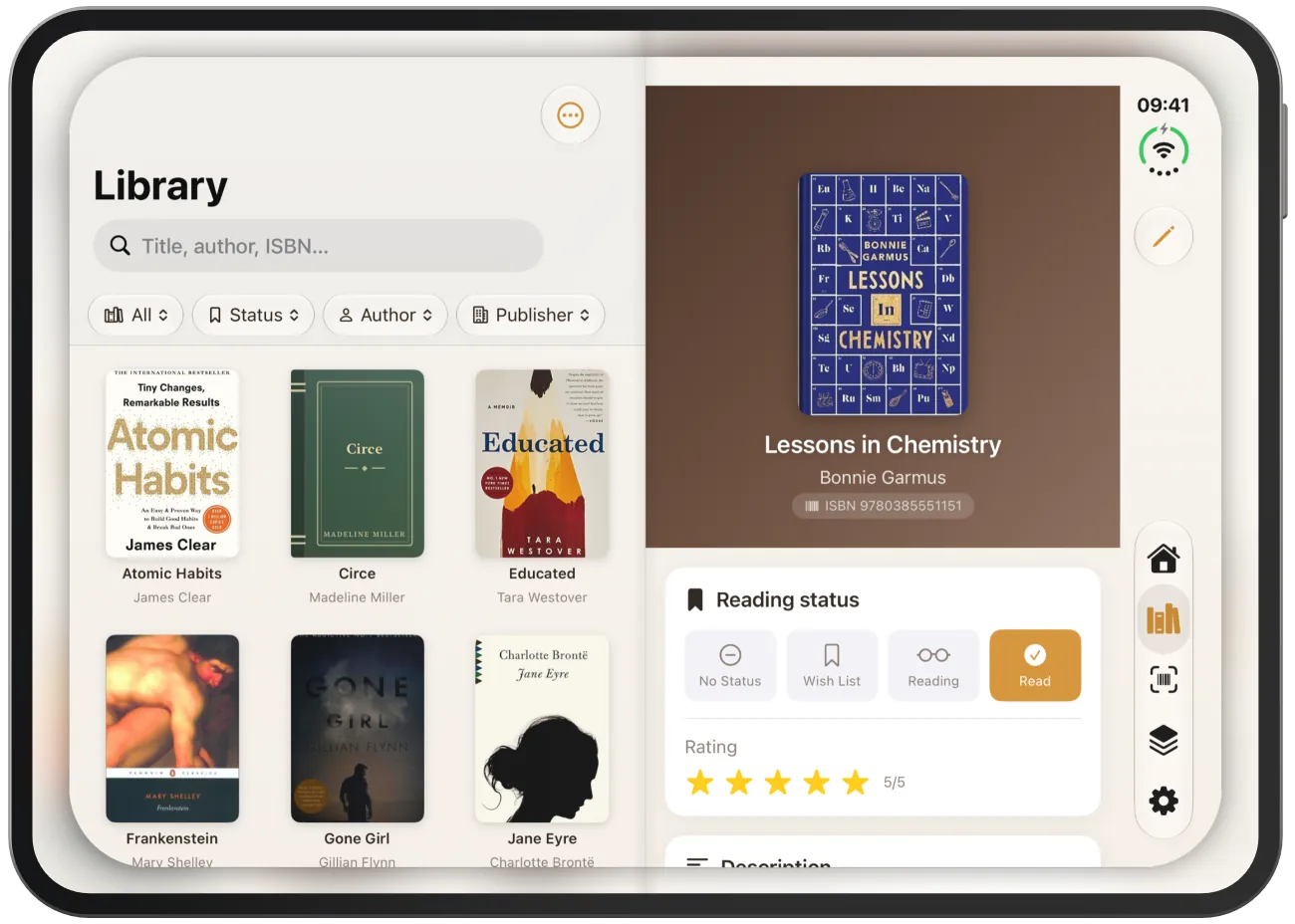
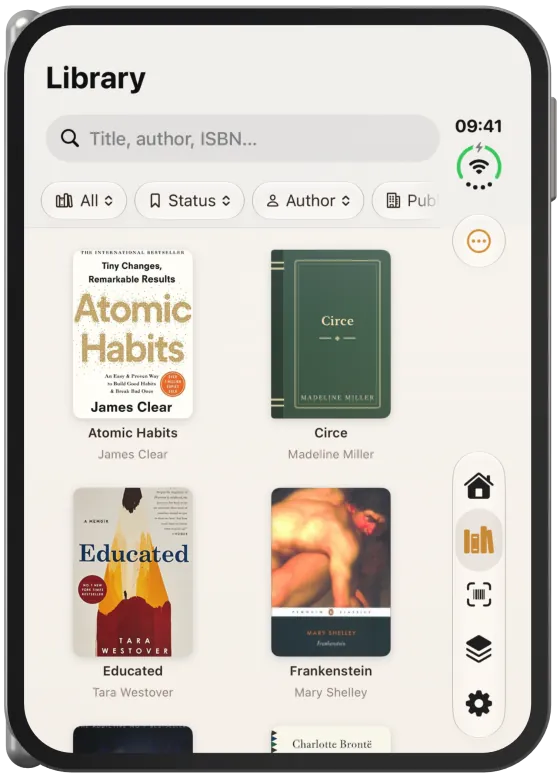
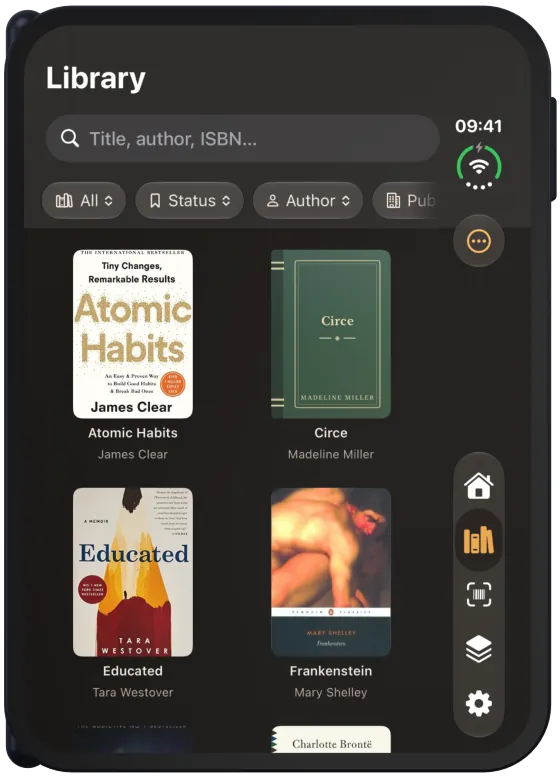
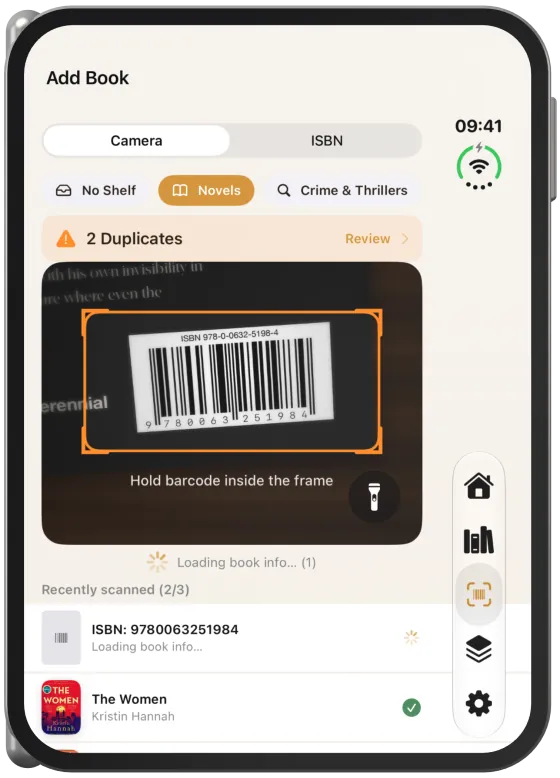
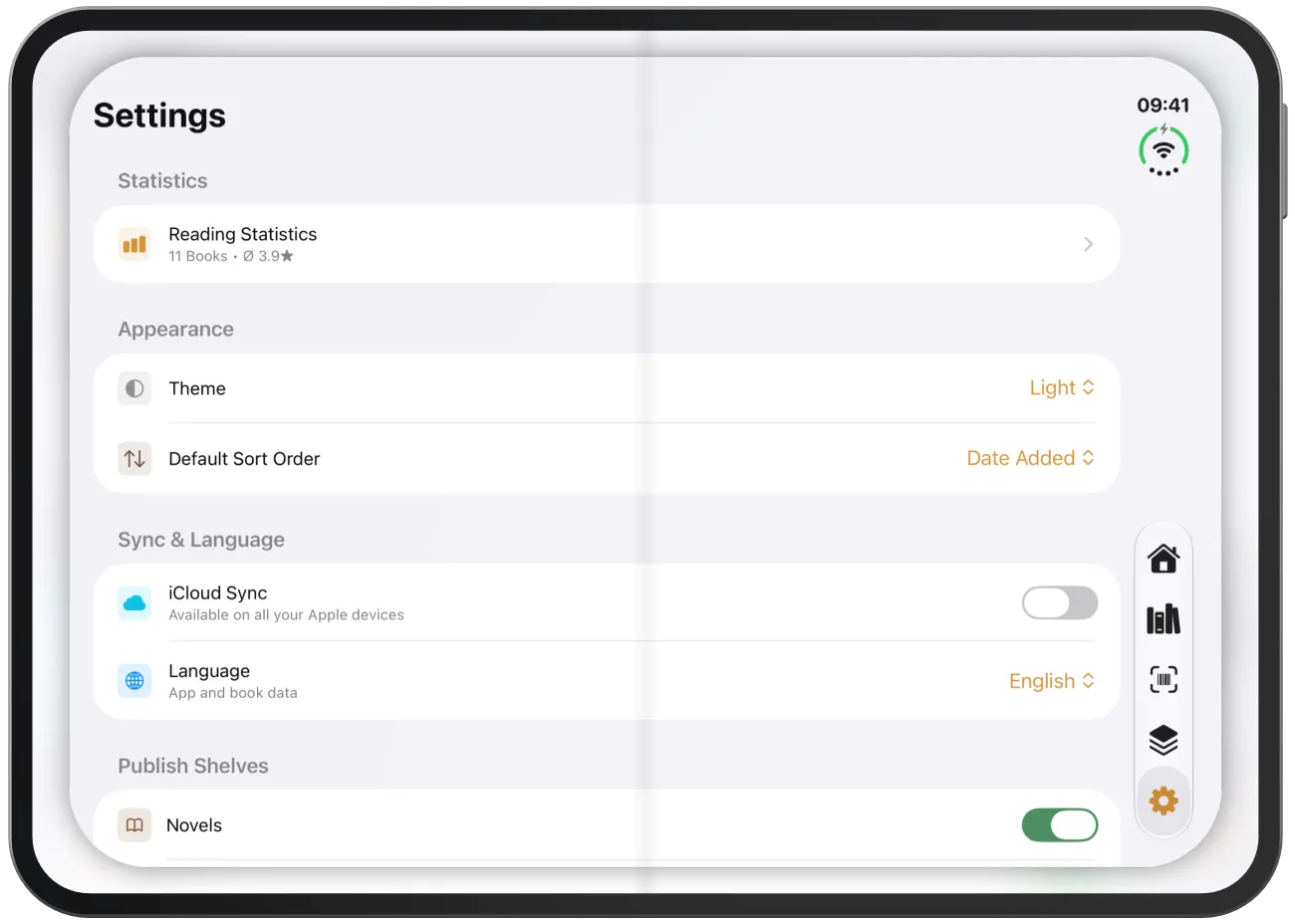
When folded, the iPhone Duo behaves like an iPhone: content is stacked, and navigation is a vertical bar along the right edge.


List and details side by side
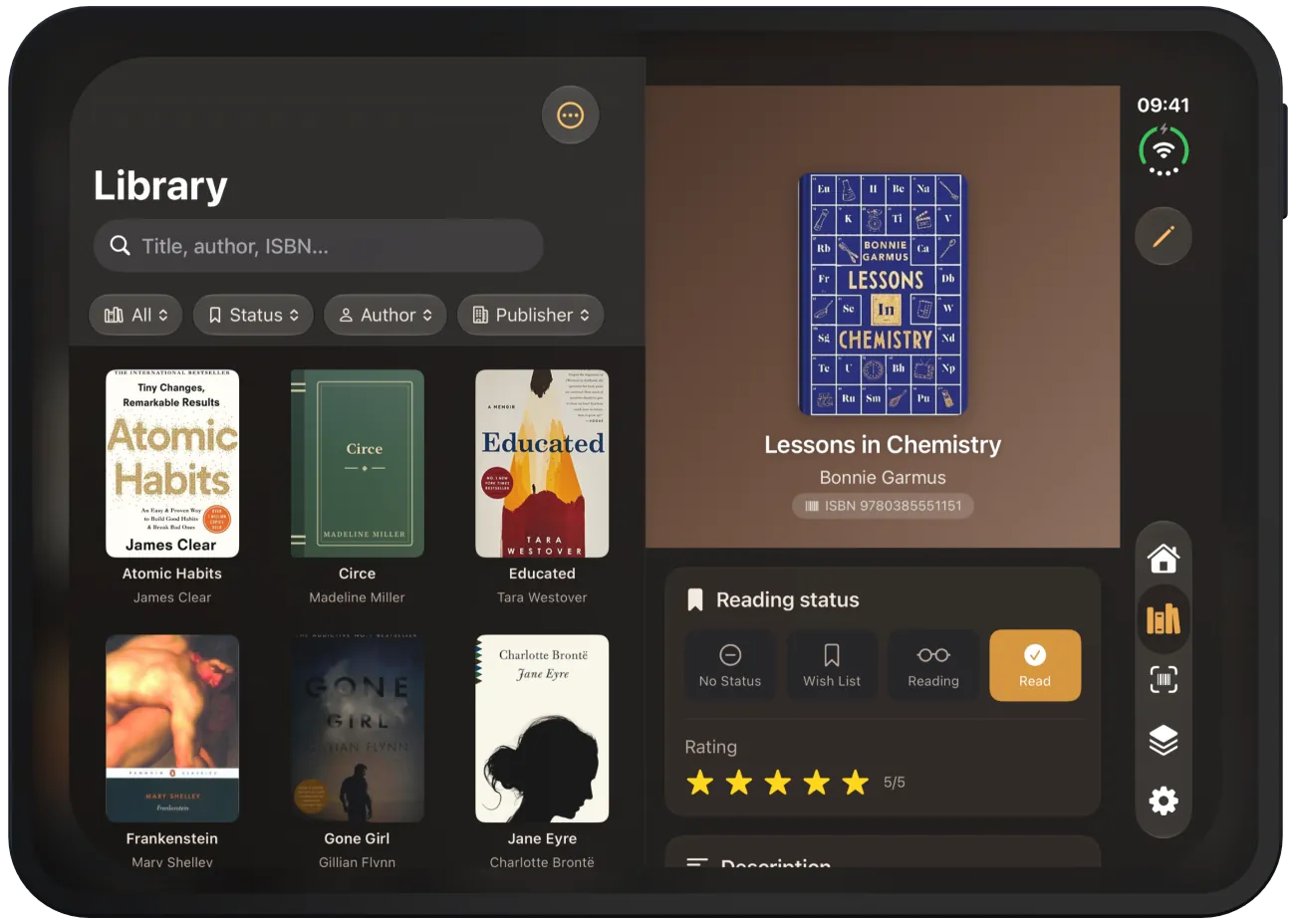
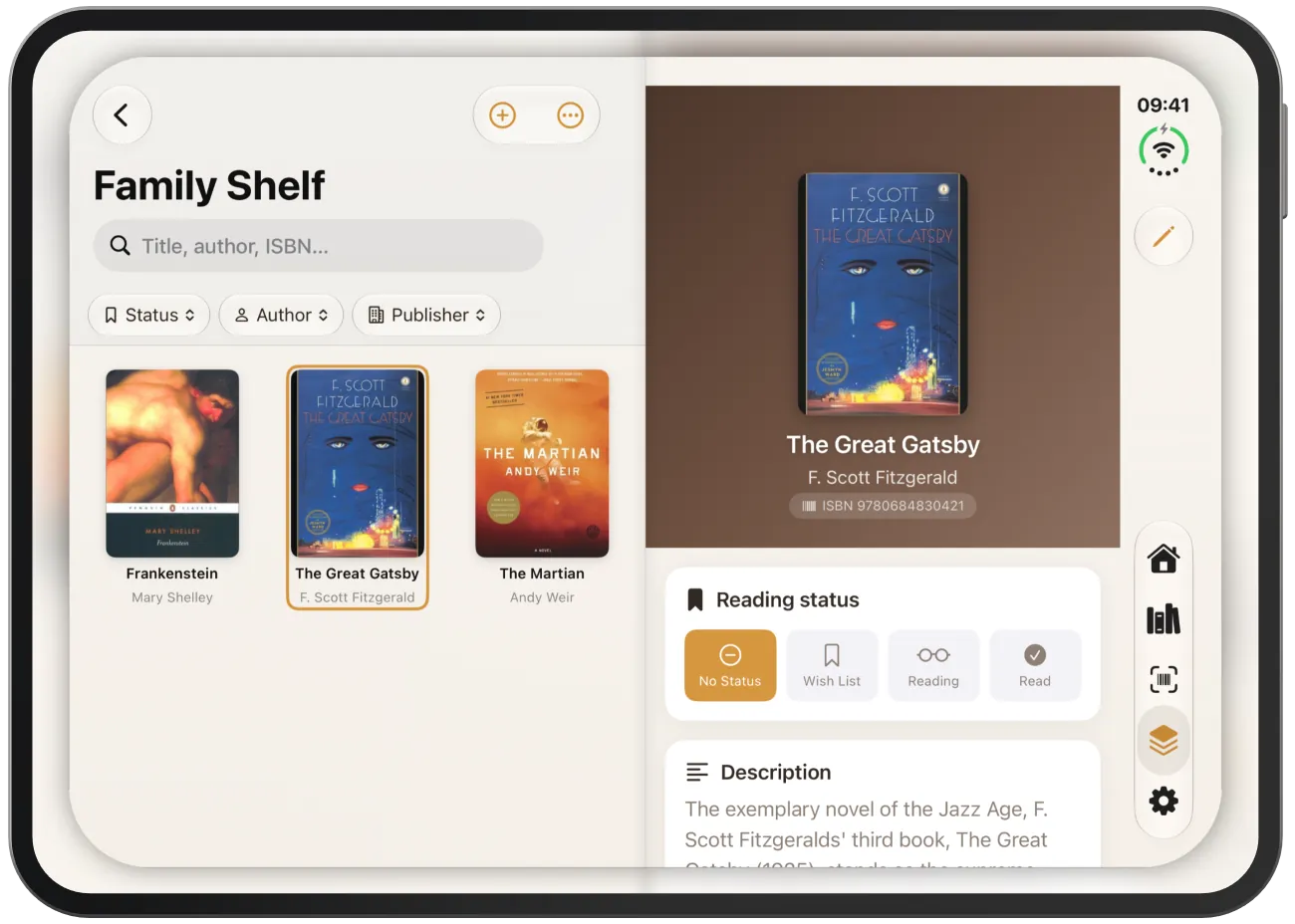
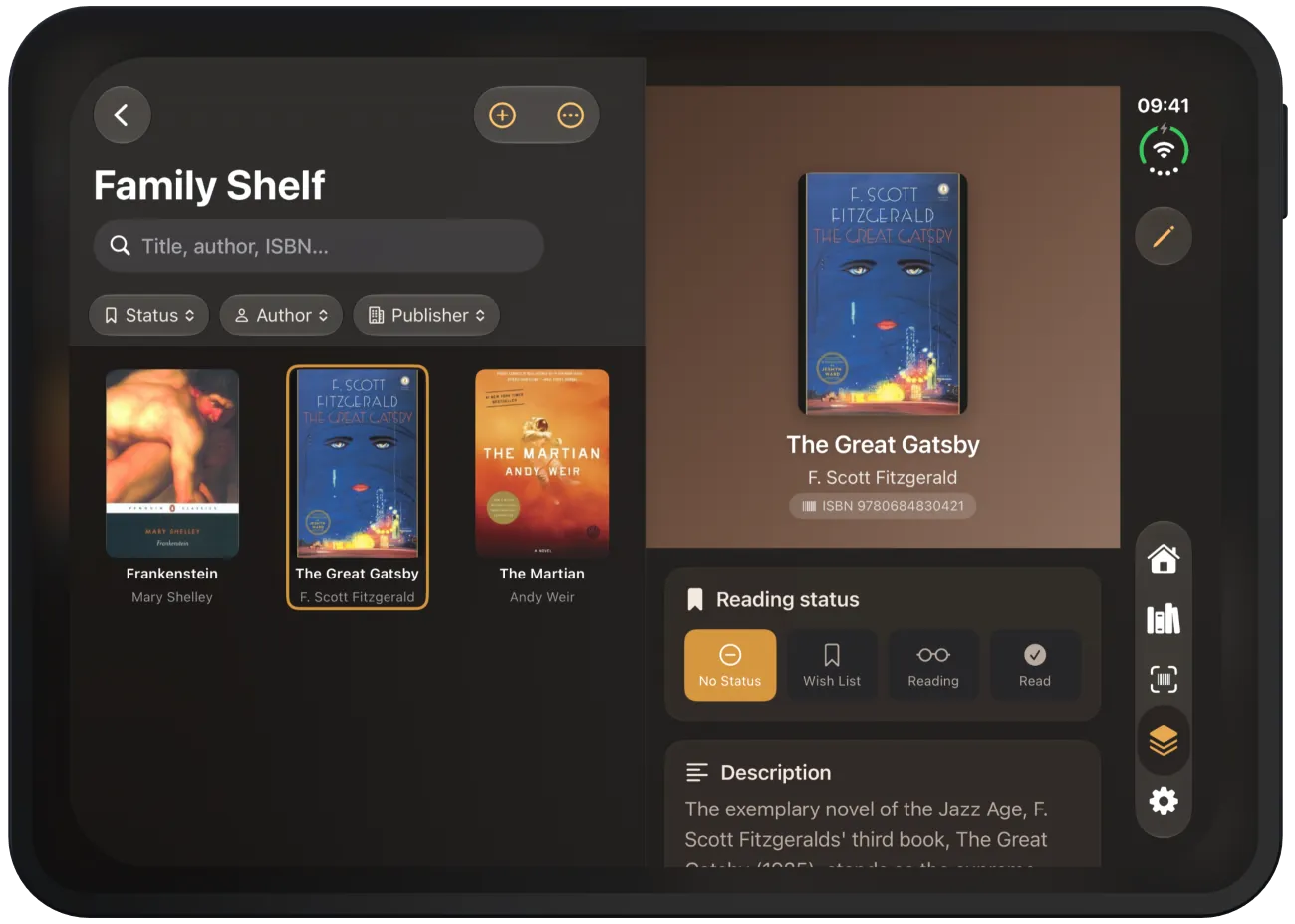
Home, Library and Shelves split the screen exactly in the middle – on the iPhone Duo, at the fold. The list is on the left, the selected book on the right. The selected book is highlighted in the list.
If nothing is selected yet, the right side shows “Choose a Book”. In the “Shelves” tab, a shelf opens in the left half and its books appear on the right. In the grid, the number of columns is always even, so no cover sits on the fold.

Scanner in two columns
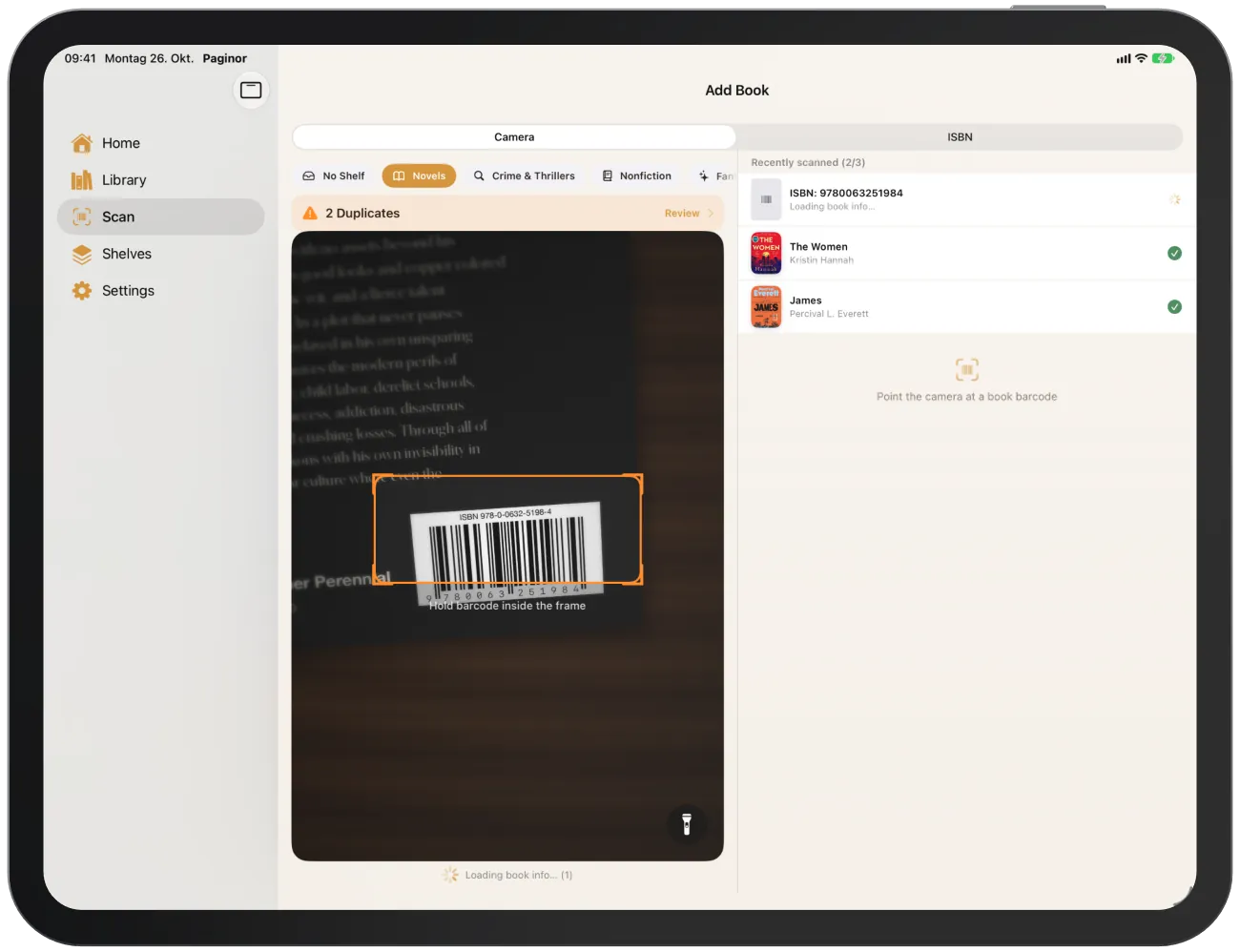
In the “Scan” tab, the camera view with the shelf selection is on the left and the list of scanned books on the right. Before the first scan, it shows “Scanned books appear here.”


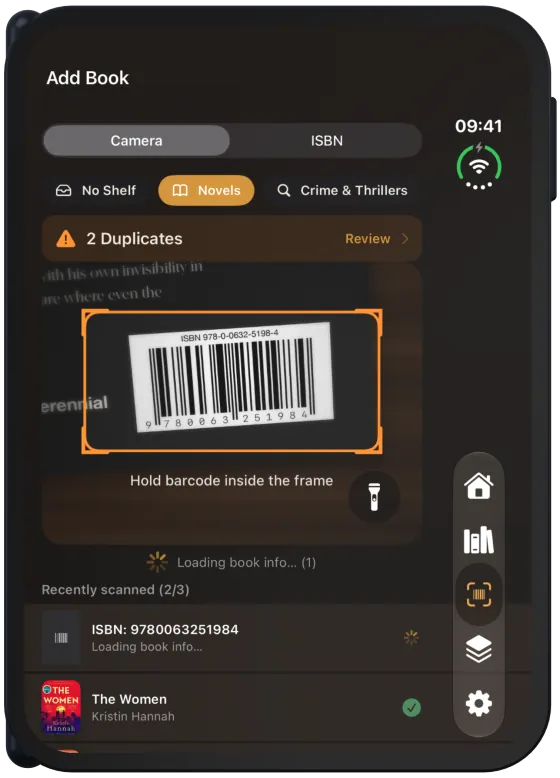
iPhone Duo folded
On the outer display, books and shelves open as a new page. Navigation, Back and Edit are in the vertical bar on the right edge. Filter and shelf rows end before this bar.


Settings on large screens
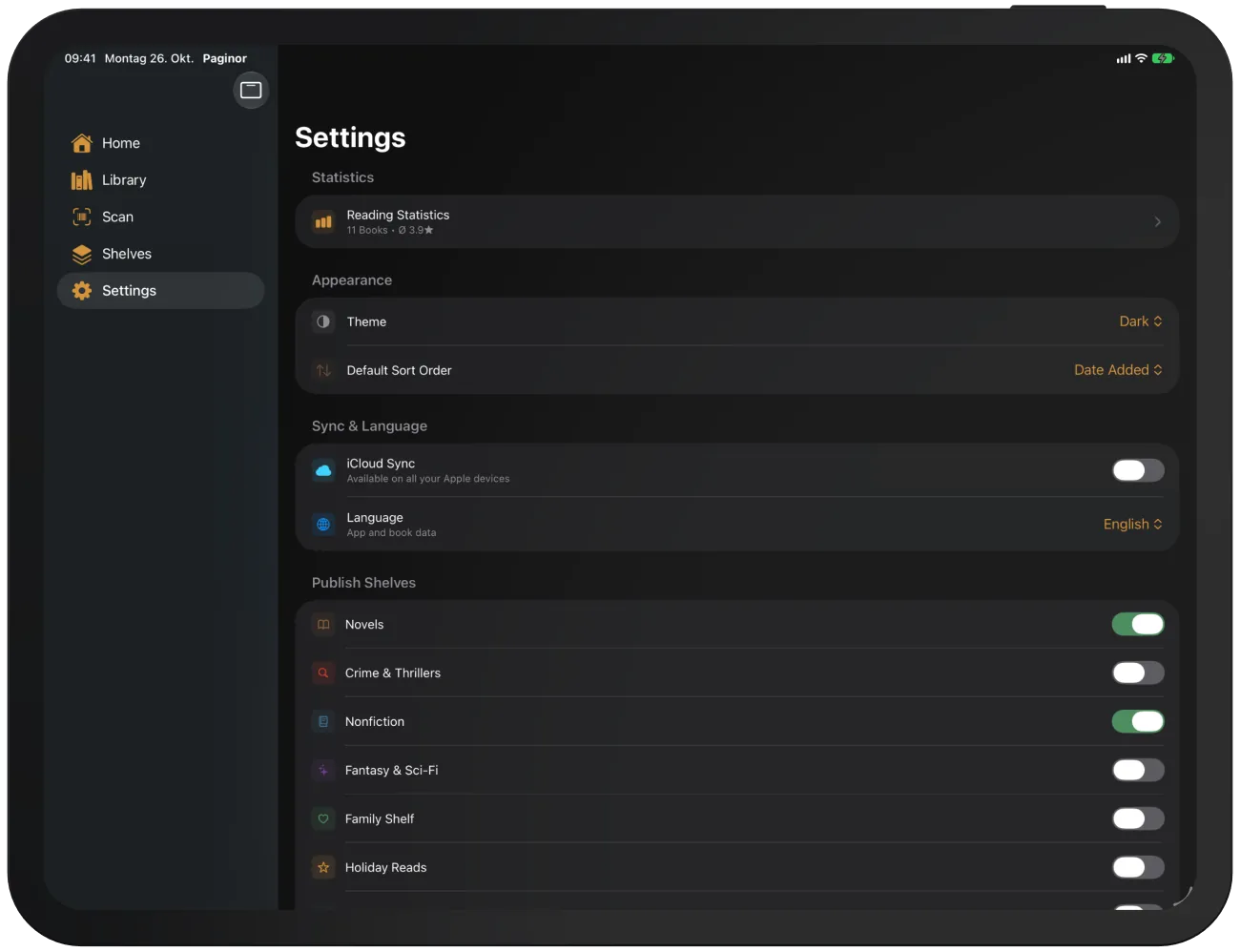
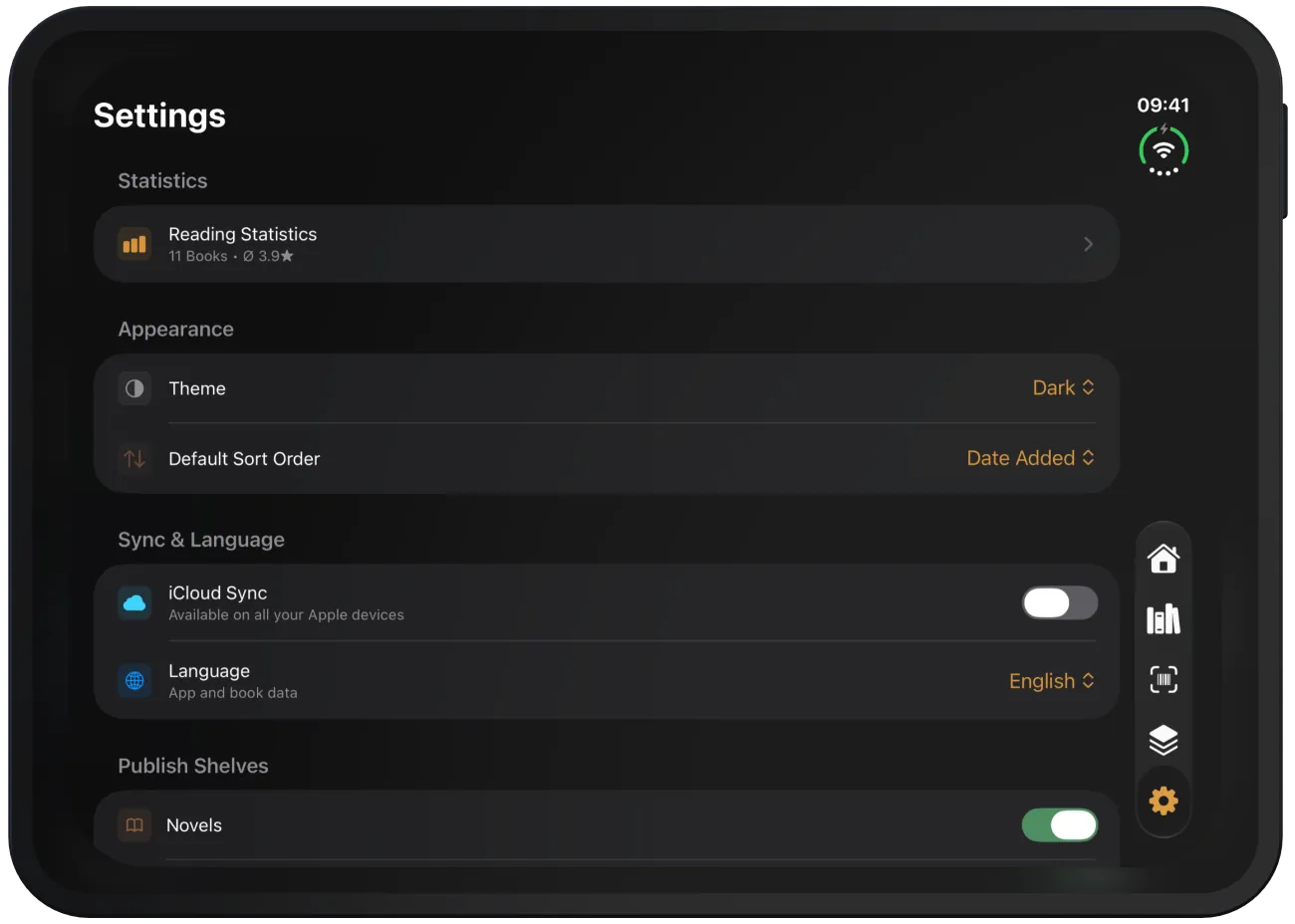
Settings use the full width as a single list. Subpages such as “Share Shelves” or “Backup & Restore” open on top of it.
Rotation and landscape
Paginor runs in portrait and landscape on iPhone, and in all orientations on iPad. An open shelf and the selected book are kept when you rotate.