
Data & settings
Settings
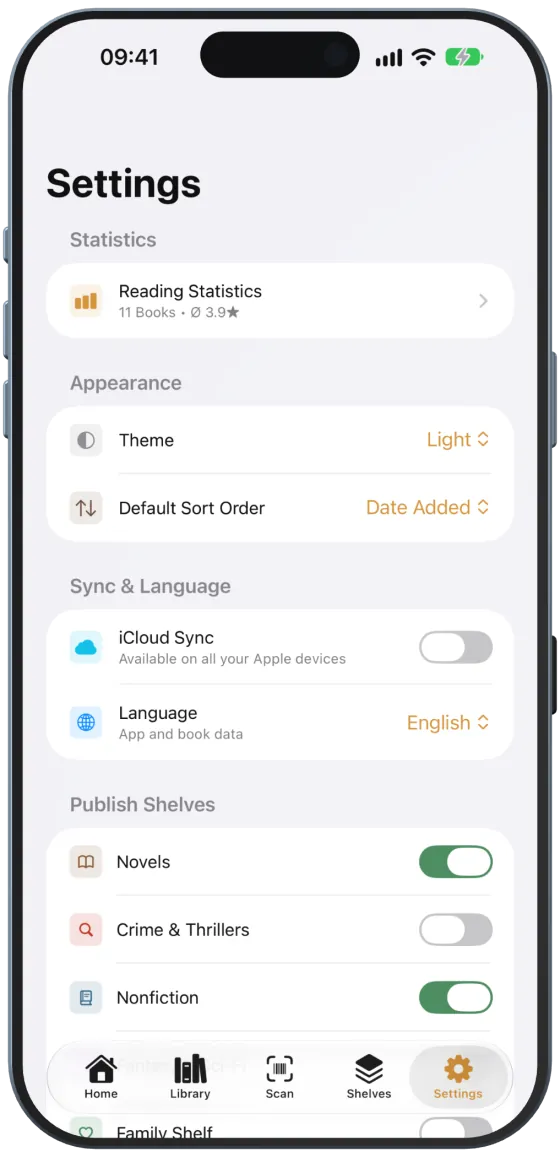
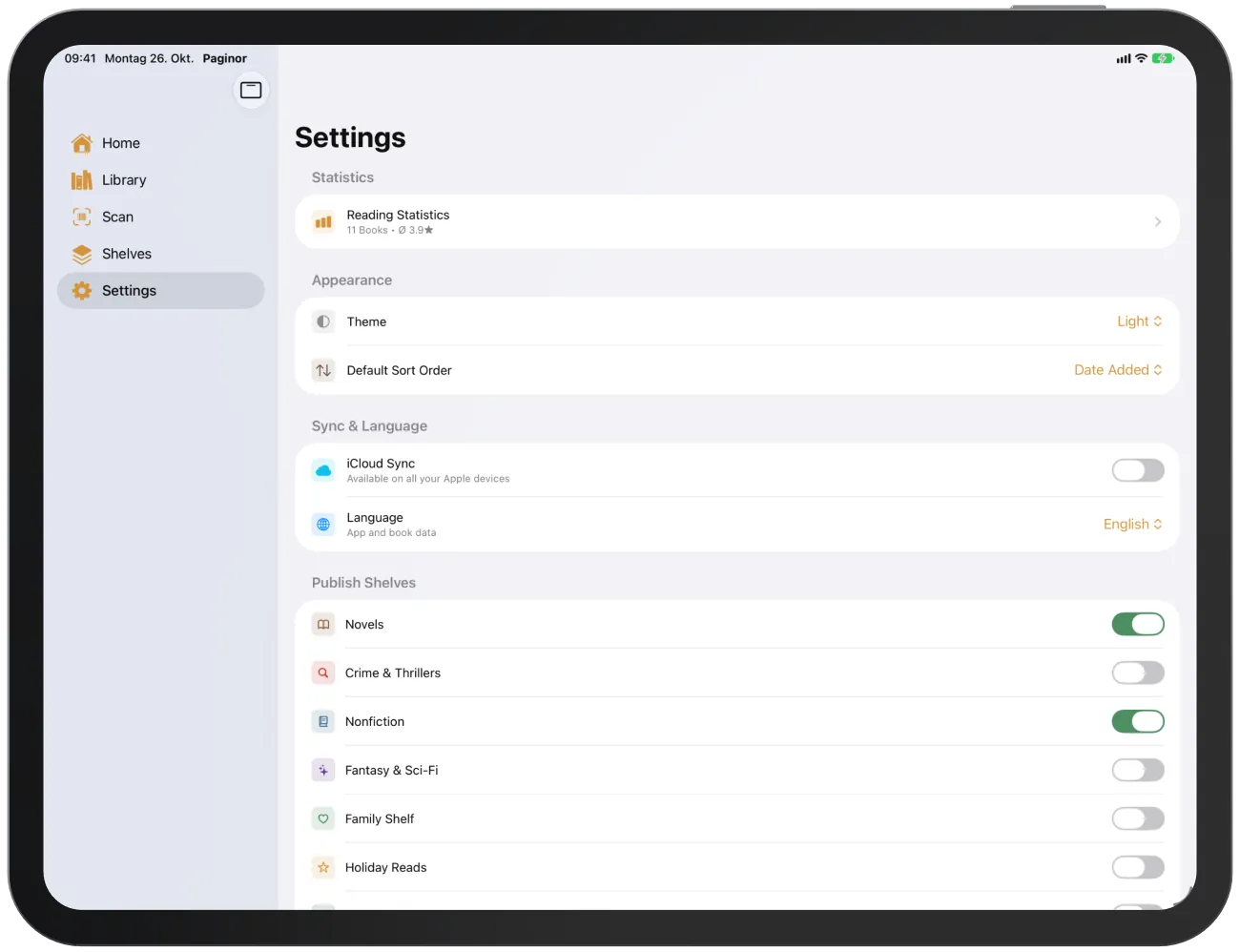
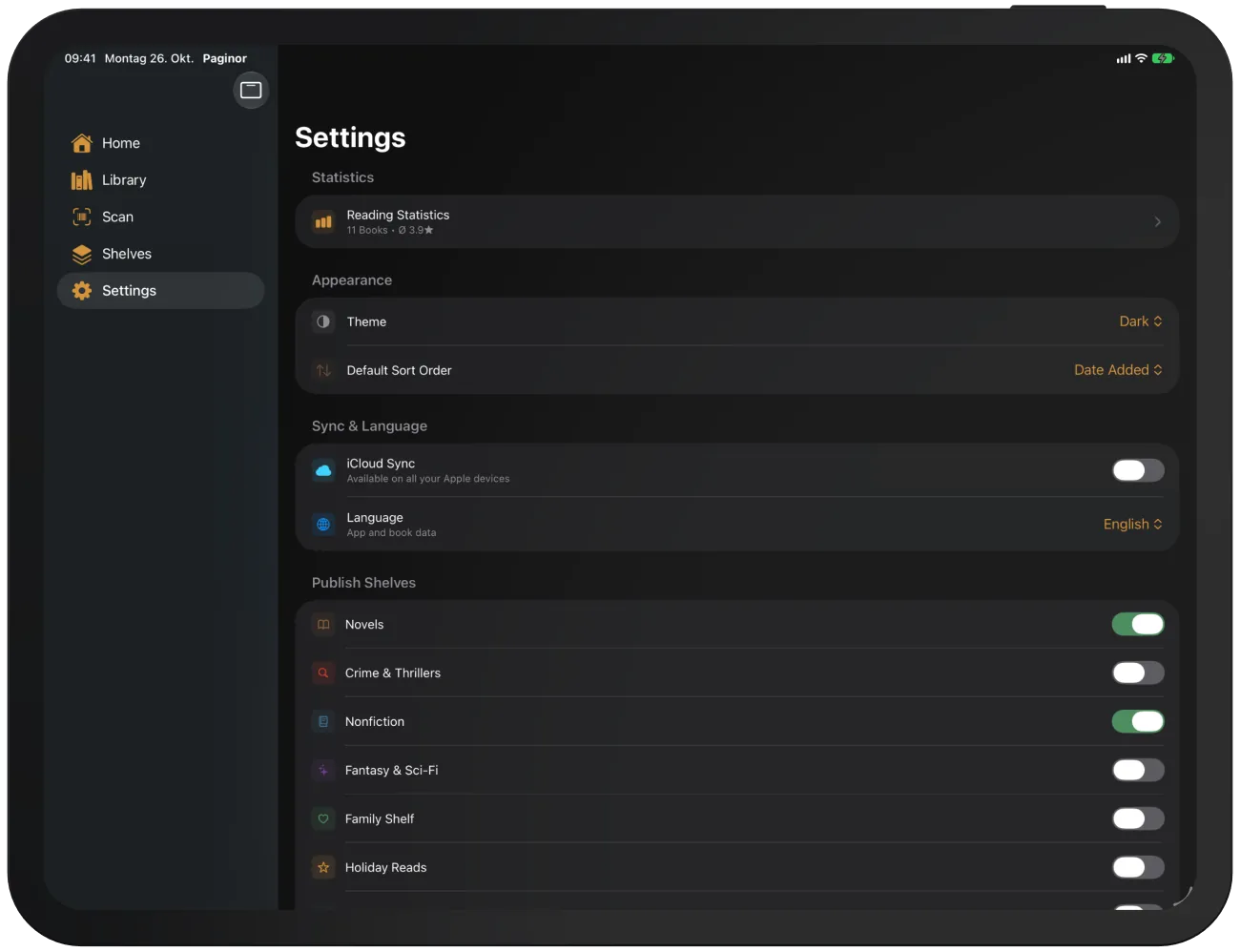
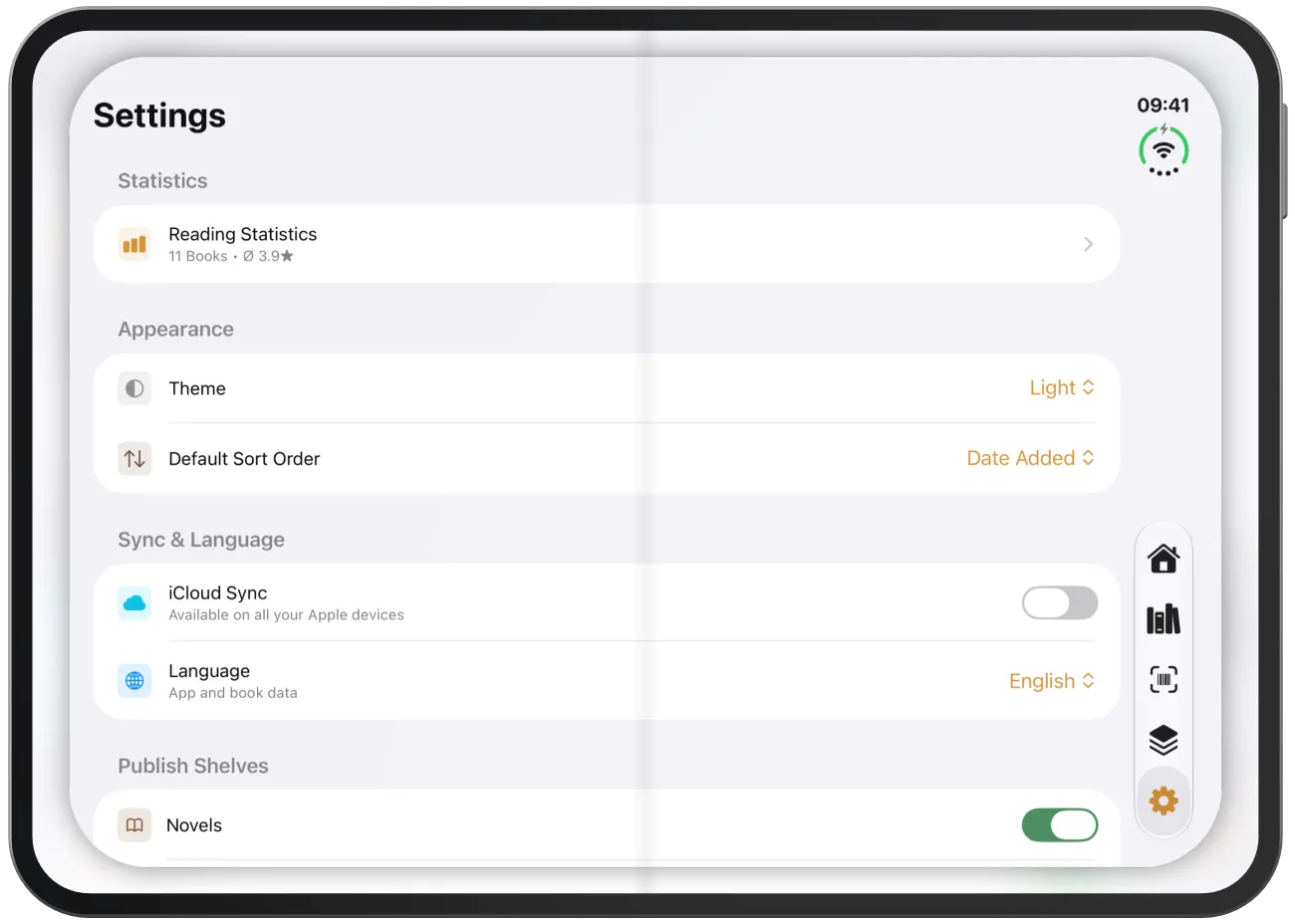
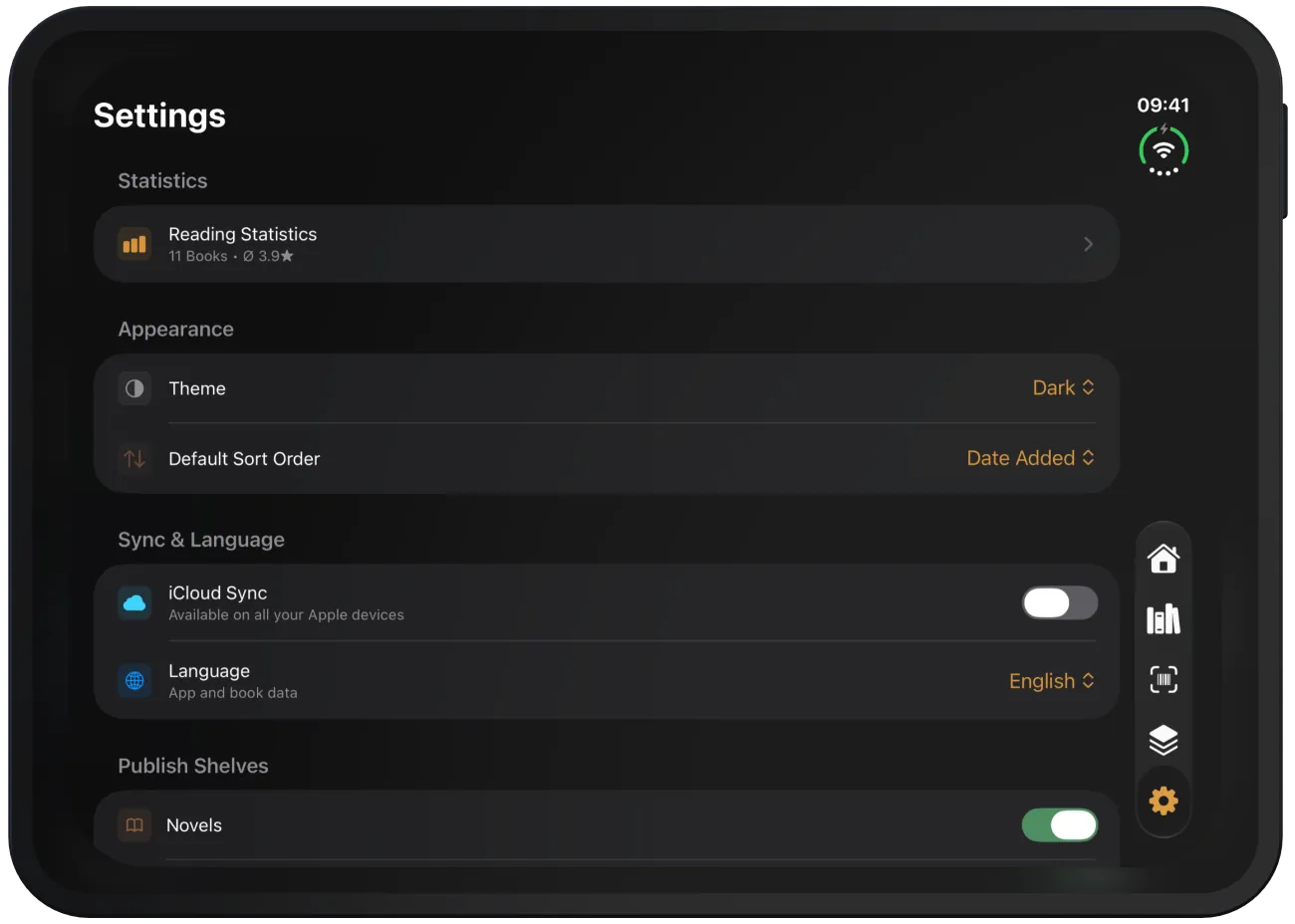
Settings contain statistics, appearance, language, web sharing, backup and Paginor Plus.
Device
Settings at a glance
| Section | Contents |
|---|---|
| “Statistics” | Reading statistics |
| “Appearance” | theme, default sort order |
| “Sync & Language” | iCloud, language |
| “Publish Shelves”, “Navigation”, “Share Shelves” | Web sharing |
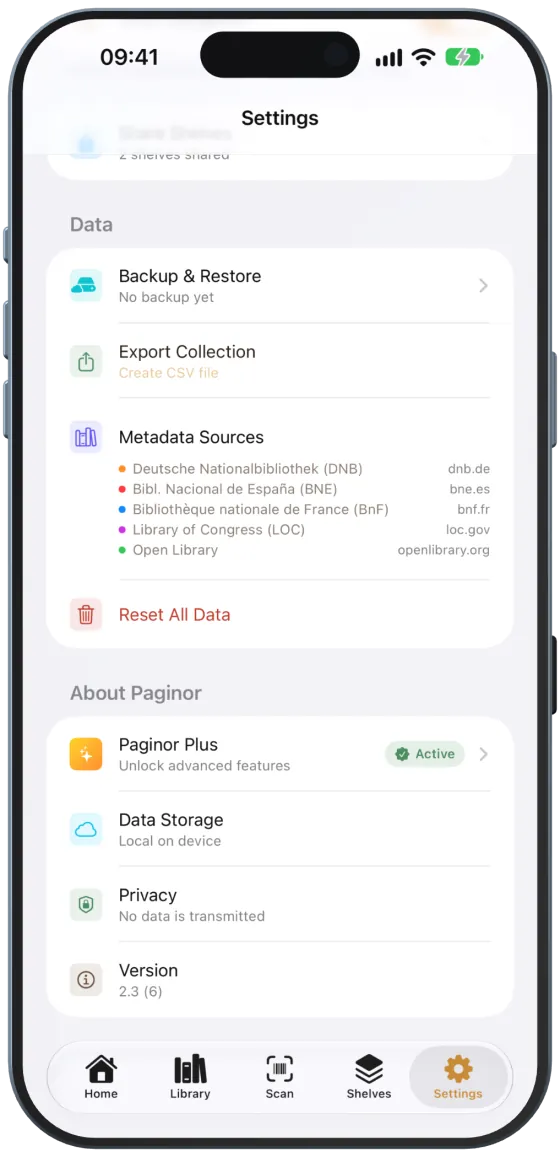
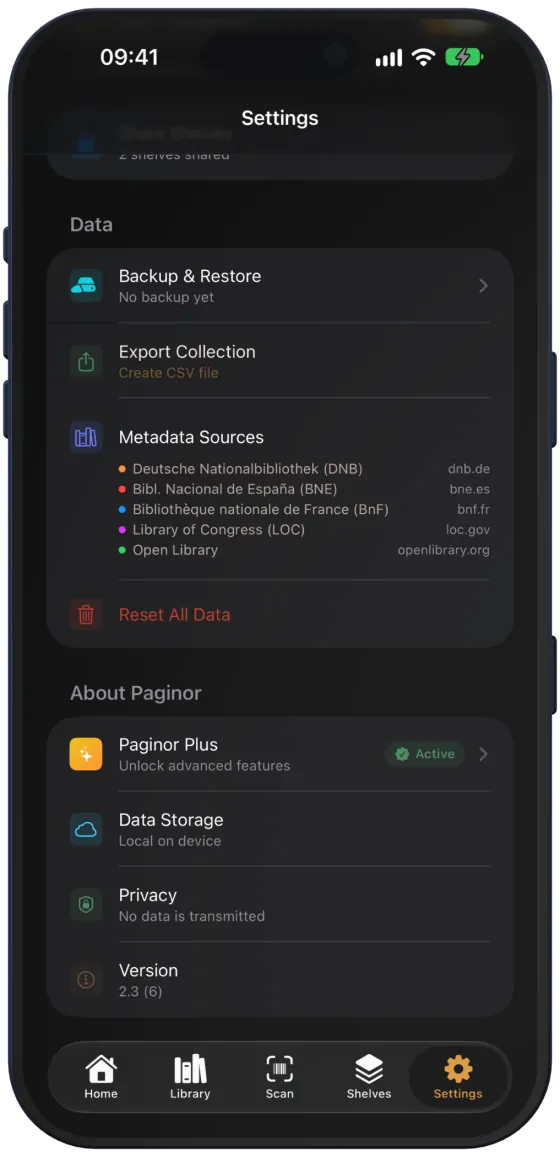
| “Data” | Backup, CSV, metadata sources, reset |
| “About Paginor” | Paginor Plus, data storage, privacy, version |
Theme
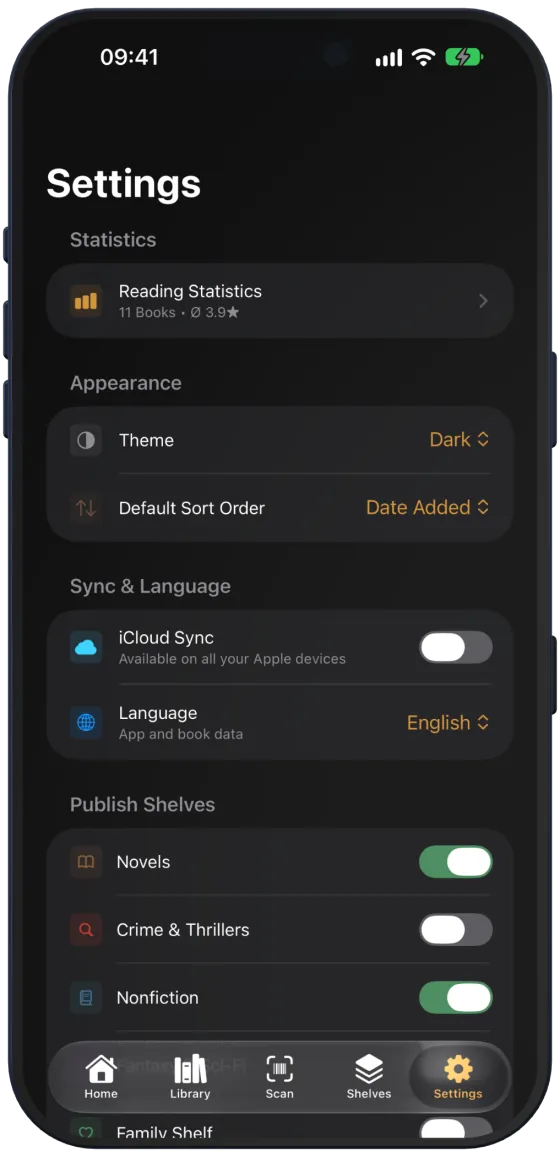
“Theme” sets “Automatic” (follows the system), “Light” or “Dark” and takes effect immediately.
Note “Default Sort Order” is currently only saved. You choose the sort order in the library and on a shelf via the “View” menu.
Language
“Language” switches Paginor to German, English, Spanish or French, or with “Device Language” to the language of your device. The choice applies immediately and also to the published web pages.
Note The book data itself comes as the libraries provide it, usually in the language of the edition.
Reading statistics
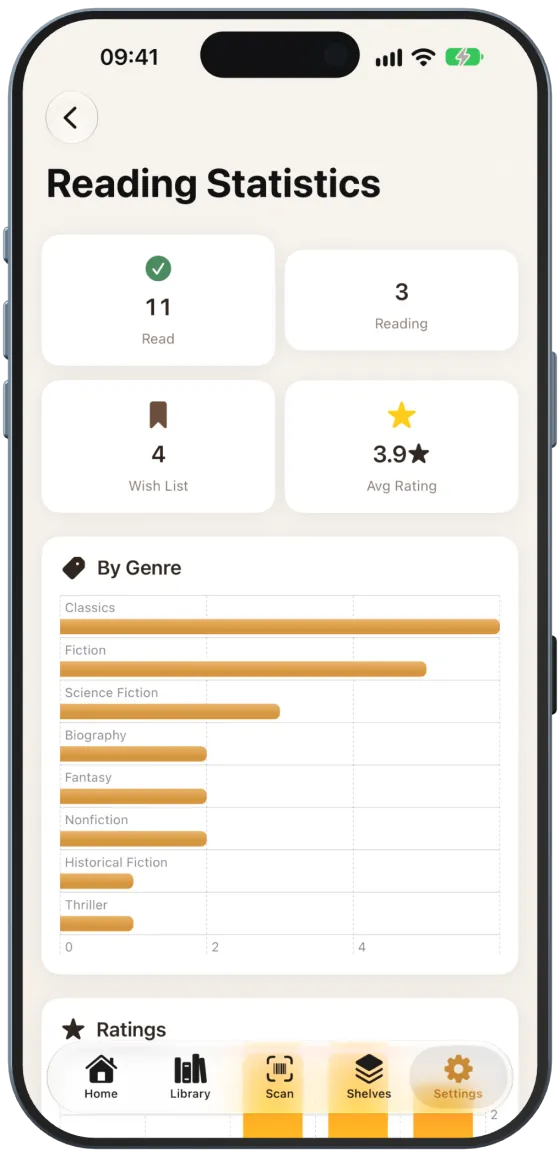
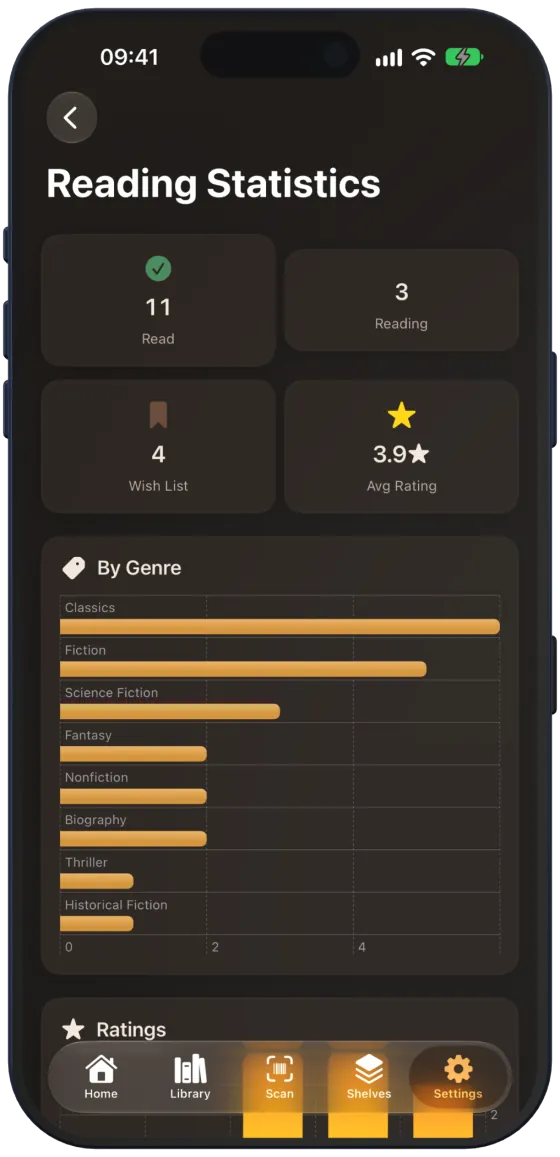
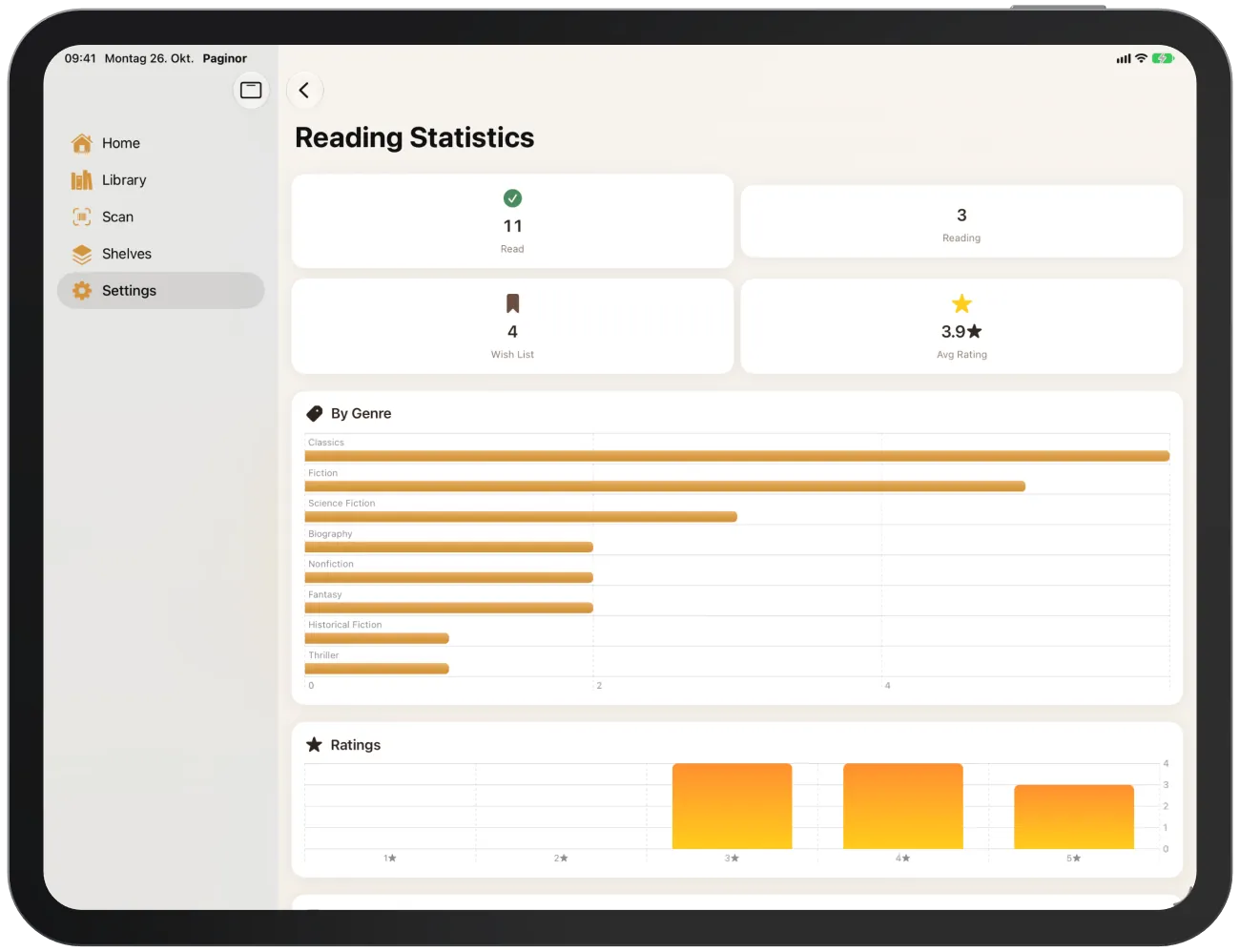
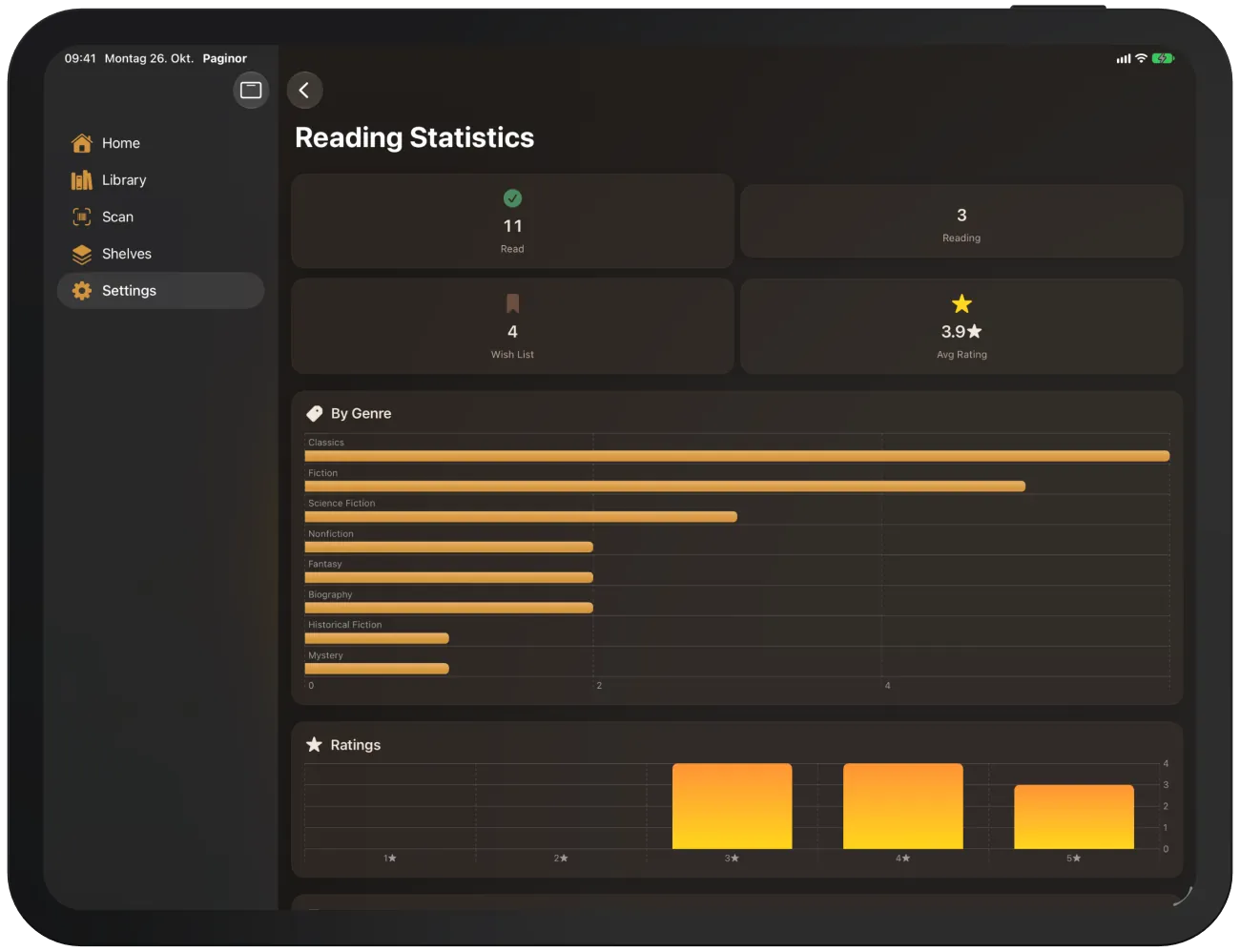
“Reading Statistics” shows books read, currently reading and on your wish list, the average rating and the charts “By Genre”, “Ratings” and “Books per Month” for the last six months.
About Paginor
“About Paginor” shows your Plus status, where your data is stored (“Data Storage”), a privacy notice and the version.