
Sharing & publishing
Shared shelves
With Paginor Plus, you share shelves via iCloud with family and friends. All members see the same books; editors can add and change books.
Sharing a shelf
- In the “Shelves” tab, tap “…” › “Share” on the shelf you want.
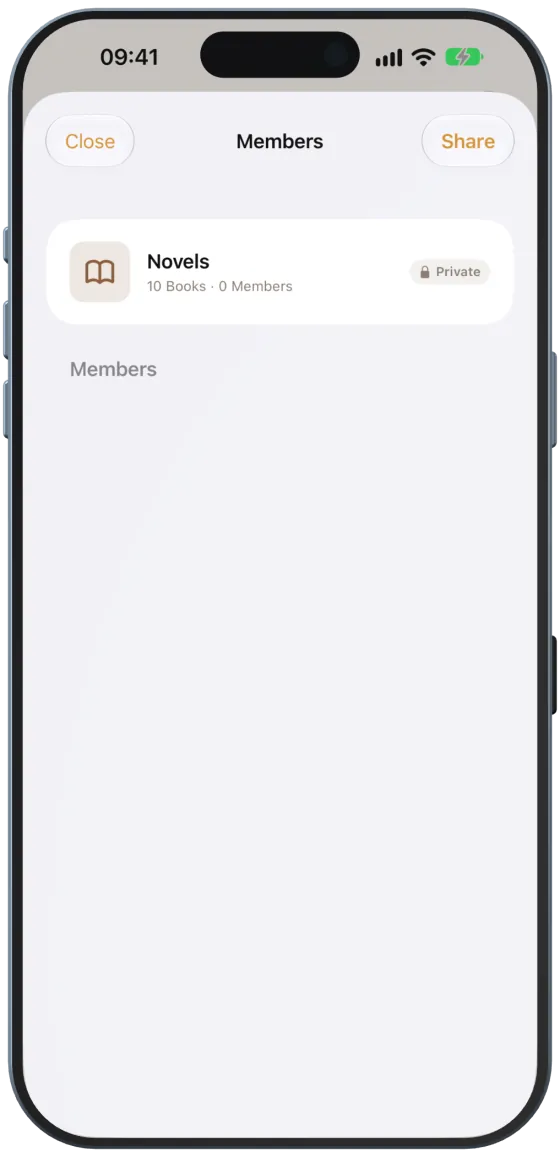
- In “Members”, tap “Share” at the top right.
- Paginor uploads the shelf to iCloud (“Uploading shelf to cloud…”) and opens Apple’s sharing sheet.
- Choose Mail, Messages, WhatsApp or AirDrop and decide whether the person can edit or only view.

Viewing and inviting members
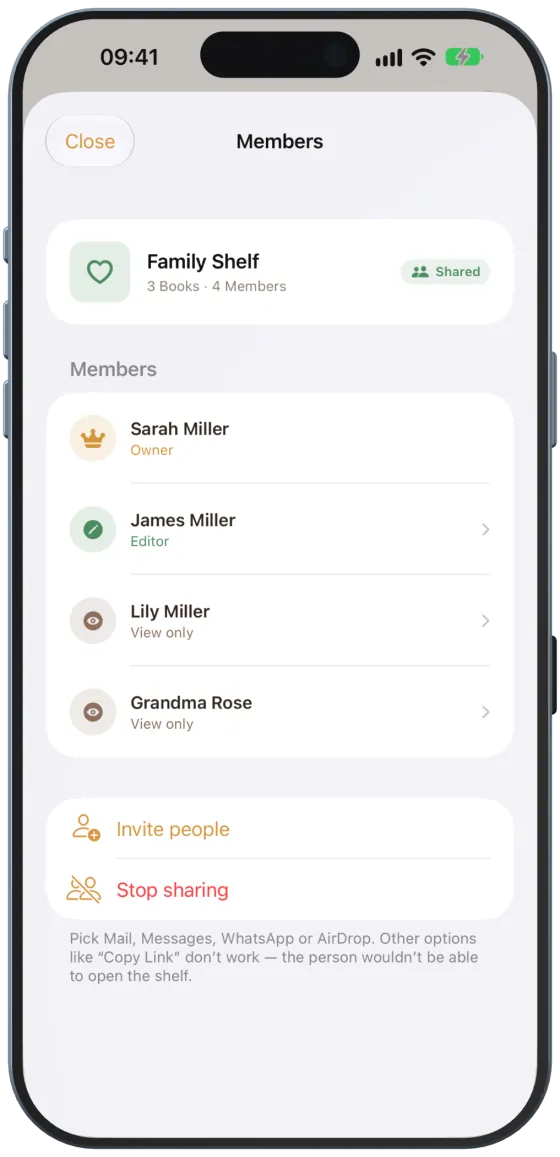
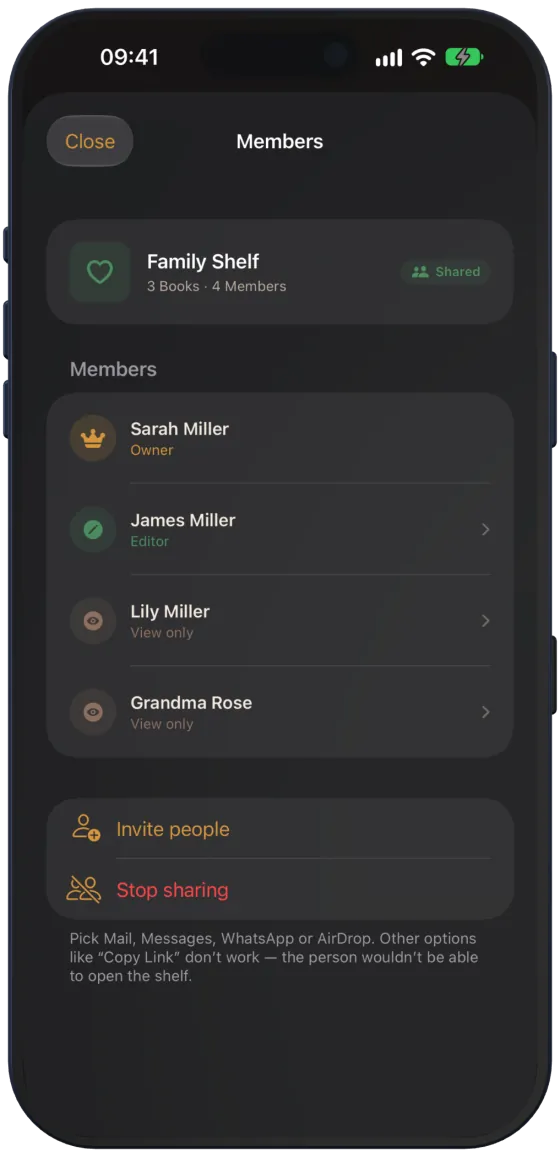
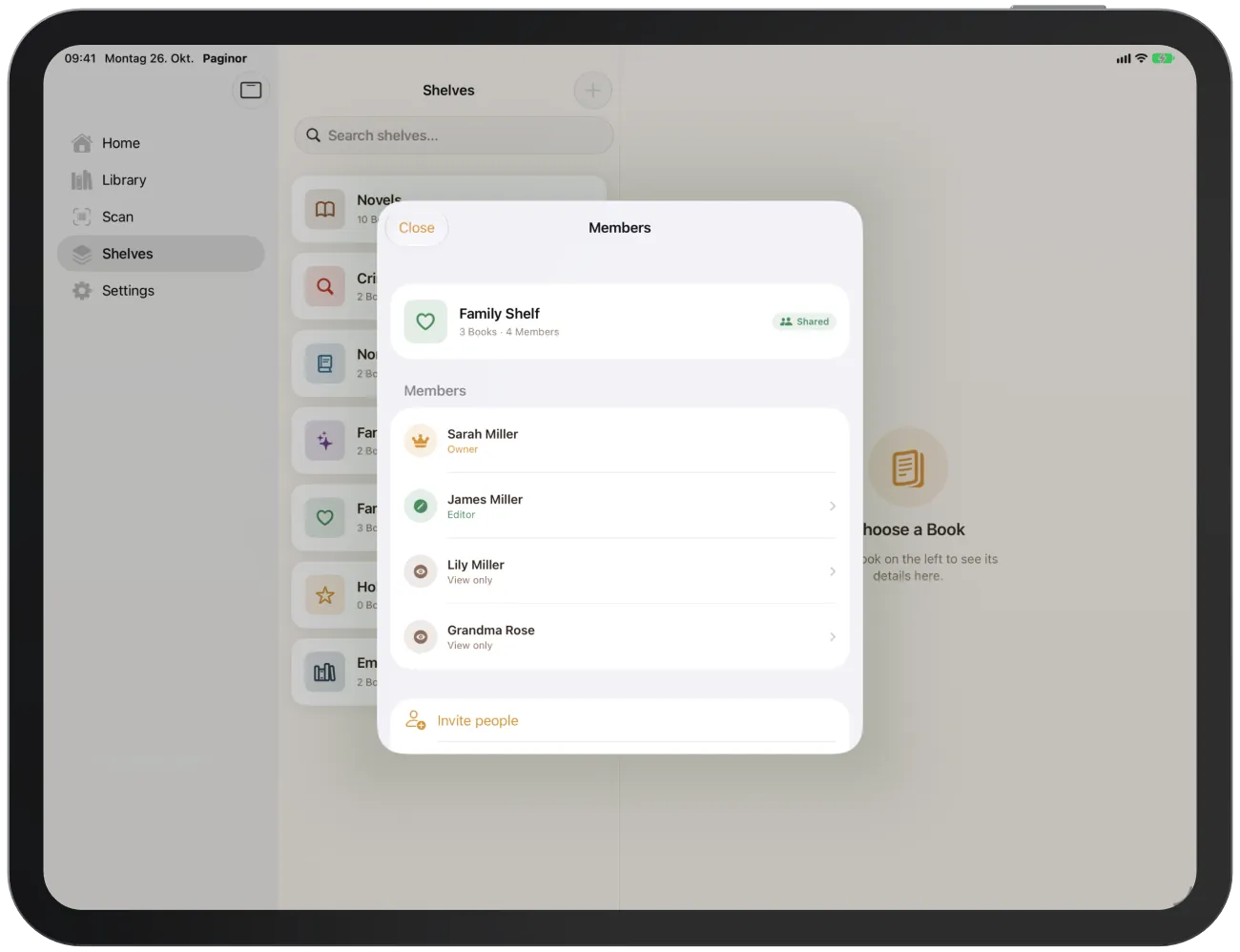
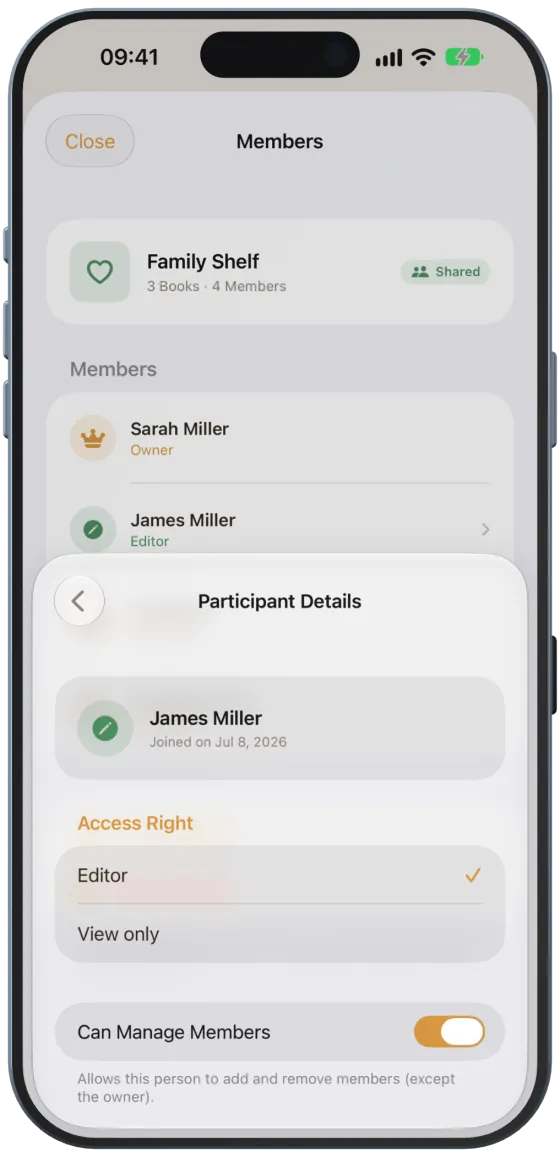
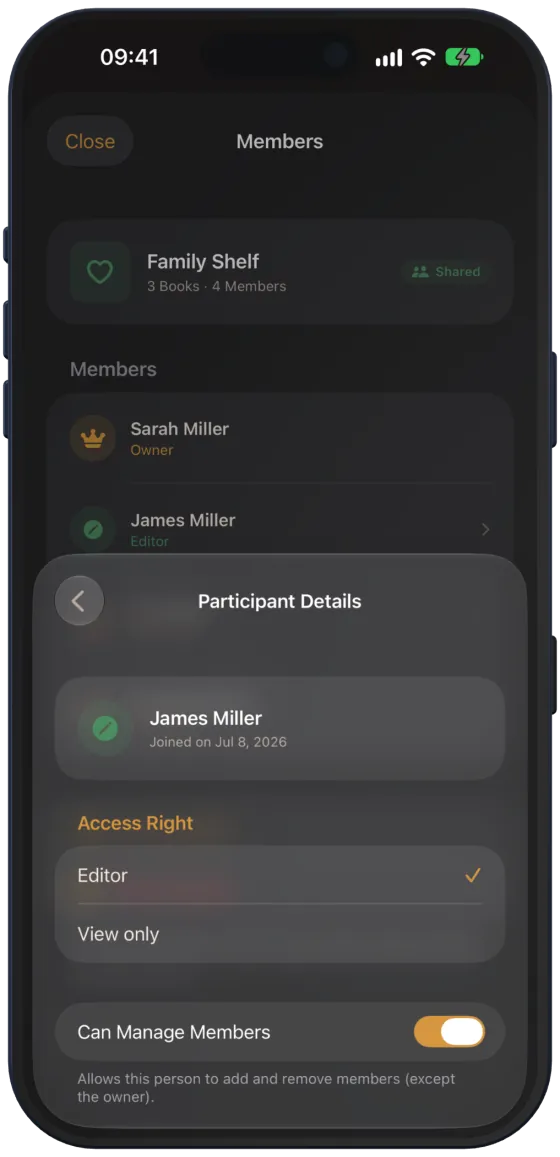
“…” › “Members” shows everyone with their role: “Owner”, “Editor” or “View only”. “Invite people” opens Apple’s sharing sheet again.

Roles and permissions
As the owner, tap a member to switch between “Editor” and “View only” under “Access Right”. You can also give editors “Can Manage Members”. “Remove Access” removes the person from the shelf.
| Role | Can |
|---|---|
| Owner | everything: share, manage members, delete the shelf |
| Editor | add, edit and delete books, Gift Check |
| View only | view books, Gift Check |
Accepting an invitation
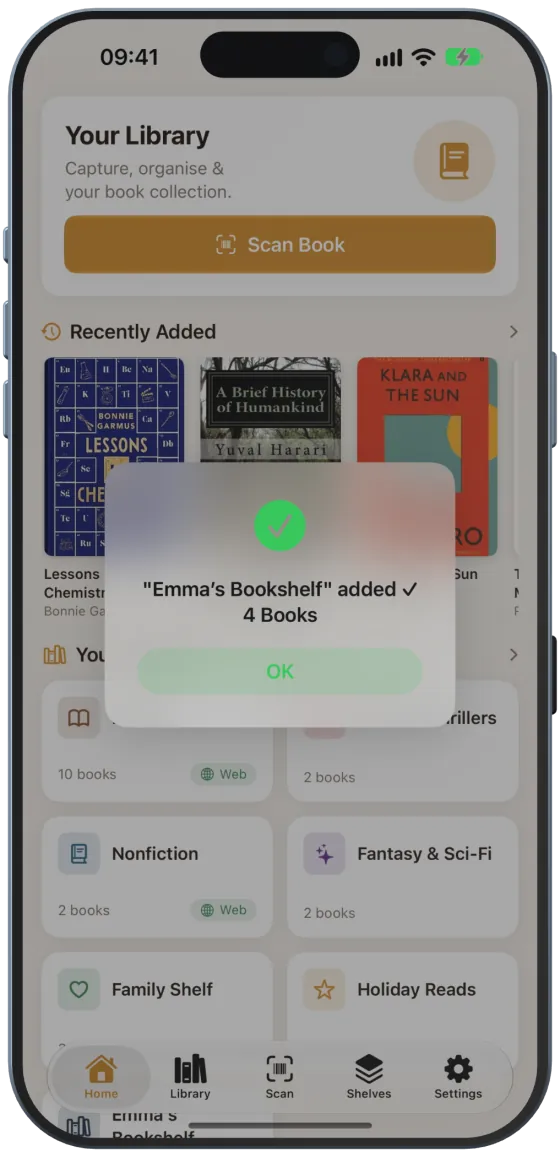
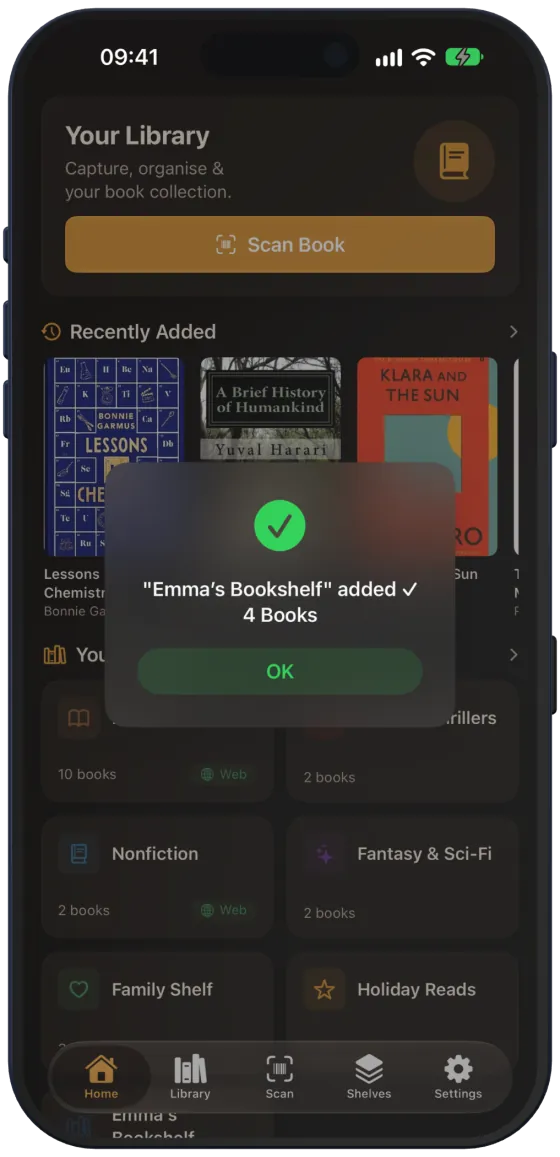
Tap the invitation link in Mail or Messages. Paginor opens, loads the shelf and reports, for example, “Emma’s Bookshelf” added ✓ with the number of books. The shelf then appears in your shelf list with your role.
Stopping sharing
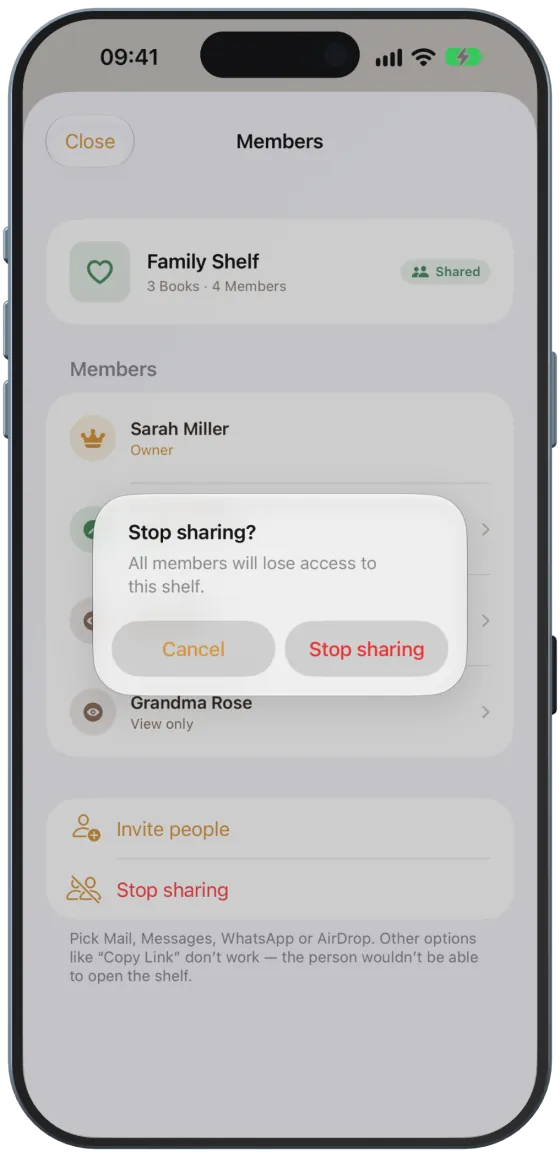
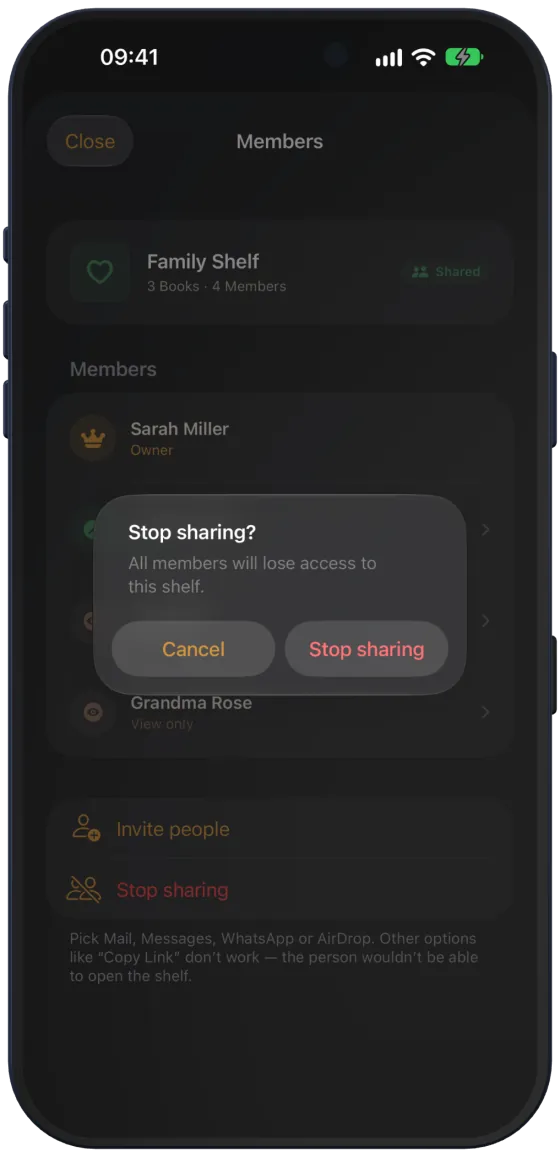
As the owner, tap “Stop sharing” in “Members”. All members lose access; the shelf stays with you as a private shelf.
How shared shelves are synced
- New, changed and deleted books are sent to iCloud immediately.
- Paginor fetches the others’ changes when it starts, when you return to the app and when you pull down the shelf list.
- When a member changes the shelf, a “Shelf updated” notification may appear.
- Reading status and rating stay personal and are not shared.