Sharing & publishing
Gift Check
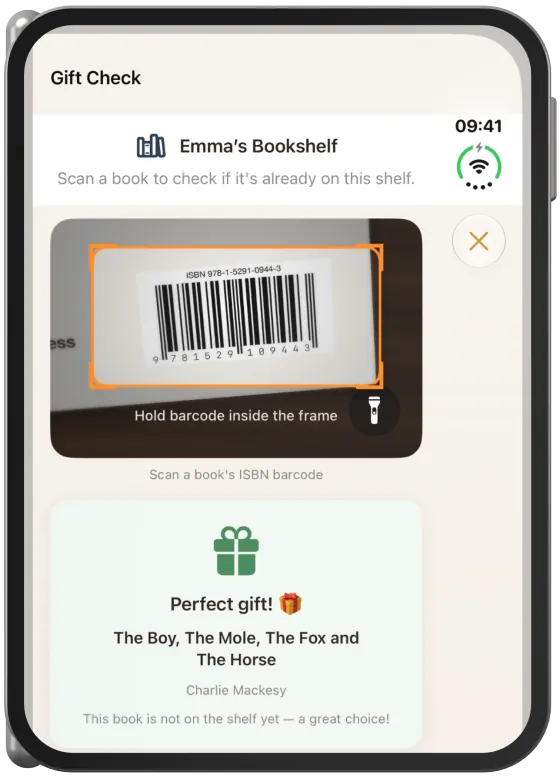
If someone has shared their shelf with you, you can check in the bookshop with a single scan whether they already have a book.
Device
Opening the Gift Check
In the “Shelves” tab, tap “…” › “Gift Check” on the other person’s shared shelf.
Note The Gift Check is available for shelves that others have shared with you (role “Editor” or “View only”).
Checking a book
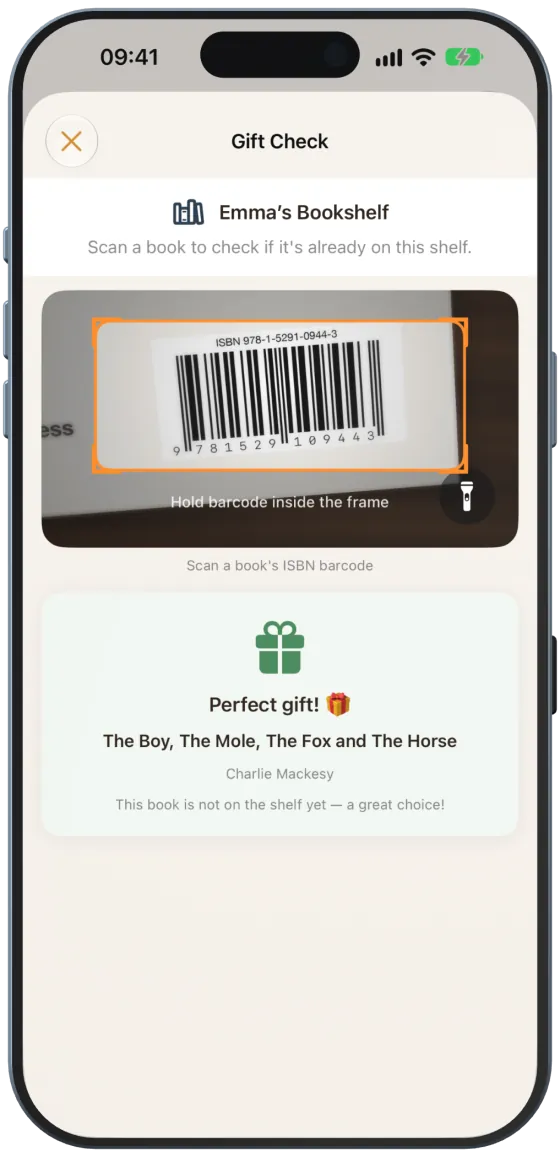
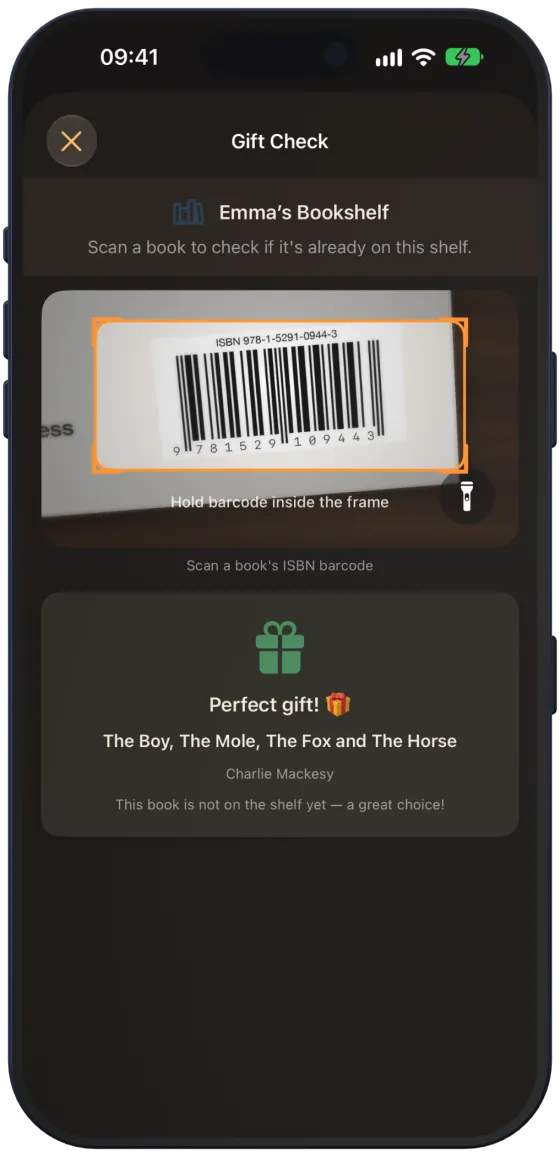
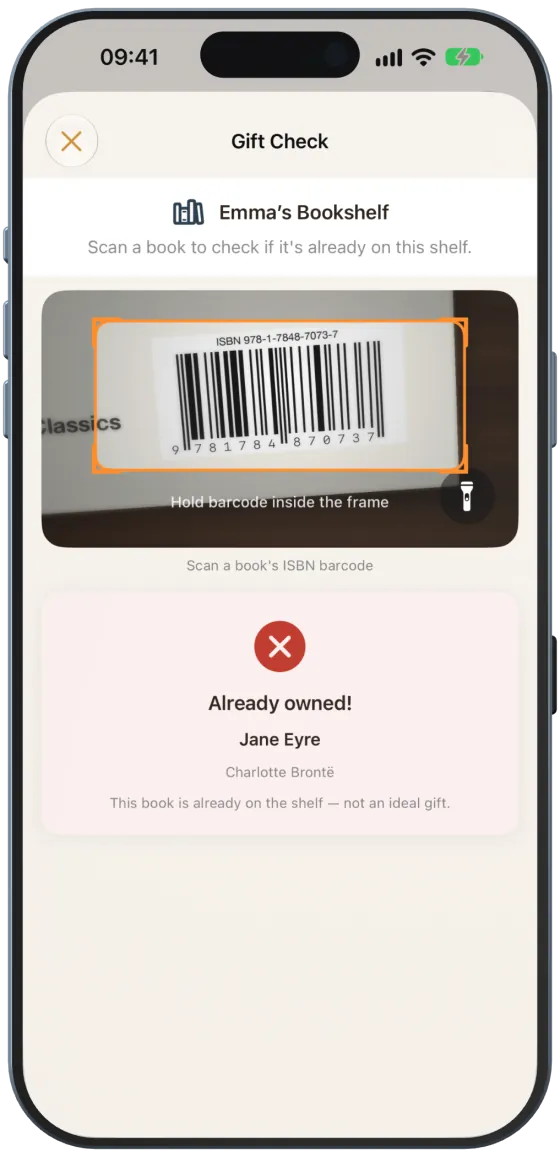
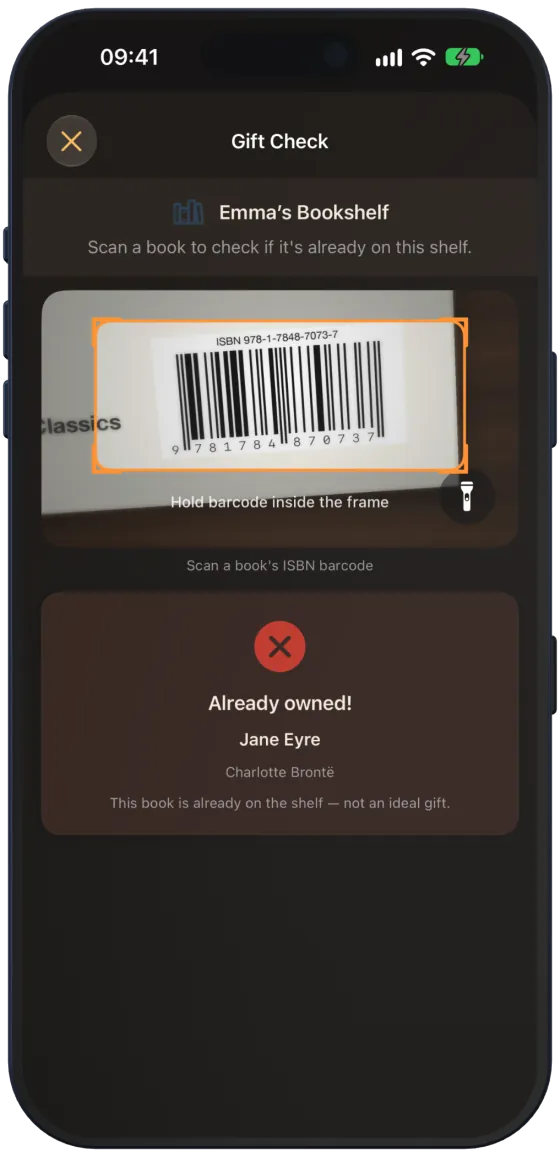
- Point the camera at the book’s barcode.
- Read the result.
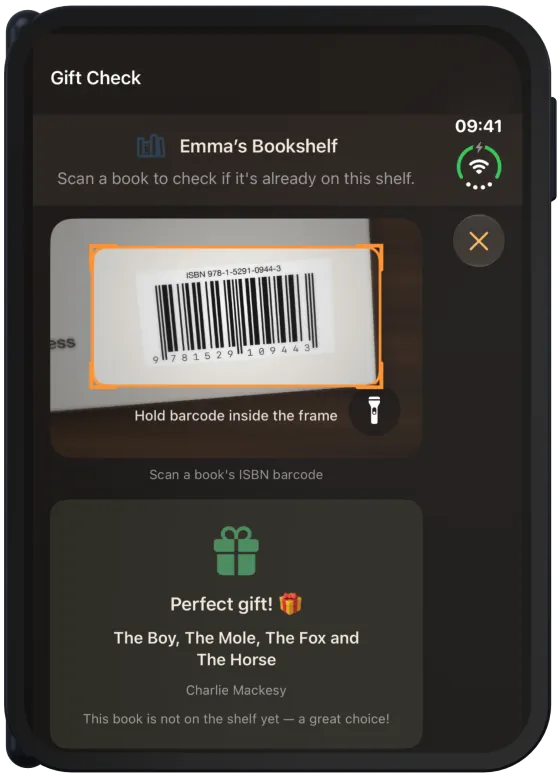
- “Perfect gift! 🎁”: the book is not on the shelf yet.
- “Already owned!”: the book is already on the shelf – not an ideal gift.
Note Paginor checks the same book again after five seconds.