Library & shelves
Book details
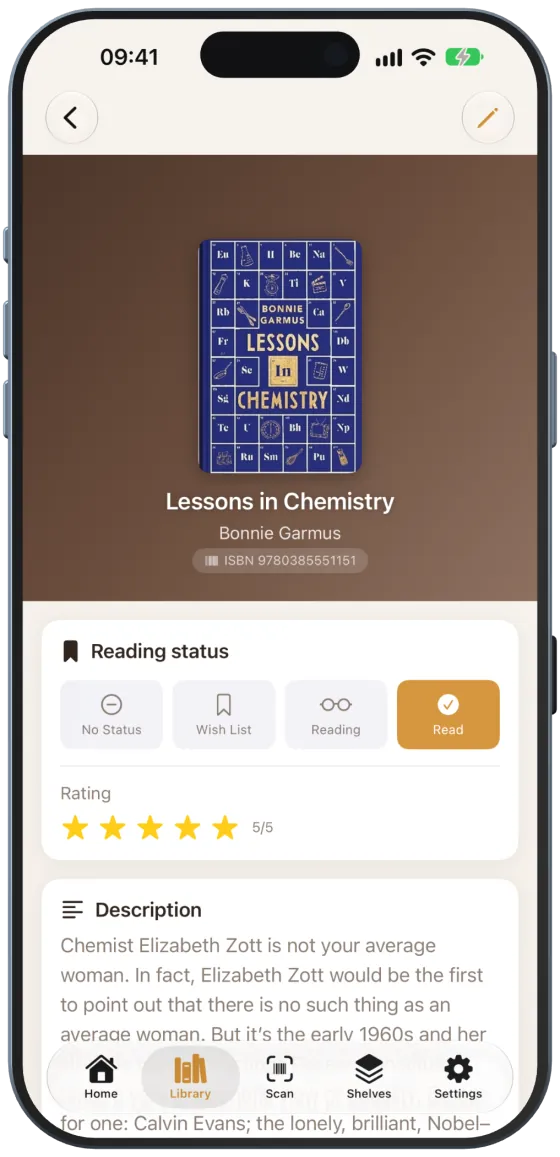
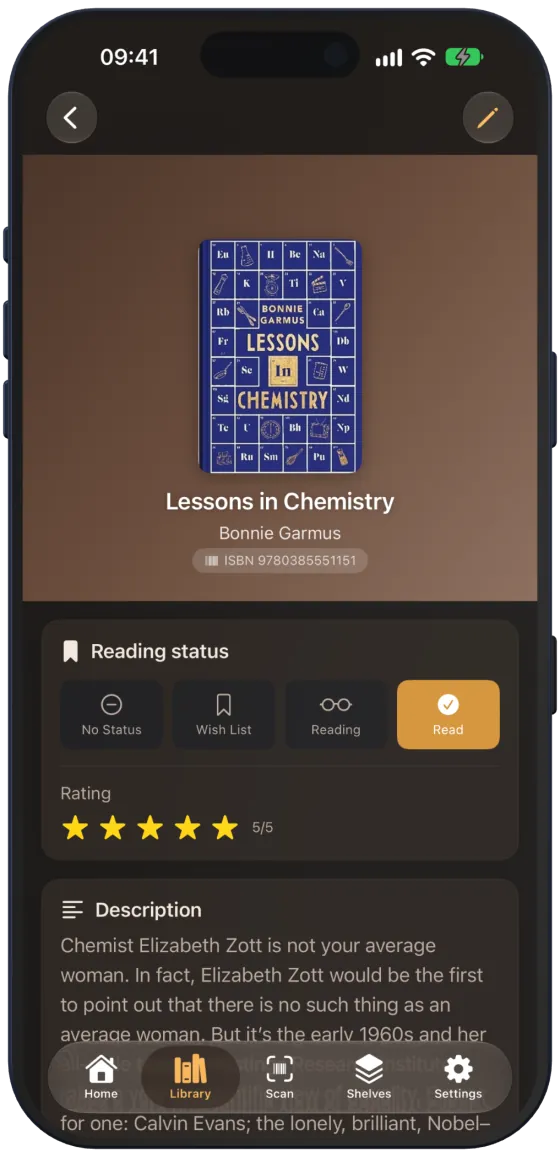
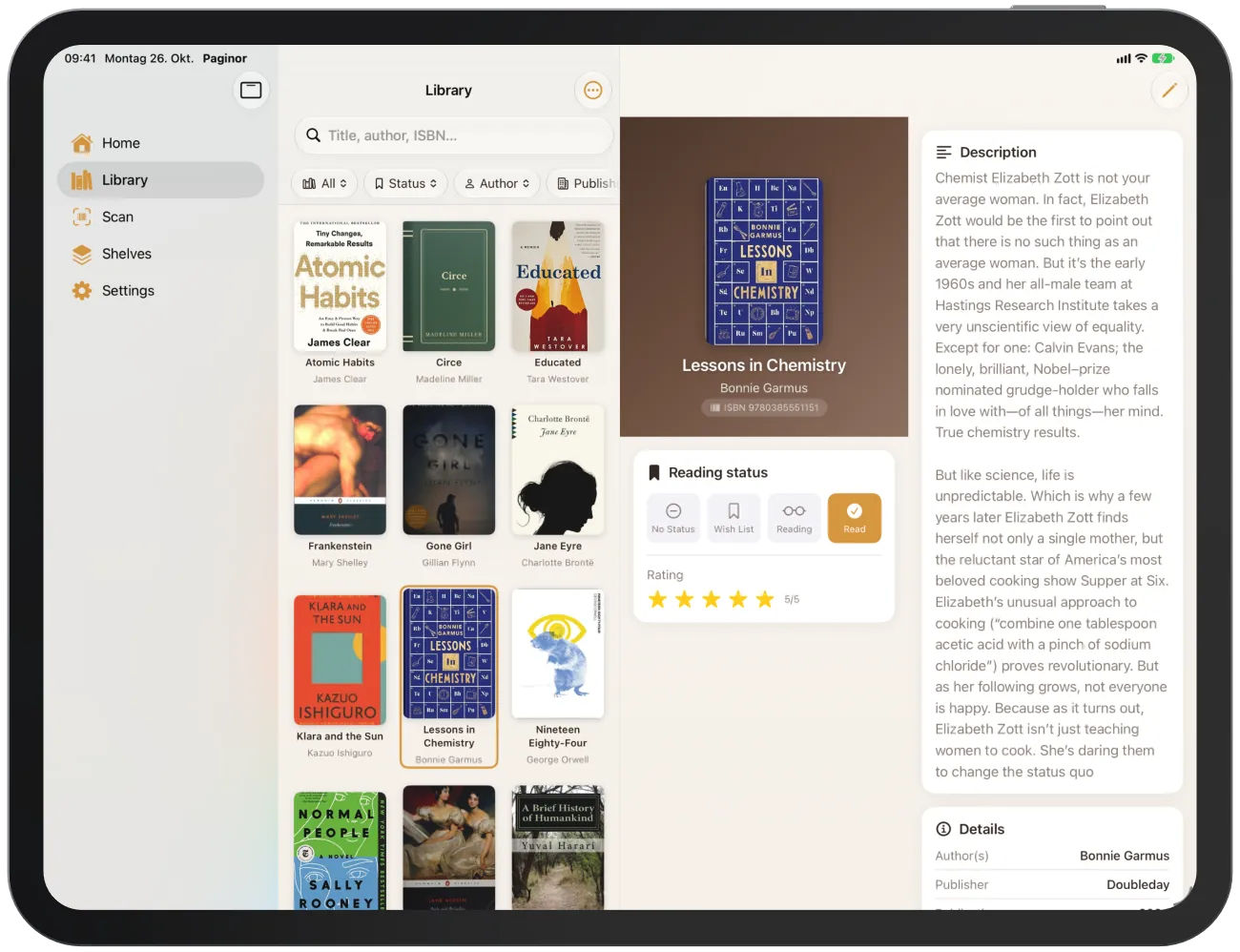
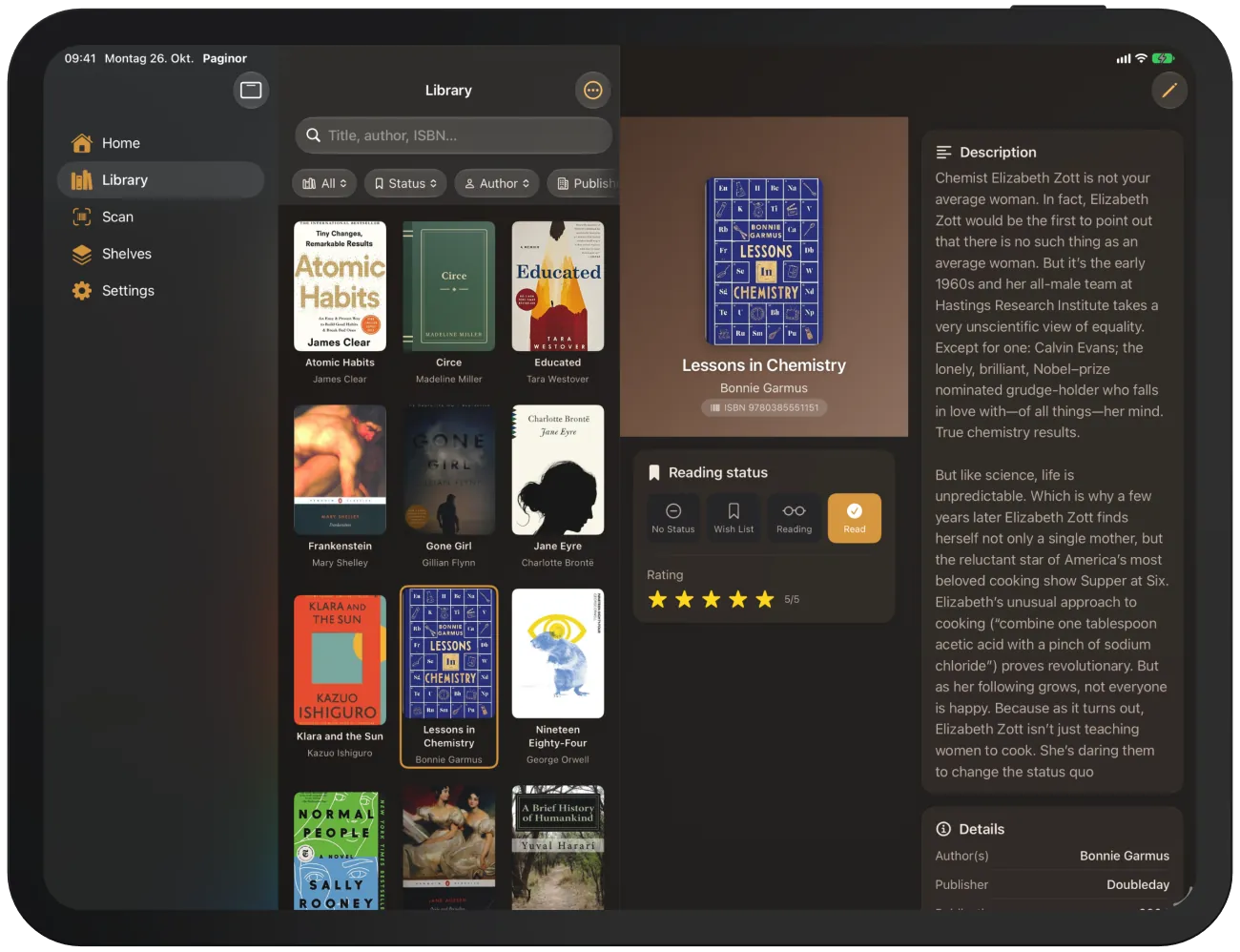
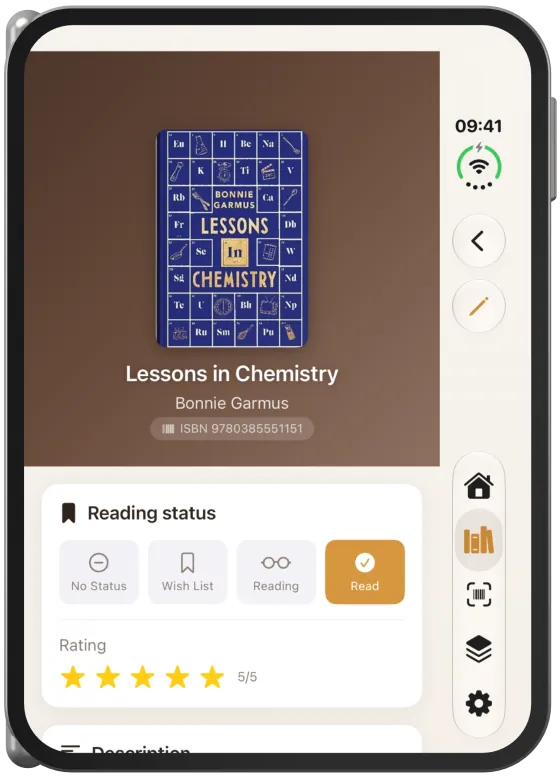
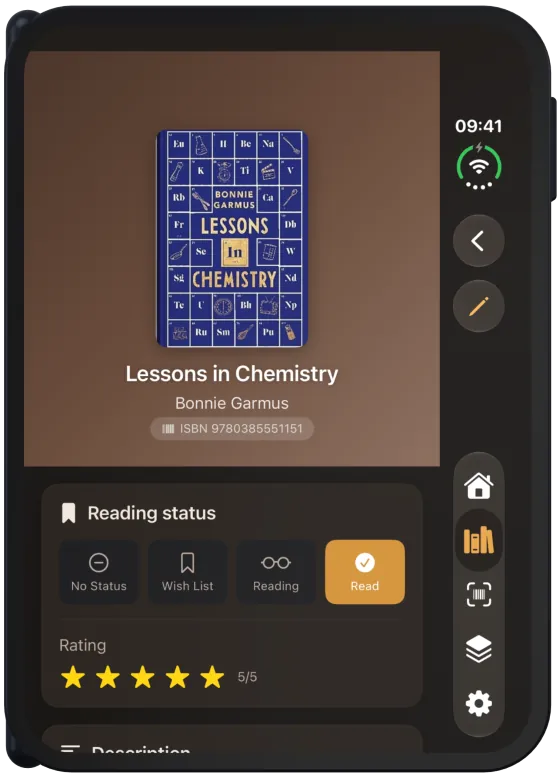
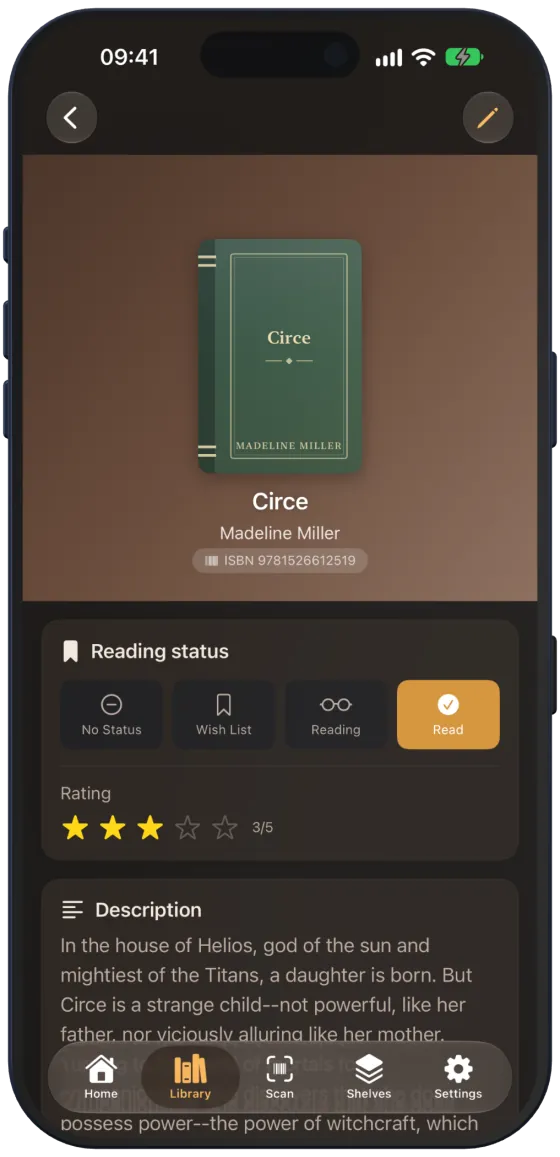
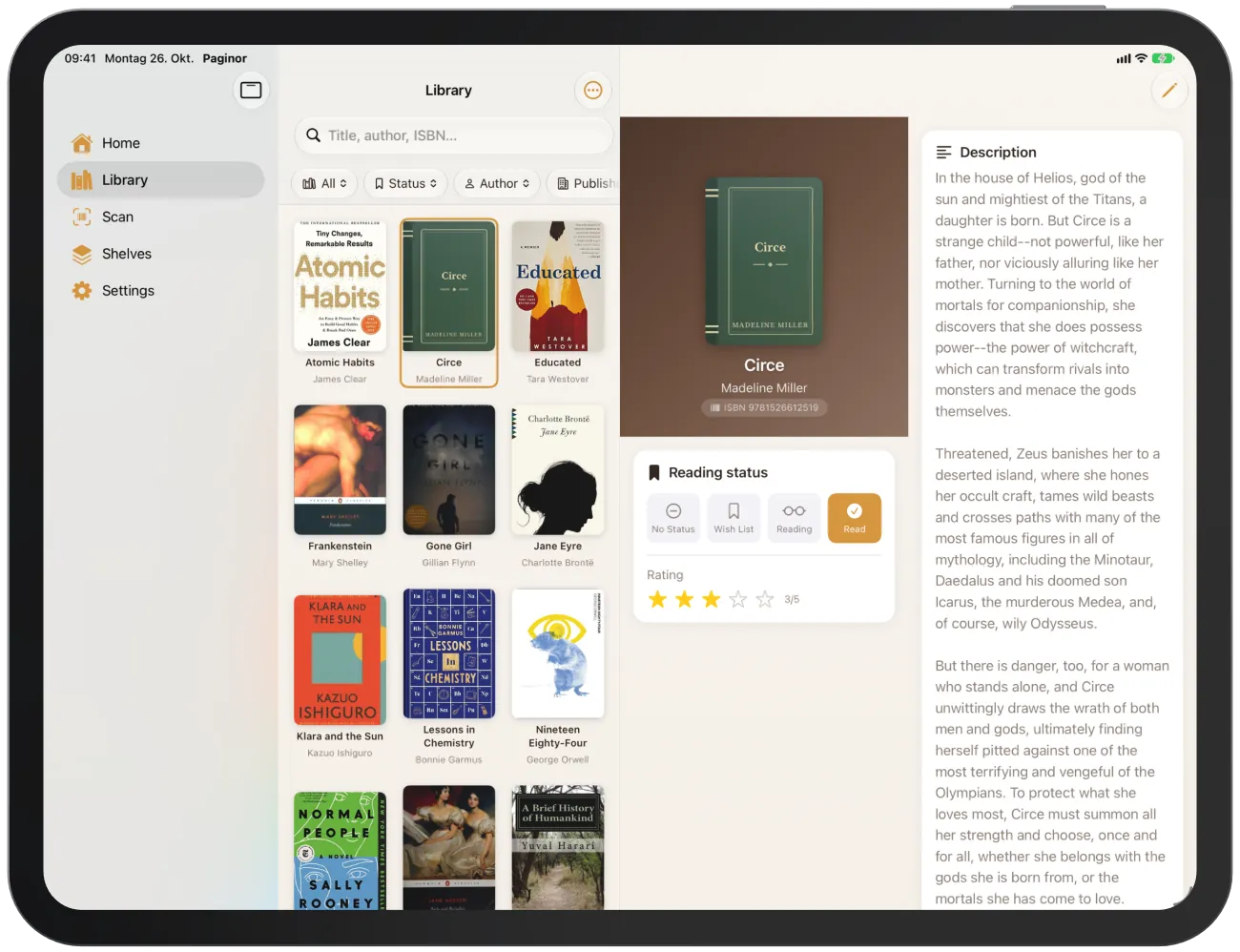
The detail page shows everything about a book: cover, reading status, rating, description, bibliographic data and shelf.
Device
What the detail page shows
- At the top: cover, title, subtitle, authors and the ISBN.
- “Reading status” with rating.
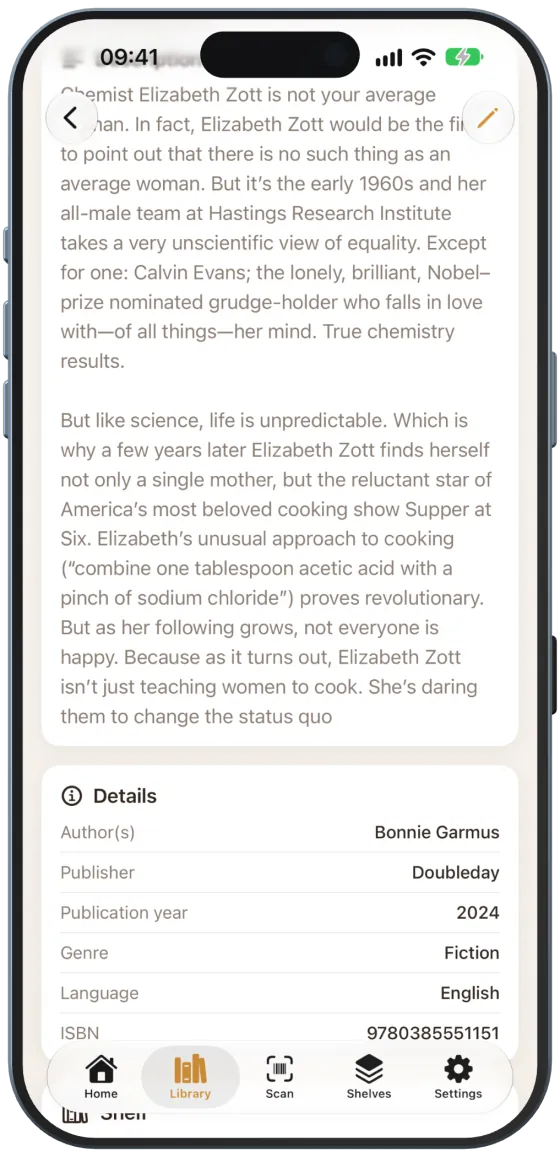
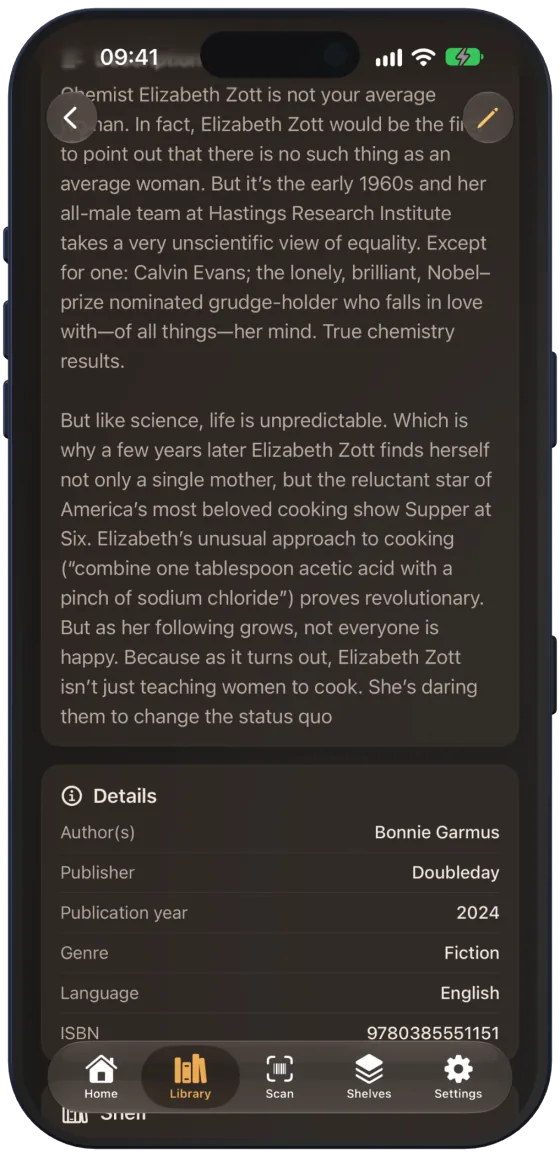
- “Description”, if available.
- “Details”: author(s), publisher, publication year, genre, pages, language, original title, original language, ISBN (selectable for copying) and, from the second copy onwards, “Copy no.”. Only available details are shown.
- “Shelf” with icon and name, with a globe if the shelf is shared on the web.
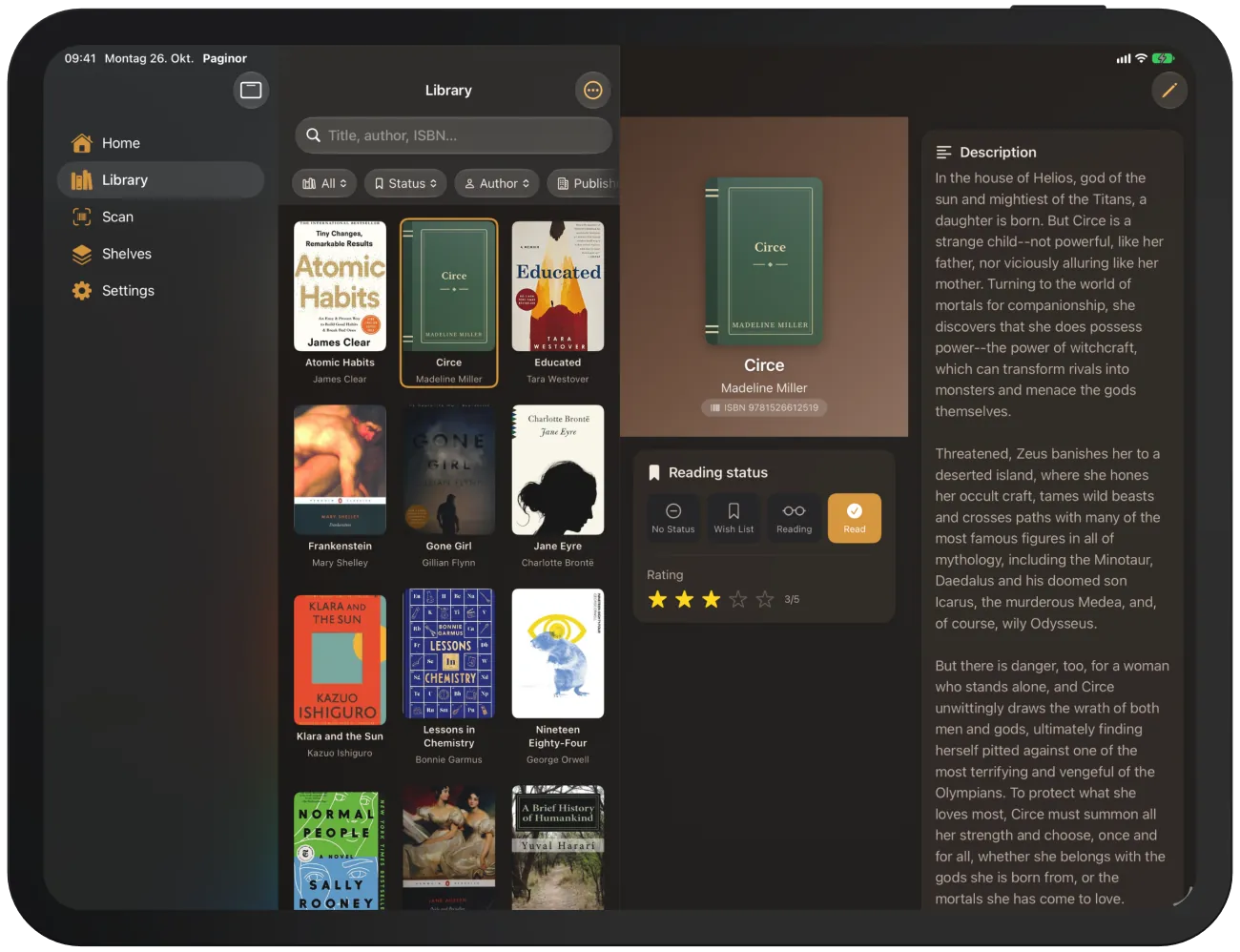
Note On iPad and the unfolded iPhone Duo, the page is split into two columns.
Reading status and rating
Tap “No Status”, “Wish List”, “Reading” or “Read”. The active status is orange.
With “Read”, “Rating” appears with five stars. Tap a star to give 1 to 5 stars.
Note Reading status and rating are your personal details. Other members of shared shelves cannot see them.
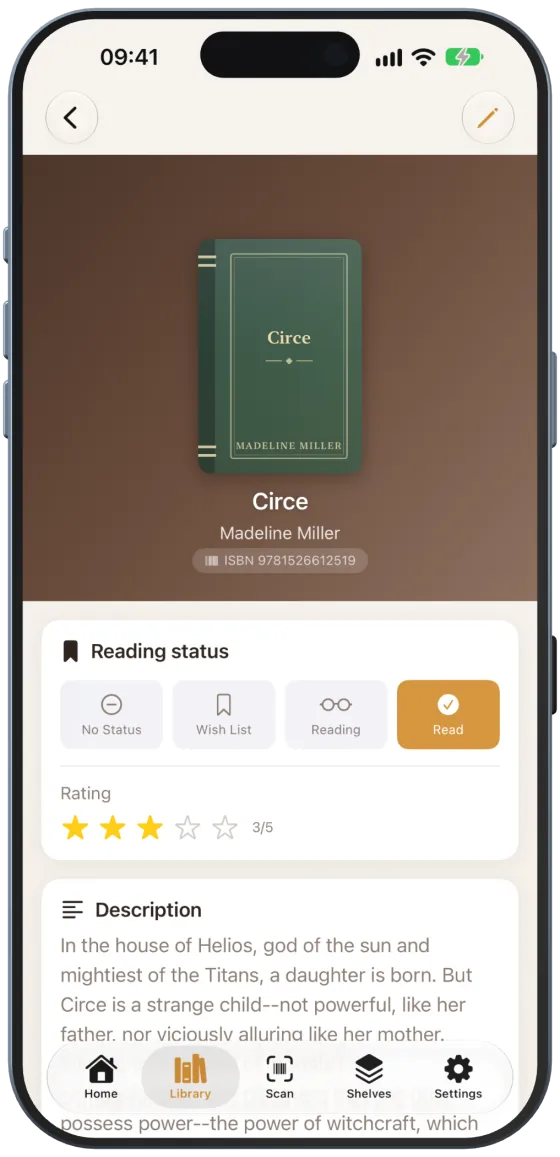
Books without a cover
If a cover is missing, Paginor shows a cloth binding with title and author. The colour is derived from the title and always stays the same. You can set your own cover under Cover.
Removing a book
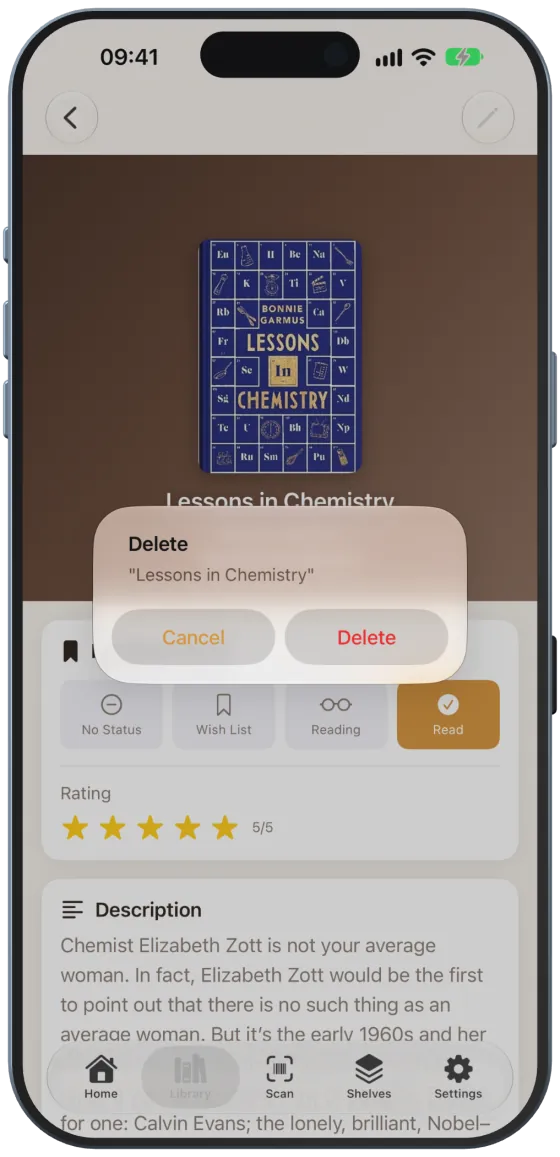
- Scroll to the end of the book details.
- Tap “Remove book”.
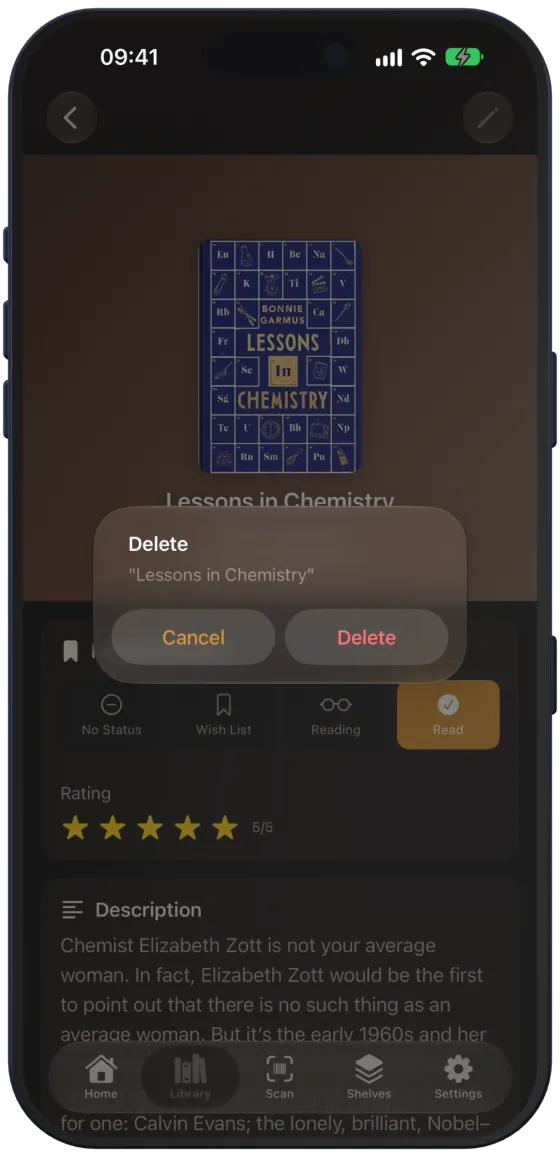
- Confirm with “Delete”.
Note “Remove book” and the pencil for editing are not available for books on shelves that are shared with you as view only.